
Sonew Sonewmtea3u5bfq-01
Sonew Intercom Mikrofonsystem (Model Sonewmtea3u5bfq-01) - Brugsanvisning
Omfattende vejledning til opsætning, betjening og vedligeholdelse.
1. Introduktion
This manual provides detailed instructions for the installation, operation, and maintenance of your Sonew Intercom Microphone System, Model Sonewmtea3u5bfq-01. This dual-way intercom system is designed to facilitate clear communication across barriers such as windows in various professional settings, including banks, offices, stores, and service counters. It features anti-interference technology for clear, noise-free audio.
2. Produktet er slutview
2.1 Komponenter
- Main Unit with Gooseneck Microphone
- Ekstern højttaler
- Strømadapter

Figure 2.1: Main components of the Sonew Intercom Microphone System.
2.2 Betjeningselementer og porte
The main unit features intuitive controls and essential ports for seamless operation.

Figure 2.2: Front panel controls including IN (internal) and OUT (external) volume adjustments and the power switch.

Figure 2.3: Rear ports for power, recording, and microphone/speaker connections.
- IN Volume Knob: Adjusts the volume of the internal microphone.
- OUT Volume Knob: Adjusts the volume of the external speaker.
- Afbryderen: Slår enheden til/fra.
- Power LED: Indikerer strømstatus.
- Inside Audio LED: Lights up when the internal microphone is active.
- Outside Audio LED: Lights up when the external speaker is active.
- Strømport: Tilsluttes strømadapteren.
- Rec Port: For connecting a recording device.
- Inner Microphone Port: For the gooseneck microphone.
- Outer Speaker Port: For the external speaker.
3. Opsætningsvejledning
Follow these steps to set up your intercom system:
- Connect the Gooseneck Microphone: Insert the gooseneck microphone into the designated port on the main unit.
- Connect the External Speaker: Plug the external speaker into the 'Outer Speaker' port on the main unit.
- Tilslut strøm: Plug the power adapter into the 'Power' port on the main unit, then connect the adapter to a power outlet.
- Placering: Place the main unit with the gooseneck microphone on the inside of the counter or window. Position the external speaker on the outside, ensuring there is a physical barrier (like glass) between the two units to prevent feedback and noise.
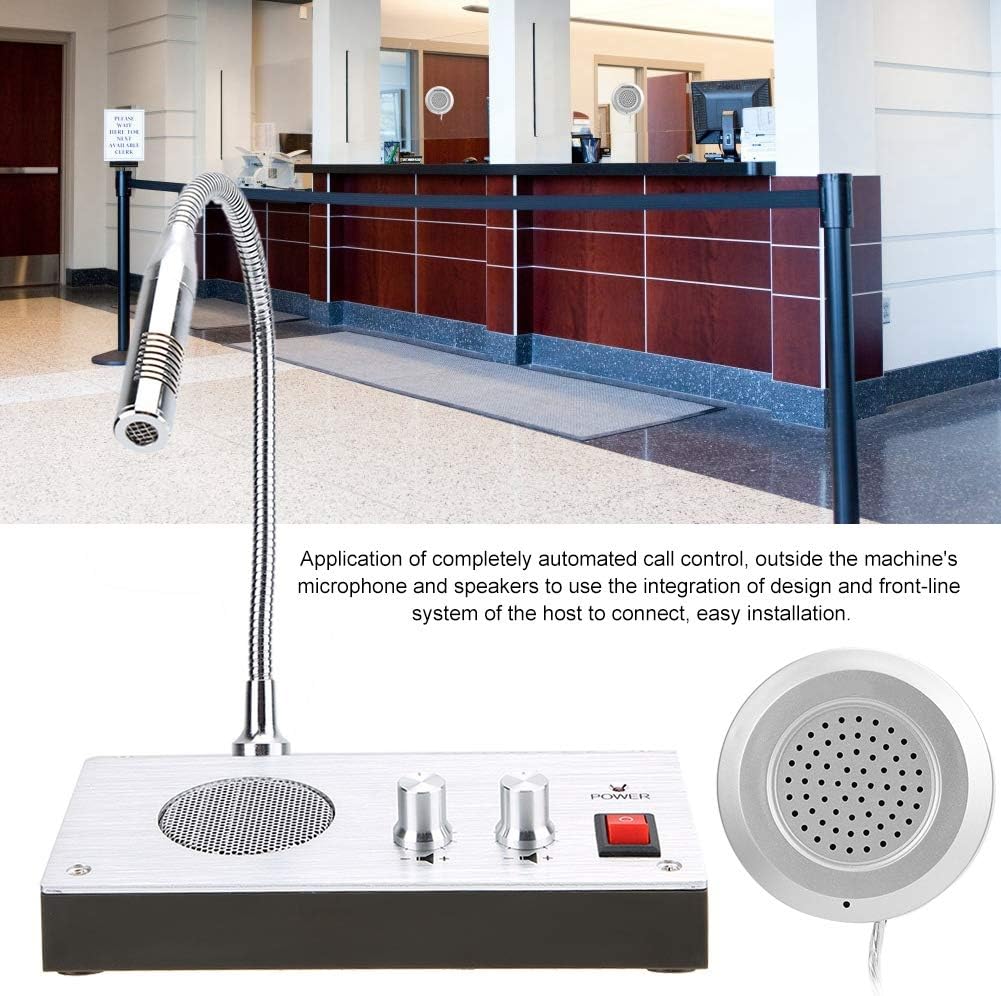
Figur 3.1: Eksample of easy installation at a service counter.
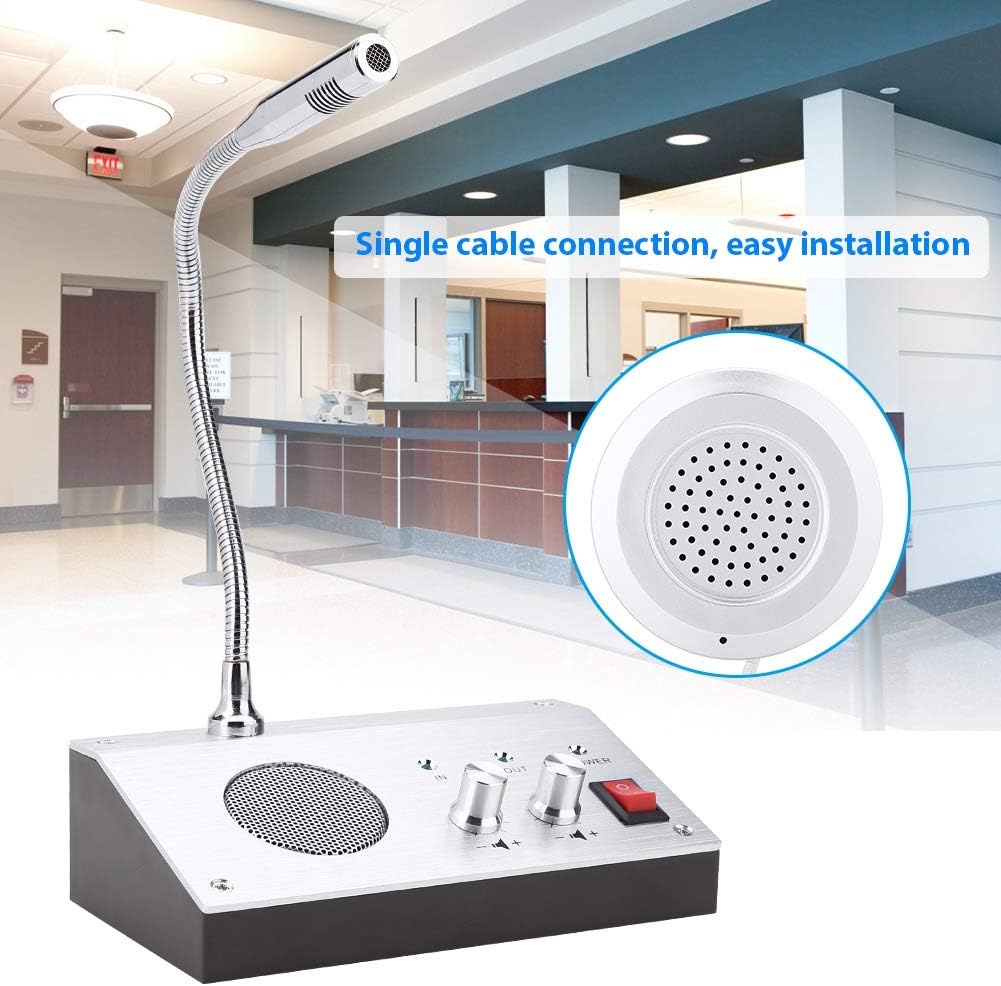
Figure 3.2: Single cable connection for streamlined setup.
Opsætning af videoguide
Video 3.1: General setup and connection of a window intercom system. This video provides a visual guide to connecting the main unit, external speaker, and power.
Video 3.2: Installation guide for a similar window intercom system (Note: The unit shown in the video may differ in color from your Sonew model, but the installation principles are generally applicable).
4. Betjeningsvejledning
Når systemet er konfigureret, skal du følge disse trin for at betjene det:
- Tænd: Flip the power switch on the main unit to the 'ON' position. The Power LED will illuminate.
- Juster lydstyrken: Use the 'IN' volume knob to adjust the sensitivity of the internal microphone and the 'OUT' volume knob to control the loudness of the external speaker. Adjust to a comfortable level for both parties.
- Tovejskommunikation: The system automatically detects and processes voice during a conversation, allowing for natural two-way communication without manual switching.
- Mute-funktion: The system features a dedicated anti-sound processing chip with an automatic mute function to reduce interference and noise.
- Recording (Optional): If a recording device is connected to the 'Rec' port, conversations can be recorded. The stereo jack output mode prevents voice recording from being controlled by the power switch and function buttons.
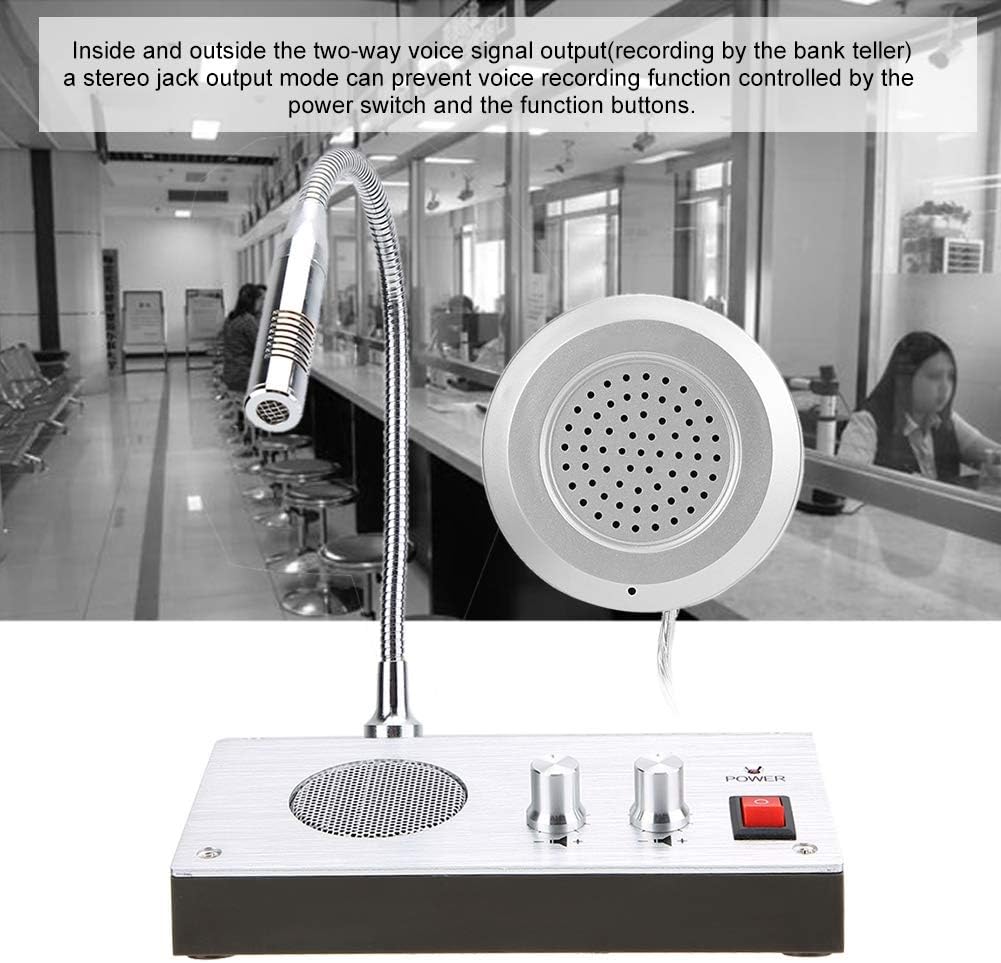
Figure 4.1: Illustration of the two-way voice output and recording capability.
Driftsvideoguide
Video 4.1: Demonstration of the Sonew Intercom Microphone System in operation, highlighting clear two-way communication.
Video 4.2: Overståetview of controls and basic operation for a similar window intercom system (Note: The unit shown in the video may differ in model and color from your Sonew model, but the operational principles are generally applicable).
5. Vedligeholdelse
To ensure optimal performance and longevity of your Sonew Intercom Microphone System, follow these maintenance guidelines:
- Rensning: Use a soft, dry cloth to wipe down the main unit, microphone, and external speaker. Avoid using abrasive cleaners or solvents.
- Opbevaring: Når systemet ikke er i brug i længere perioder, skal det opbevares køligt og tørt, væk fra direkte sollys og ekstreme temperaturer.
- Kabelpleje: Ensure all cables are not kinked or pinched, which can damage the wiring.
6. Fejlfinding
If you encounter any issues with your intercom system, refer to the following common problems and solutions:
- Ingen lyd:
- Sørg for, at strømadapteren er korrekt tilsluttet, og at enheden er tændt.
- Check that the 'IN' and 'OUT' volume knobs are not set to minimum.
- Verify all cables (microphone, external speaker) are properly connected to their respective ports.
- Excessive Noise/Feedback:
- Ensure there is a physical barrier (e.g., glass) between the main unit and the external speaker.
- Adjust the 'IN' and 'OUT' volume levels to prevent feedback.
- The system has a dedicated anti-sound processing chip; ensure it is functioning correctly.
- Intermitterende kommunikation:
- Tjek for løse kabelforbindelser.
- Ensure the microphone is positioned correctly for optimal voice pickup.
7. Specifikationer
| Strømkilde | Elektrisk med ledning |
| Materiale | Plast |
| Signal-støjforhold | 70 dB |
| Antal kanaler | 2 |
| Fabrikant | Sonew |
| UPC | 713135559342 |
| Varens vægt | 1.46 pund |
| Varemodelnummer | Sonewmtea3u5bfq-01 |
| Voltage | 1 volt |
| Wattage | 3 watt |
| Forbindelsesteknologi | XLR or TRS (1/4 inch) |
| Connector Type | XLR or 1/4 inch TRS |
| Speciel funktion | Mute-funktion |
| Kompatible enheder | Højttaler |
| Inkluderede komponenter | Mikrofon |
| Polar mønster | Ensrettet |
| Audio Følsomhed | 38 decibel |
| Mikrofon formfaktor | Lavalier |
8. Garanti og support
Your complete satisfaction is our number one priority. If you encounter any quality problems or operational issues with your Sonew Intercom Microphone System, please contact us through your order details. We are committed to resolving any non-man-made damage issues as quickly as possible.
Ask a question about this manual
Ask about setup, troubleshooting, compatibility, parts, safety, or missing instructions. Manuals+ will review the question and use this page’s manual context to help answer it.