
Indledning
Thank you for choosing the EZDIY-FAB Moonlight 120mm RGB Case Fan 6-pack. These fans are designed to provide efficient cooling and stunning addressable RGB (ARGB) lighting effects for your desktop computer. Featuring a tri-aperture luminous design, motherboard synchronization capabilities, and remote control for fan speed and lighting adjustments, these fans enhance both the aesthetics and performance of your PC.

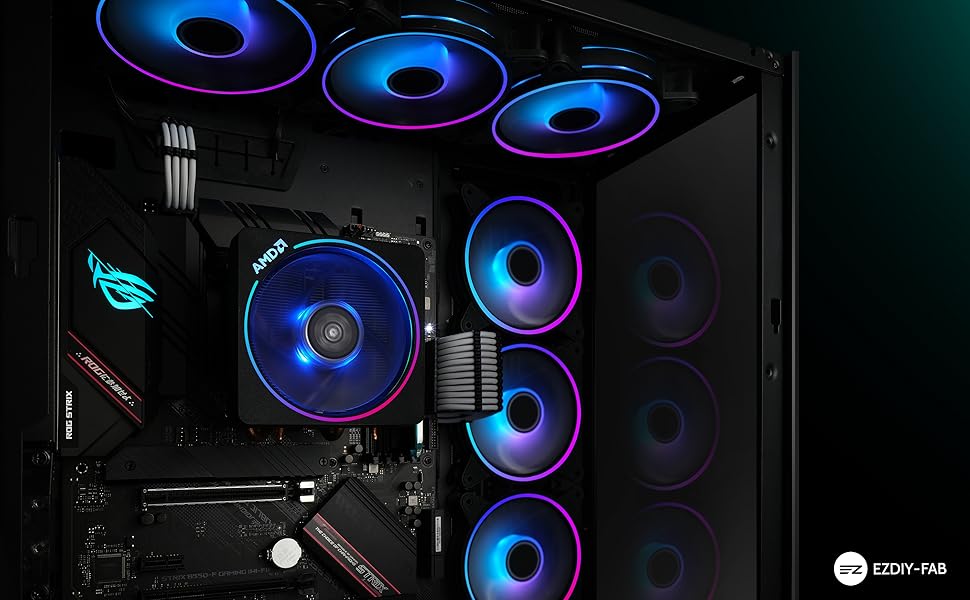
Main product image of the EZDIY-FAB Moonlight 120mm RGB Case Fan.
Pakkens indhold
Før du starter installationen, skal du kontrollere, at alle komponenter er til stede i din pakke:
- 6 x 120mm ARGB Case Fans
- 1 x Fan HUB-X
- 1 x fjernbetjening
- 6 x Screw Packs (for fan mounting)
- 1 x Brugermanual (dette dokument)
Visual representation of the EZDIY-FAB Moonlight 120mm RGB Case Fan 6-pack contents.
Opsætning og installation
Follow these steps to properly install your EZDIY-FAB Moonlight 120mm RGB Case Fans:
- Monter ventilatorerne: Securely attach each 120mm fan to your PC case's fan mounts using the provided screw packs. Ensure proper airflow direction (intake or exhaust) based on your case's cooling strategy. The fans are equipped with 8 anti-vibration rubber pads to minimize noise.
- Connect Fans to HUB-X: Connect each fan's proprietary connector to the EZDIY-FAB Fan Hub X. The HUB-X supports up to 6 fans.
- Connect HUB-X to Power Supply: Connect the Fan Hub X to your power supply unit (PSU) using the SATA power cable.
- Bundkort ARGB-synkronisering (valgfrit): If you wish to synchronize the RGB lighting with your motherboard, connect the 3-pin ARGB header (5V, Di, -, G) from the Fan Hub X to a compatible motherboard header. This supports Asus Aura, ASRock RGB, Gigabyte Fusion, and MSI RGB systems. Note: Ensure your motherboard has a 5V 3-pin ARGB header. Do not connect to a 12V 4-pin RGB header as this may damage the LEDs.

Diagram illustrating the connection of fans to the HUB-X and then to the power supply and motherboard for ARGB synchronization.
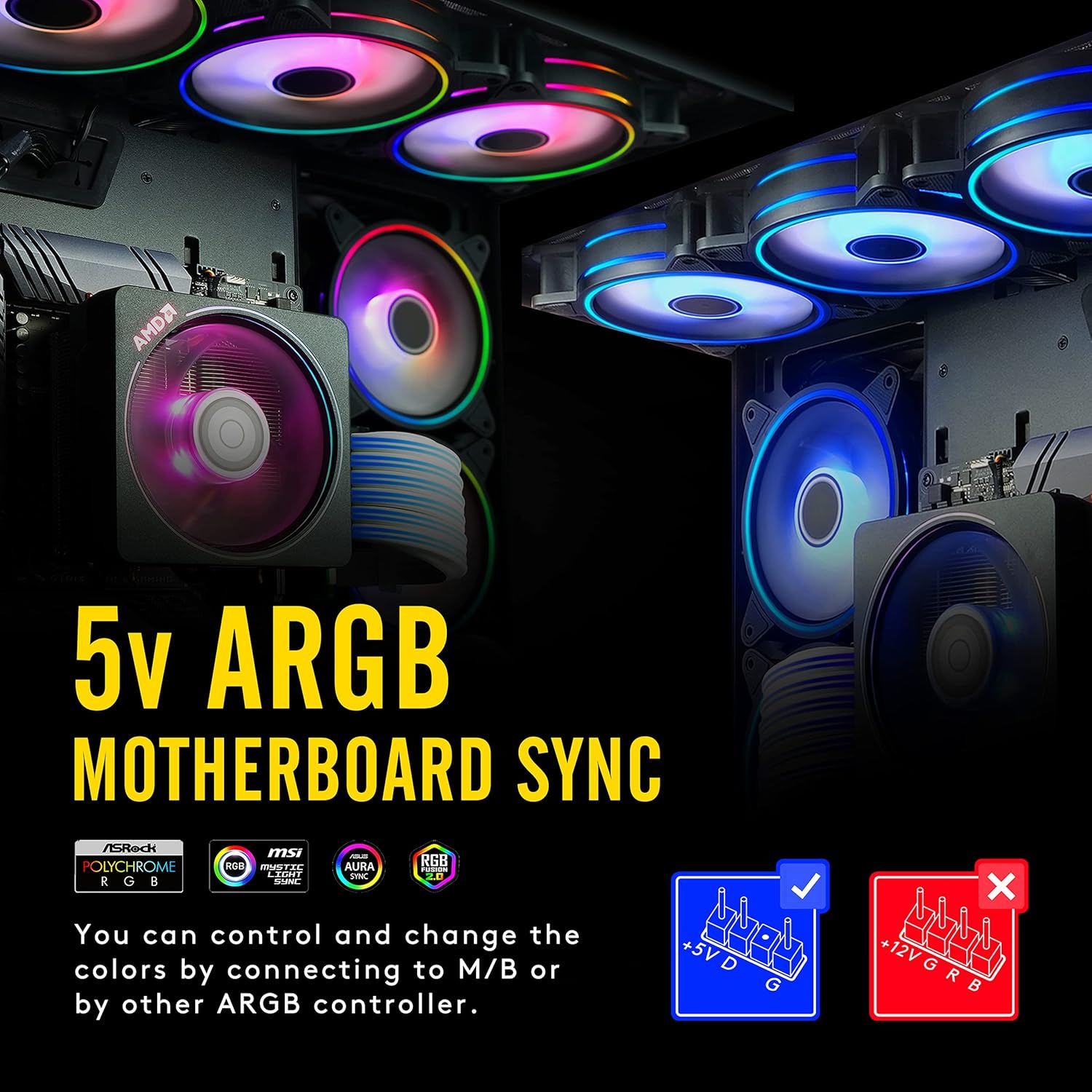
Visual guide for connecting the 5V ARGB header to a compatible motherboard for lighting synchronization.

Example of EZDIY-FAB Moonlight fans installed within a desktop computer case, showcasing their lighting.
Betjeningsvejledning
The EZDIY-FAB Moonlight fans offer versatile control over lighting and fan speed:
- Fjernbetjening: Use the included 21-key remote to instantly adjust LED backlight effects, colors, brightness, and fan speed. This allows for quick customization without software.
- Bundkort synkronisering: If connected to a compatible 5V 3-pin ARGB motherboard header, you can control and change the colors via your motherboard's software (e.g., Asus Aura Sync, ASRock Polychrome RGB, Gigabyte RGB Fusion, MSI Mystic Light Sync). The remote control can switch between motherboard sync and remote control modes by holding the "SYNC M/B" button for 3 seconds.
- Lyseffekter: Experience astonishing tri-aperture luminous light effects with LEDs on both the inside and outside of the fan.

Detailed diagram of the remote control buttons and their corresponding functions for lighting and fan speed adjustments.

Illustration showing different fan speeds (500 RPM, 900 RPM, 1300 RPM) and how they can be adjusted via remote control for optimal noise or airflow.
Officiel produktvideopræsentationasing the EZDIY-FAB Moonlight RGB Fans and their various lighting effects.
Opretholdelse
The EZDIY-FAB Moonlight fans are designed for durability and low maintenance. They feature self-lubricated bearings and friction-reduced substances to ensure quiet operation and enhanced thermal efficiency.
- Regelmæssig rengøring: Periodically clean the fan blades and housing to prevent dust buildup, which can impede airflow and reduce cooling performance. Use a soft brush or compressed air.
- Inspektion: Occasionally check fan cables for secure connections and ensure no cables are obstructing fan rotation.
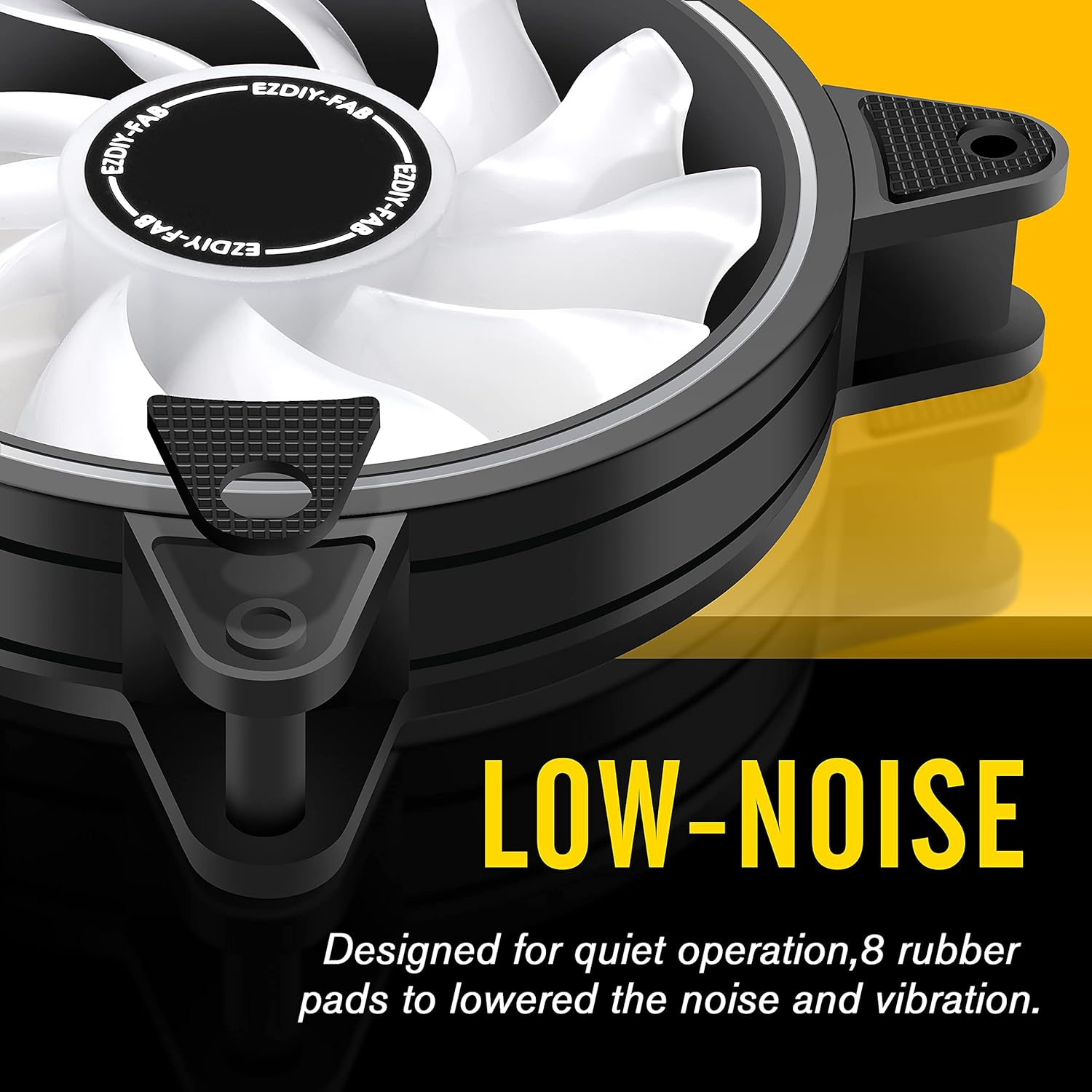
Image highlighting the low-noise design of the fan, featuring 8 rubber pads to reduce vibration and noise.

Diagram showing the internal components, including the hydraulic bearing motor, shock-absorbing pads, and special shape fan blade, all contributing to ultra-quiet operation.
Fejlfinding
If you encounter issues with your EZDIY-FAB Moonlight fans, consider the following:
- Ventilatorer der ikke drejer:
- Ensure the Fan Hub X is securely connected to the PSU via the SATA power cable.
- Verify that all fans are correctly plugged into the Fan Hub X.
- RGB Lights Not Working/Incorrect Colors:
- Check the 3-pin ARGB connection to your motherboard (if using sync mode). Ensure it's a 5V ARGB header, not a 12V RGB header.
- If using the remote, ensure the remote's battery is functional and that the system is not in motherboard sync mode (toggle with "SYNC M/B" button).
- Confirm that the Fan Hub X is receiving power.
- Overdreven støj:
- Ensure fans are securely mounted and screws are tightened.
- Kontroller, om der er kabler eller forhindringer, der berører ventilatorbladene.
- Rengør eventuelt støvophobning på ventilatorbladene.
Specifikationer
| Feature | Detalje |
|---|---|
| Produktdimensioner | 120 mm x 25 mm x 120 mm (4.72" L x 0.98" B x 4.72" H) |
| Mærke | EZDIY-FAB |
| Strømstik type | 3-Pin (proprietary to HUB-X) |
| Voltage | 12V |
| Afkølingsmetode | Luft |
| Kompatible enheder | Stationære computere |
| Materiale | Gummi (vibrationsdæmpende puder) |
| Maksimal rotationshastighed | 2000 RPM |
| Luftmængde kapacitet | 26.16 kubikfod pr. minut (CFM) |
| Antal genstande | 6 fans |
| Varens vægt | 2.54 pounds (total for 6 fans) |
| Modelnummer | US-rgb slim fan with hub X-5P |
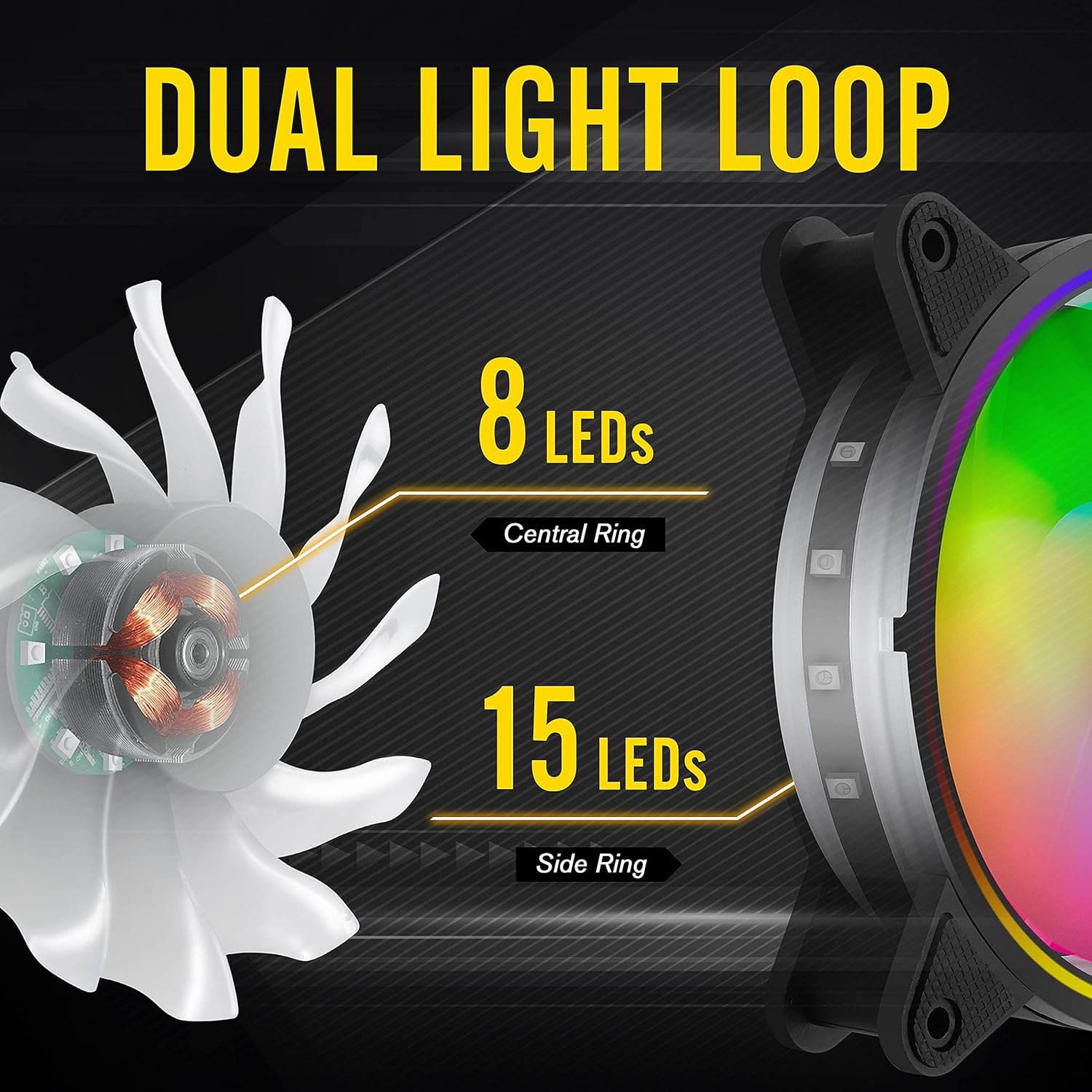
Diagram illustrating the dual light loop design with 8 LEDs in the central ring and 15 LEDs in the side ring for vibrant lighting.
Garanti og support
EZDIY-FAB products typically come with a et års garanti from the date of purchase. For technical support, warranty claims, or any product-related inquiries, please contact EZDIY-FAB customer service through their official webwebstedet eller platformen, hvor produktet blev købt.
For more information and additional products, visit the official EZDIY-FAB store: EZDIY-FAB Store.