
Indledning
Thank you for choosing the Edifier TWS1 True Wireless Stereo Earbuds. This manual provides essential information for the proper use and maintenance of your device. The TWS1 earbuds offer a wire-free audio experience with dynamic stereo sound. They feature an impressive 32-hour total playtime with the charging case and are designed with an IPX5 rating for splash and sweat resistance, making them suitable for various activities.
Please read this manual thoroughly before operating the earbuds to ensure optimal performance and longevity.
Pakkens indhold
Bekræft, at alle nedenstående varer er inkluderet i din pakke:
- Edifier TWS1 True Wireless Stereo Earbuds (Left and Right)
- Opladningsetui
- USB opladningskabel
- Flere størrelser ørepropper (lille, mellem, stor)
- Brugermanual
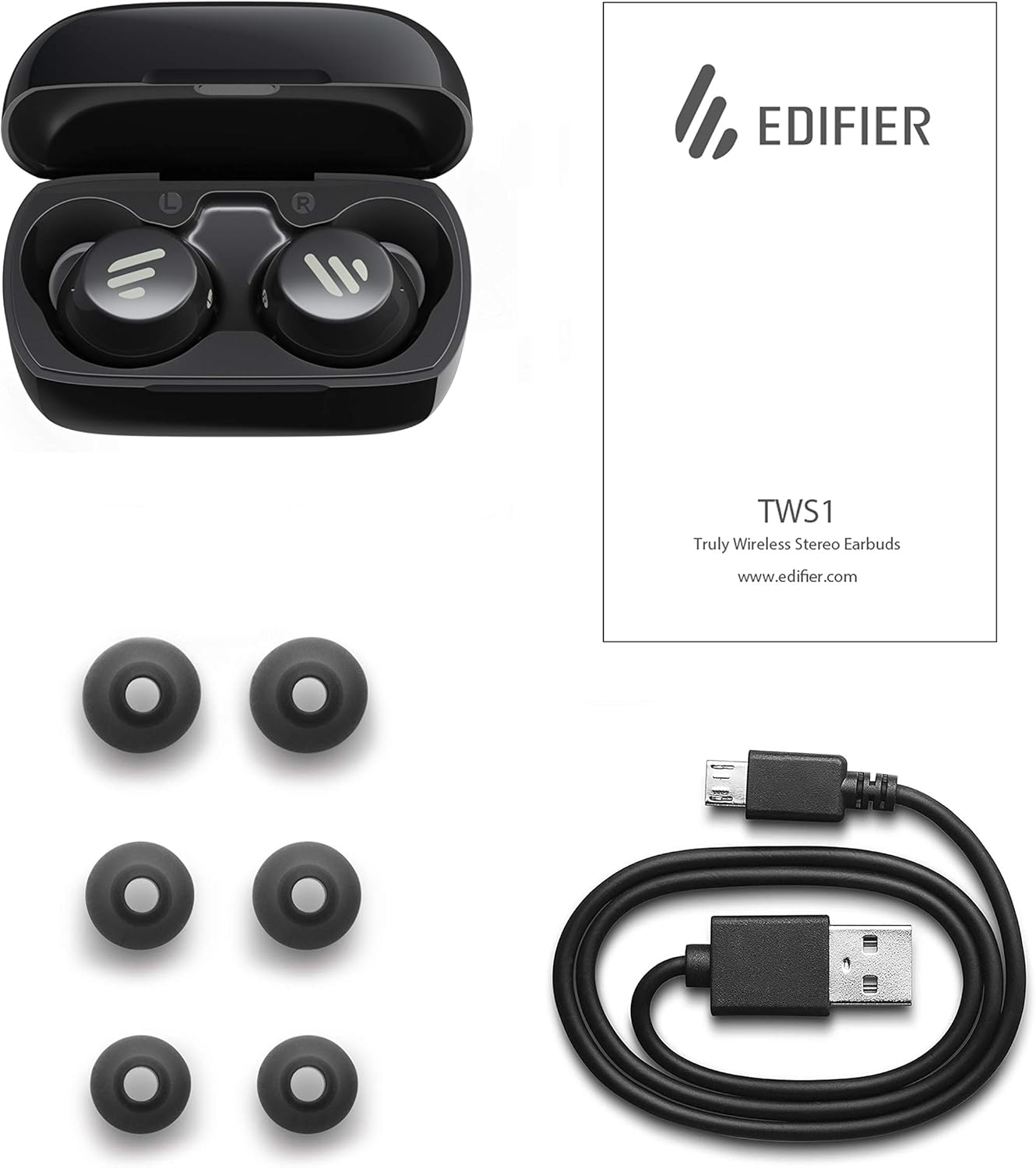
Image: The Edifier TWS1 earbuds, charging case, USB charging cable, and various sizes of ear tips are displayed alongside the user manual, illustrating the complete package contents.
Opsætning
1. Opladning af øretelefoner og etuiet
Before first use, fully charge the earbuds and the charging case. Place the earbuds into the charging case. Connect the USB charging cable to the charging port on the case and a power source. The indicator light on the case will show charging status. Once fully charged, the indicator will change or turn off.
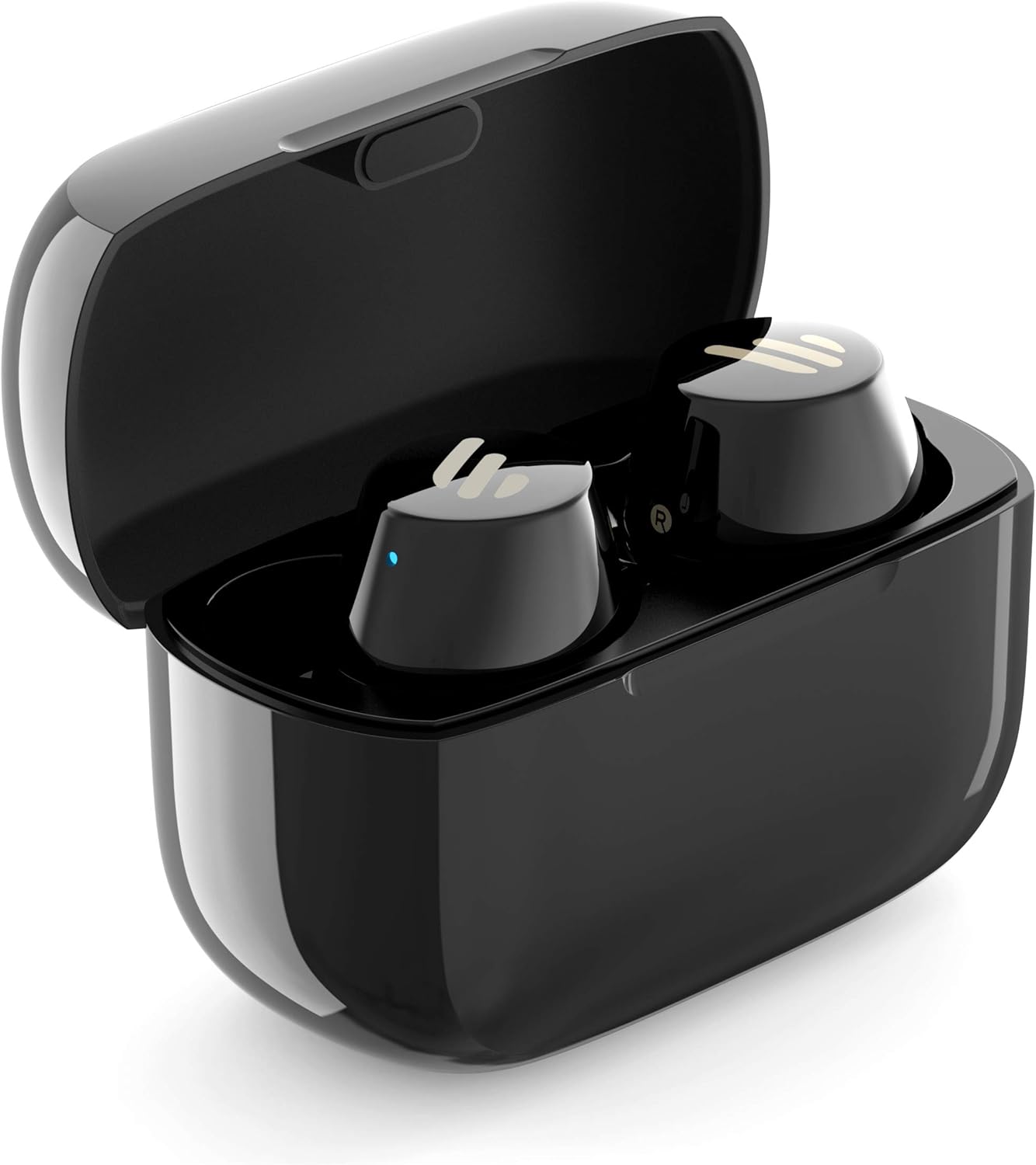
Image: The Edifier TWS1 earbuds are shown nestled within their open charging case, with a blue indicator light visible, signifying charging or power status.
2. Parring med en enhed
- Sørg for, at øretelefonerne er opladet.
- Open the charging case. The earbuds will automatically enter pairing mode, and the indicator light on one earbud will flash rapidly.
- Aktiver Bluetooth på din enhed (smartphone, tablet, bærbar computer), og søg efter nye enheder.
- Vælg "EDIFIER TWS1" fra listen over tilgængelige enheder.
- Når de er tilsluttet, holder indikatorlampen på ørepropperne op med at blinke.
3. Tilpasning af ørepropperne
Choose the ear tips that provide the most comfortable and secure fit for your ears. Insert the earbuds into your ear canals and gently twist them until they feel snug and stable. A proper fit is crucial for optimal sound quality and noise isolation.
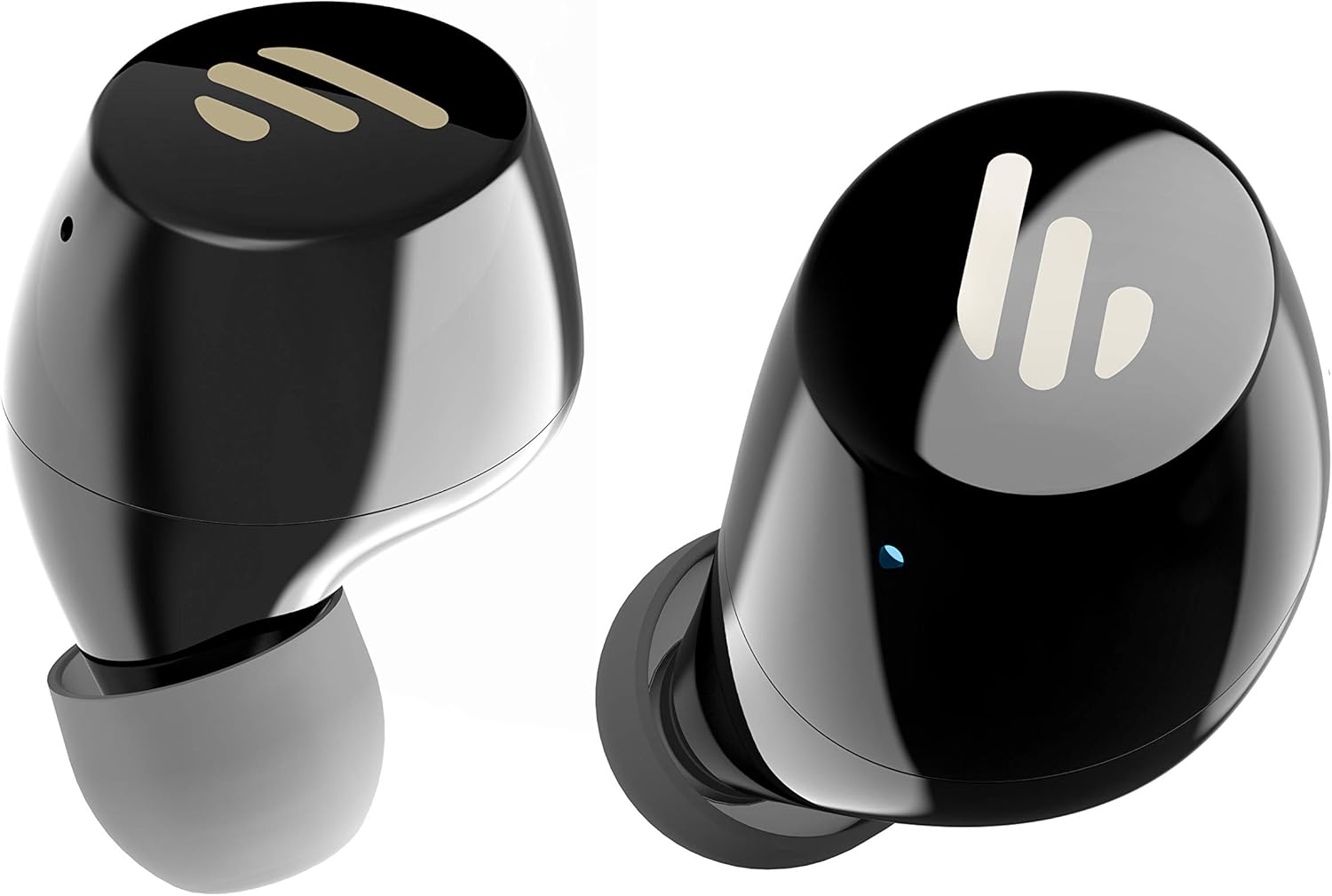
Billede: En detaljeret view of the Edifier TWS1 earbuds, highlighting their ergonomic shape and the silicone ear tips designed for a comfortable and secure in-ear fit.
Betjeningsvejledning
The Edifier TWS1 earbuds feature touch controls for easy operation.
- Tænd: Ørepropperne tændes automatisk, når de tages ud af opladningsetuiet.
- Sluk: Place earbuds back into the charging case to power off automatically.
- Afspil/pause: Double-tap the touch panel on either earbud.
- Næste nummer: Triple-tap the touch panel on the right earbud.
- Forrige nummer: Triple-tap the touch panel on the left earbud.
- Besvar/afslut opkald: Double-tap the touch panel on either earbud.
- Afvis opkald: Tryk og hold berøringspanelet på begge øretelefoner nede i 2 sekunder.
- Aktiver stemmeassistent: Press and hold the touch panel on the left earbud for 2 seconds.
Opretholdelse
- Rensning: Rengør regelmæssigt ørepropperne og opladningsetuiet med en blød, tør klud. Brug ikke slibende rengøringsmidler eller opløsningsmidler.
- Vandtæthed: The earbuds are IPX5 rated, meaning they are resistant to splashes and sweat. Do not submerge them in water or expose them to heavy rain. Ensure the charging port is dry before charging.
- Opbevaring: Når ørepropperne ikke er i brug, skal de opbevares i deres opladningsetui for at beskytte dem og holde dem opladede. Opbevares køligt og tørt, væk fra ekstreme temperaturer.
- Batteripleje: For at spare på batteriet, undgå at aflade ørepropperne og opladningsetuiet helt ofte. Oplad dem regelmæssigt, selvom de ikke er i konstant brug.
Fejlfinding
If you encounter issues with your Edifier TWS1 earbuds, please refer to the following common solutions:
| Problem | Løsning |
|---|---|
| Ørepropperne tænder ikke. | Ensure the earbuds and charging case are fully charged. Place earbuds in the case and close it, then open to power on. |
| Kan ikke parres med enheden. | Make sure Bluetooth is enabled on your device. Ensure earbuds are in pairing mode (flashing indicator). Try forgetting the device in your Bluetooth settings and re-pairing. |
| Kun én øretelefon virker. | Place both earbuds back into the charging case, close the lid, and then open it again. This should re-sync them. If the issue persists, try resetting the earbuds. |
| Ingen lyd eller lav lydstyrke. | Kontrollér lydstyrken på både din enhed og ørepropperne. Sørg for, at ørepropperne sidder korrekt i dine ører. Prøv at rengøre ørepropperne og højttalergitteret. |
| Opladningsproblemer. | Ensure the charging cable is securely connected. Try a different USB port or power adapter. Clean the charging contacts on the earbuds and inside the case. |
Fabriksindstilling
Hvis problemerne fortsætter, kan en fabriksnulstilling muligvis løse dem:
- Placer begge ørepropper i opladningsetuiet.
- Press and hold the touch panel on both earbuds simultaneously for approximately 8 seconds until the indicator lights flash rapidly, then release.
- Tag ørepropperne ud af etuiet, og forsøg at parre dem med din enhed igen.
Specifikationer
| Feature | Detalje |
|---|---|
| Mærkenavn | Edifier |
| Modelnavn | TWS1 BK |
| Varemodelnummer | TWS1_BK |
| Farve | Sort |
| Materialer | Plast |
| Forbindelsesteknologi | Trådløs |
| Trådløs kommunikationsteknologi | Bluetooth |
| Hovedtelefoner Form Factor | In Ear |
| Øreplacering | In Ear |
| Hovedtelefonstik | Ingen Jack |
| Kontrolmetode | Røre |
| Vandmodstandsniveau | Vandtæt (IPX5) |
| Kompatible enheder | Smartphones, tablets, bærbare computere, stationære computere |
| Specifikke anvendelser af produktet | Meddelelse |
| Produktdimensioner | 2.32 x 1.72 x 2.04 cm; 130 gram |
| Inkluderede komponenter | TWS1 Earbuds |
| Aldersgruppe beskrivelse | Voksen |
Garanti og support
Edifier products are designed and manufactured to the highest quality standards. For information regarding warranty coverage, please refer to the warranty card included with your product or visit the official Edifier website. For technical support or further assistance, please contact Edifier customer service through their official channels.