
1. Introduktion
The Reloop Groove Blaster BT is a portable 100W loudspeaker designed for high sound pressure levels and robust bass performance. It features a built-in Bluetooth 4.0 interface for wireless audio streaming up to 30 meters and an integrated, rechargeable Li-ion battery providing up to 10 hours of music playback. NFC connectivity simplifies pairing with supported devices. The speaker's 3-way frequency separation, with two 3-inch midrange drivers, one 1-inch tweeter, and a 6-inch low-frequency driver, ensures a balanced and wide stereo sound.

Figure 1.1: Reloop Groove Blaster BT in use, highlighting its 10-hour battery life.
2. Pakkens indhold
Sørg for at alle varer er til stede i pakken:
- Groove Blaster BT Portable Bluetooth Speaker
- Detachable Carrying Handle
- Power Supply Unit (located in the adapter compartment)
3. Kontrolelementer og forbindelser
3.1 Øverste kontrolpanel
The top panel provides access to all primary playback and pairing functions.
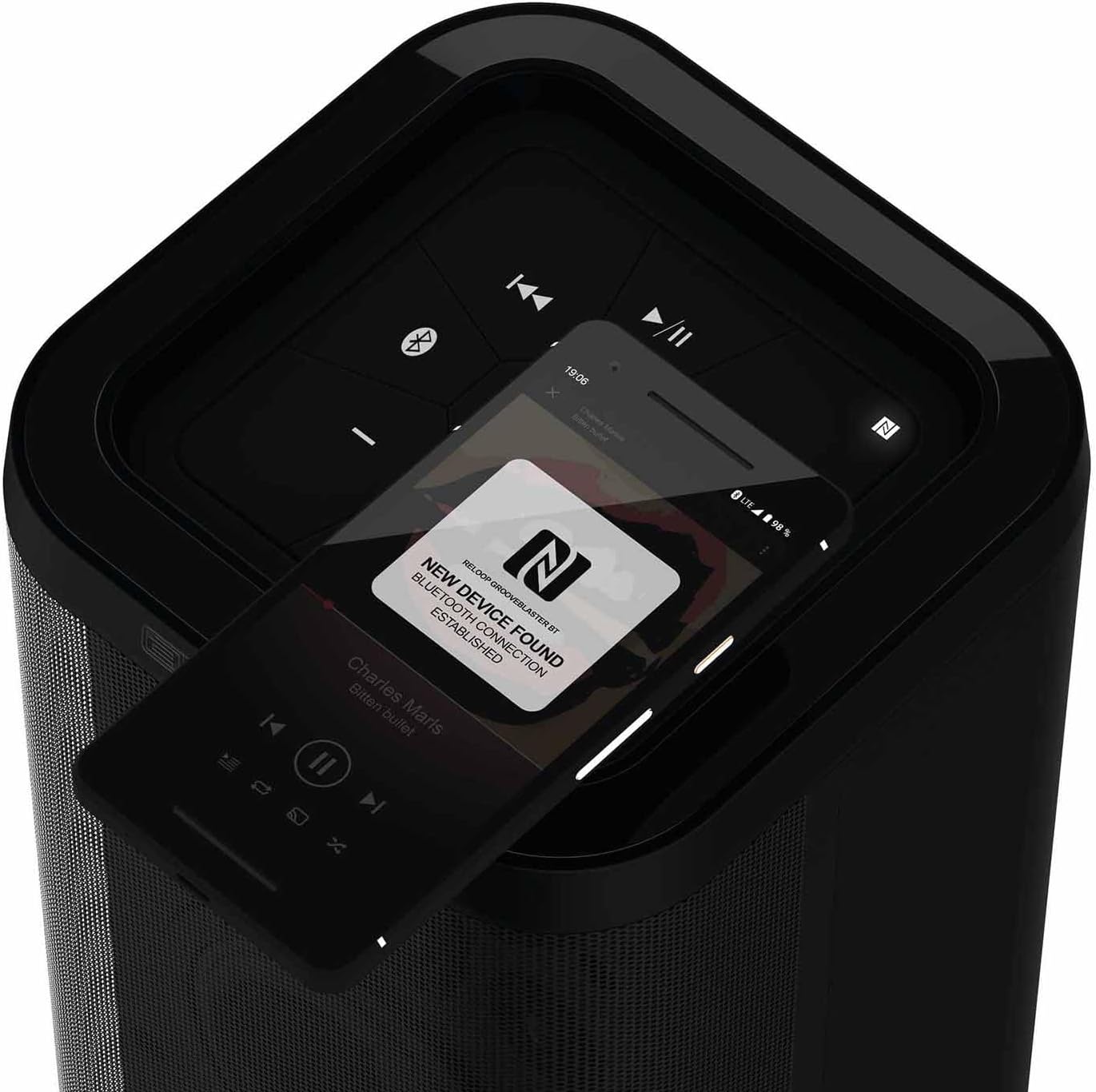
Figur 3.1: Detaljeret view of the top control panel.
- Tænd/sluk-knap (ⓘ): Tryk og hold nede for at tænde eller slukke for højttaleren.
- Play/Pause (▶/‖‖): Styrer medieafspilning.
- Previous Track (⏮): Springer til begyndelsen af det aktuelle nummer eller det forrige nummer.
- Next Track (⏭): Spring til det næste nummer.
- Skrue ned for lyden (-): Decreases the speaker volume.
- Lydstyrke op (+): Increases the speaker volume.
- Bluetooth Pairing Button (ⓘ): Starter Bluetooth-parringstilstand.
- NFC Area (N): Touch NFC-enabled devices here for quick pairing.
- Speaker Pairing Button (Speaker Pairing): Activates Smart Link function to connect two Groove Blaster BT speakers.
3.2 Bagtilslutninger
The rear panel houses the power input, USB charging port, and auxiliary input, protected by an adapter compartment.

Figure 3.2: Rear connection panel with adapter compartment open.
- DC IN: Power input for the included power supply unit.
- Battery Level LEDs: Indicate the current battery charge status.
- USB POWER OUT (5V DC 1A): USB-port til opladning af eksterne enheder.
- AUX IN: 3.5 mm AUX-indgang til kablede lydforbindelser.
- Power Supply Holder: Compartment to store the power supply unit.
4. Opsætning
4.1 Opladning af batteriet
Before first use, fully charge the integrated Li-ion battery. Connect the included power supply unit to the DC IN port on the rear of the speaker and plug it into a wall outlet. The battery level LEDs will indicate charging status. A full charge provides up to 10 hours of playback, depending on usage and volume.
4.2 Tænd/sluk
Press and hold the Power button (ⓘ) on the top control panel for approximately 2 seconds to turn the speaker on or off. An audible cue will confirm the action.
5. Betjeningsvejledning
5.1 Bluetooth -parring
- Ensure the Groove Blaster BT is powered on.
- Press the Bluetooth Pairing button (ⓘ) on the top panel. The Bluetooth indicator LED will flash, indicating pairing mode.
- On your audio device (smartphone, tablet, laptop), enable Bluetooth and search for available devices.
- Select "Groove Blaster BT" from the list of devices.
- Once connected, the Bluetooth indicator LED will glow solid, and an audible confirmation will sound.
The speaker has a Bluetooth range of up to 30 meters.
5.2 NFC-parring
For NFC-enabled devices, pairing is simplified:
- Ensure NFC is enabled on your audio device.
- Gently tap your NFC-enabled device against the NFC area (N) on the top control panel of the Groove Blaster BT.
- Follow any on-screen prompts on your device to confirm the connection.
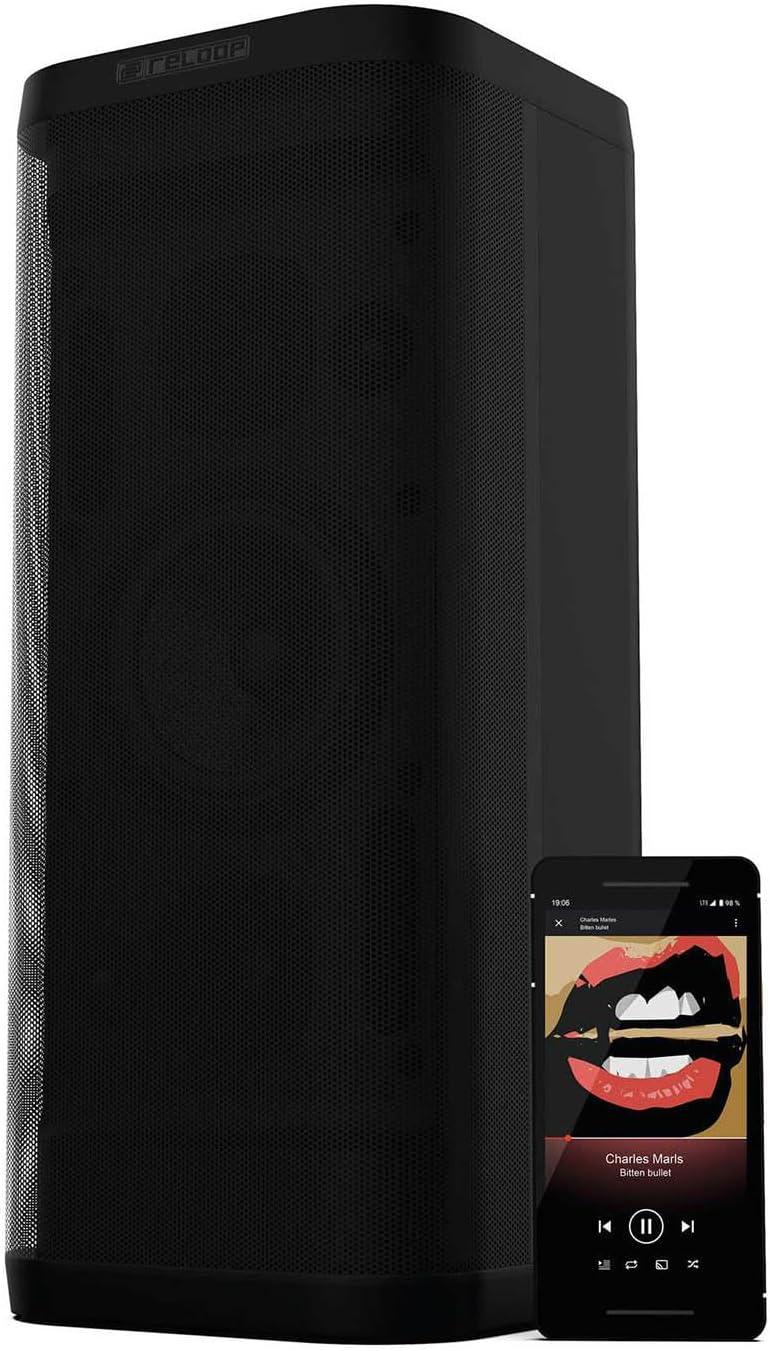
Figure 5.1: NFC pairing in progress.
5.3 Smart Link (Speaker Pairing)
The Smart Link function allows you to wirelessly connect two Groove Blaster BT speakers for a stereo experience or to double the overall volume across multiple rooms.
- Ensure both Groove Blaster BT speakers are powered on and not connected to any Bluetooth device.
- On the first speaker, press the "Speaker Pairing" button. The LED will flash.
- Gentag processen på den anden højttaler.
- The speakers will automatically search and connect to each other. Once connected, an audible confirmation will sound, and the LEDs will glow solid.
- Now, connect your audio device to one of the paired speakers via Bluetooth (as described in Section 5.1). Audio will play through both speakers.

Figure 5.2: Two Groove Blaster BT speakers connected using Smart Link.
5.4 Afspilningskontroller
Use the buttons on the top control panel to manage your audio playback:
- Trykke Play/Pause (▶/‖‖) to start or pause music.
- Trykke Forrige nummer (⏮) for at gå til den forrige sang.
- Trykke Næste nummer (⏭) for at springe til næste sang.
- Trykke Skrue ned (-) or Lydstyrke op (+) to adjust the audio level.
5.5 USB-opladningsfunktion
The USB POWER OUT port (5V DC 1A) on the rear of the speaker can be used to charge external devices such as smartphones or tablets. Connect your device's USB charging cable to this port.
6. Vedligeholdelse
6.1 Rengøring
Tør højttalerens yderside af med en blød, tør klud. Brug ikke slibende rengøringsmidler, voks eller opløsningsmidler. Sørg for, at der ikke kommer væsker ind i højttalerens åbninger.
6.2 Pleje af batterier
To prolong battery life, avoid fully discharging the speaker frequently. If storing the speaker for an extended period, charge it to approximately 50% every few months.
7. Fejlfinding
| Problem | Mulig årsag | Løsning |
|---|---|---|
| Højttaleren tænder ikke. | Batteriet er afladet. | Connect the speaker to the power supply and charge the battery. |
| Ingen lyd fra højttaleren. | Lydstyrken er for lav eller slået fra. Enheden er ikke tilsluttet. | Increase volume on speaker and connected device. Ensure Bluetooth or AUX connection is established. |
| Bluetooth-enheden kan ikke parres. | Højttaleren er ikke i parringstilstand. Enheden er for langt væk. Interferens. | Press Bluetooth pairing button. Move device closer. Avoid obstacles. Restart both devices. |
| Smart Link not connecting. | Speakers already paired to a device. | Ensure both speakers are disconnected from any Bluetooth devices before initiating Smart Link. |
| Dårlig lydkvalitet. | Low battery. Device too far. Source audio quality. | Charge speaker. Move device closer. Use high-quality audio files. |
8. Specifikationer
| Feature | Specifikation |
|---|---|
| Mærke | Reloop |
| Modelnummer | GROOVE-BLASTER-BT |
| Højttaler Maksimal udgangseffekt | 100 watt |
| Frekvensrespons | 50 Hz (lower limit, full range not specified) |
| Forbindelsesteknologi | Bluetooth, NFC |
| Bluetooth rækkevidde | 30 meter |
| Lydudgangstilstand | Stereoanlæg |
| Indkapslingsmateriale | Metal |
| Subwoofer diameter | 6 tommer |
| Diskant-diameter | 1 tommer |
| Batteritype | Lithium-ion (inkluderet) |
| Batterikapacitet | 6600 mioamp Timer |
| Batteriets gennemsnitlige levetid | 10 timer |
| USB Power Out | 5V DC 1A |
| Varens vægt | 4.65 kilo |
| Kontrolmetode | Røre |
| Vandtæt | Ingen |
9. Garanti og support
The Reloop Groove Blaster BT comes with a 1 års begrænset garanti. For warranty claims or technical support, please contact your retailer or visit the official Reloop webwebsted for kontaktoplysninger.