
Indledning
This manual provides detailed instructions for the installation, operation, and maintenance of your Sonew WiFi Smart Touch Switch. This smart switch allows you to control your lights and household appliances remotely via an application, touch, or voice commands, enhancing your smart home experience.
Please read this manual carefully before installation and use to ensure proper functionality and safety.
Produktegenskaber
- Touch Control: Capacitive touch control for easy on/off operation. Features a scratch-resistant glass panel.
- Fjernbetjening: Connects via WiFi for remote control through a mobile application. Real-time status notifications.
- Stemmestyring: Compatible with Amazon Alexa (Echo / Dot / Tap), Google Assistant, and IFTTT for hands-free operation.
- Timing funktion: Schedule specific times for turning devices on or off to save energy. Includes timer and scene control.
- LED Night Vision: Backlight for easy location in the dark. Waterproof and fireproof tempered glass panel.
- Statussynkronisering i realtid: Transmits device status to the application in real-time.
- Delt kontrol: Allows sharing control of smart devices with family members.
- Wide Voltage Indgang: Supports 90V-250V with a two-wire "L" and "N" connection for enhanced safety.
- Smarte scener: Configure scenes or smart scenes for automatic device triggering.

Image: The Sonew WiFi Smart Touch Switch, illustrating its sleek design and key features like WiFi networking, voice control, scenario writing, app control, time switch, light control, backlight off, and touch key functionality.
Pakkens indhold
Bekræft at alle varer er til stede i pakken:
- 1 x Sonew Smart Switch
- 2 x monteringsskruer
- 1 x User Manual (Note: Manual may be in French)

Image: The Sonew Smart Touch Switch shown alongside two mounting screws, representing the typical package contents.
Opsætning og installation
Vigtige sikkerhedsoplysninger: Installation should be performed by a qualified electrician. Ensure power is turned off at the circuit breaker before beginning installation to prevent electric shock.
Ledningsinstruktioner
- Sluk for strømmen: Find den afbryder, der styrer den kontakt, du udskifter, og sluk den. Kontroller, at strømmen er afbrudt med en lydstyrkemåler.tage tester.
- Fjern den gamle switch: Fjern forsigtigt den eksisterende vægplade og afbryderen fra vægdåsen. Frakobl ledningerne.
- Tilslut ledninger: The Sonew Smart Switch requires both a Live (L) wire and a Neutral (N) wire.
- Connect the Live wire from your wall box to the 'L' terminal on the smart switch.
- Connect the Neutral wire from your wall box to the 'N' terminal on the smart switch.
- Connect the Load wire (to the light fixture) to the 'L1', 'L2', or 'L3' terminal corresponding to the switch button you wish to control. (This model appears to have 3 gangs, so L1, L2, L3 are likely for each gang).
- Sørg for, at alle forbindelser er sikre.
- Monter kontakten: Gently push the wired switch into the wall box. Use the provided screws to secure the switch.
- Installer vægplade: Attach the glass touch panel to the switch module.
- Gendan strøm: Tænd for strømmen igen ved afbryderen.
The switch will light up, indicating it is powered on and ready for pairing.
App installation og parring
- Download app: Download the "Smart Life" application from the App Store (iOS 6.0 and above) or Google Play Store (Android 2.3 and above).
- Registrer/Log ind: Open the Smart Life app and register a new account or log in with an existing one.
- Tilføj enhed: In the app, tap the "+" icon to add a new device. Select "Electrical Switch" or a similar category.
- Indtast WiFi-oplysninger: Follow the on-screen instructions to put the switch into pairing mode (usually by pressing and holding a button on the switch until an indicator light flashes rapidly). Enter your 2.4GHz WiFi network name and password.
- Fuld parring: The app will search for and connect to the switch. Once connected, you can rename the switch and assign it to a room.

Image: A smartphone screen showing the "Smart Life" application interface, demonstrating remote control capabilities of the Sonew Smart Switch, with icons for WiFi networking, voice control, scenario writing, app control, time switch, light control, backlight off, and touch key.
Betjeningsvejledning
Manuel berøringskontrol
Simply touch the capacitive buttons on the glass panel to turn the connected lights or appliances on or off. The LED backlight will help locate the switch in the dark.
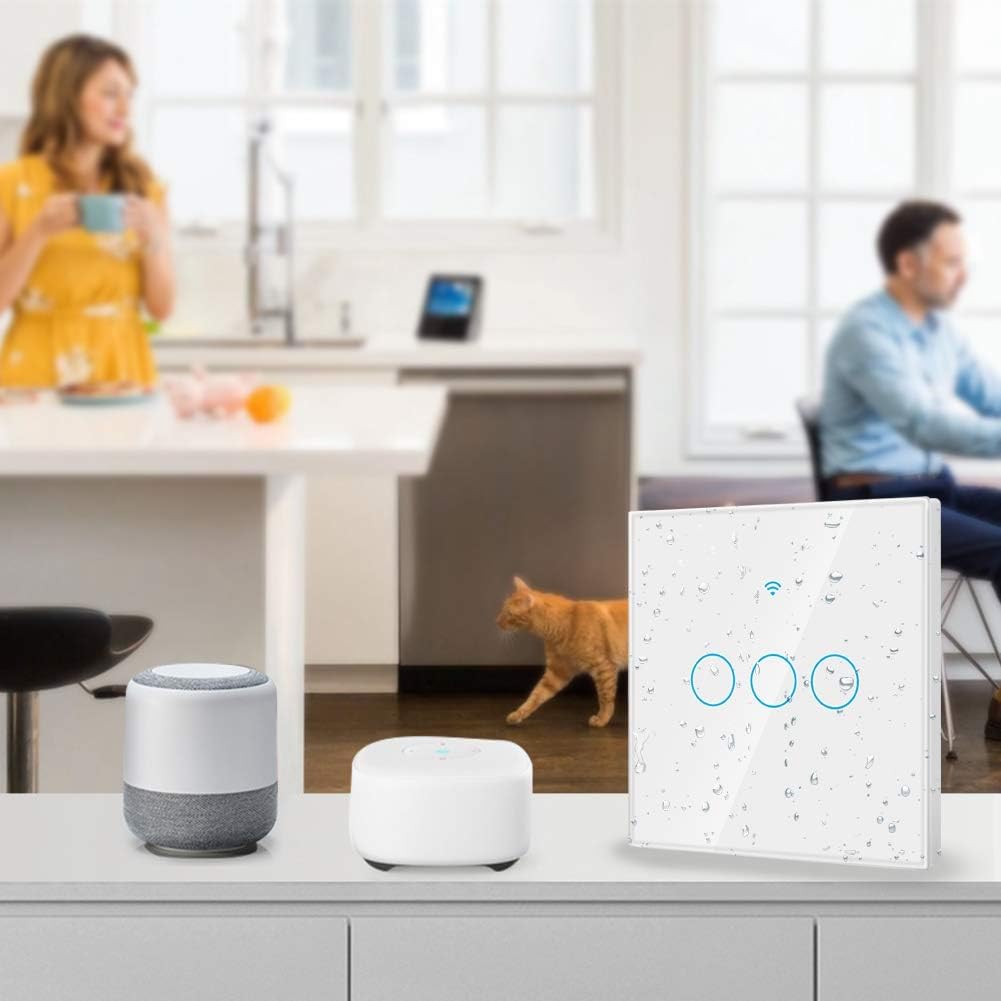
Image: The Sonew Smart Touch Switch with water droplets on its surface, highlighting its waterproof and shockproof design, allowing for safe operation even with wet hands.
App fjernbetjening
Once paired with the Smart Life app, you can control your switch from anywhere with an internet connection (2G/3G/4G/WiFi). Open the app, select your switch, and tap the on/off icon to control it. The app will display the real-time status of your device.
Stemmestyringsintegration
To enable voice control, link your Smart Life account with Amazon Alexa or Google Home/Assistant:
- Åbn Alexa- eller Google Home-appen.
- Navigate to "Skills & Games" (Alexa) or "Works with Google" (Google Home).
- Søg efter "Smart Life" og aktiver færdigheden/tjenesten.
- Tilknyt din Smart Life-konto ved hjælp af dine loginoplysninger.
- Discover devices. Your Sonew Smart Switch should now be controllable by voice.
Example stemmekommandoer:
- "Alexa, tænd lyset i stuen."
- "Hey Google, turn off the kitchen switch."
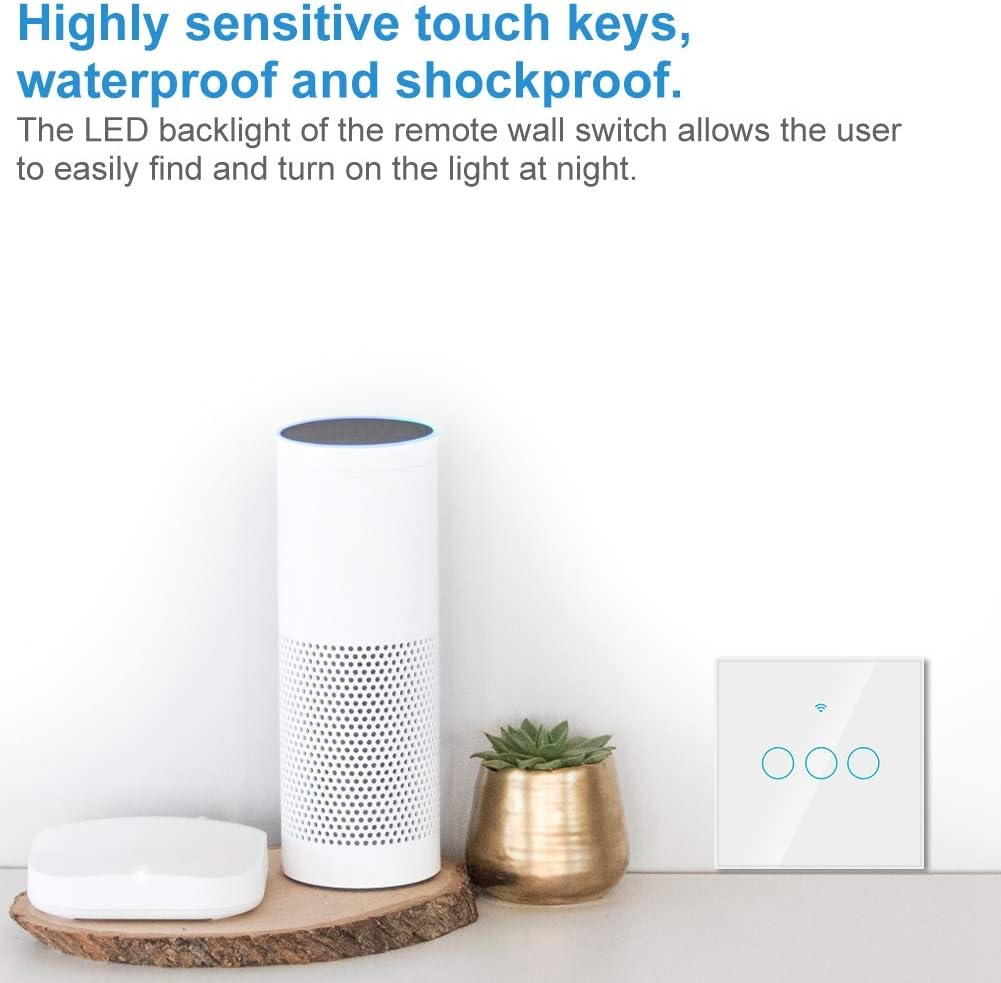
Image: The Sonew Smart Touch Switch positioned next to an Amazon Echo device, illustrating its compatibility with voice control systems like Alexa.
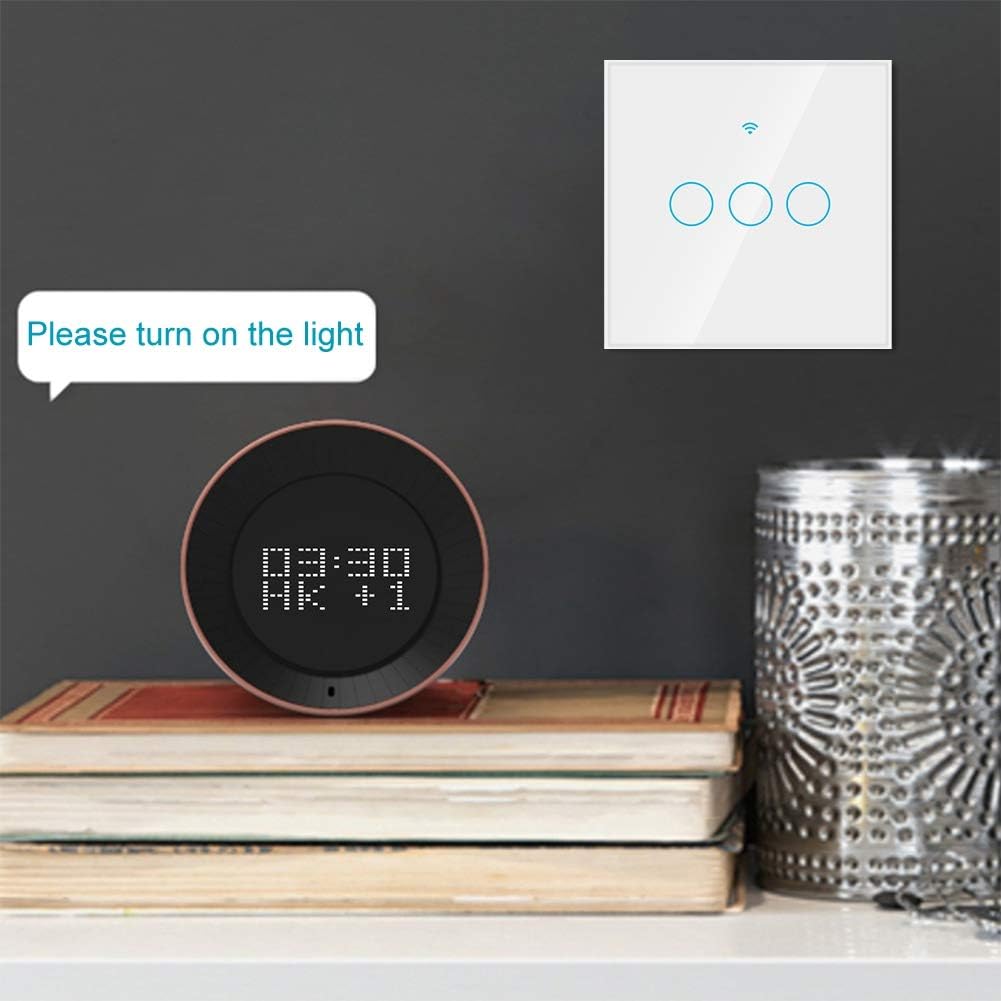
Image: The Sonew Smart Touch Switch on a shelf next to a smart speaker displaying the time, with a text bubble saying "Please turn on the light," demonstrating voice command interaction.
Timing and Scene Functions
Use the Smart Life app to set schedules and create smart scenes:
- Timer: Set specific times for the switch to turn on or off daily, weekly, or on custom schedules. This is useful for energy saving and home automation.
- Nedtælling: Set a countdown timer for the switch to turn off after a specified duration.
- Scener: Create custom scenes that trigger the switch based on various conditions, such as time of day, weather, or other smart devices. For example, a "Good Morning" scene could turn on your lights at sunrise.

Image: A smartphone displaying the timer settings within the "Smart Life" app, showing options to set daily, once, or repeat schedules for the Sonew WiFi wall switch, which can control lights or household appliances.
Opretholdelse
- Rensning: The tempered glass panel can be cleaned with a soft, damp cloth. Avoid abrasive cleaners or solvents that may damage the surface.
- Firmwareopdateringer: Keep the Smart Life app updated to ensure your switch receives the latest firmware and features.
- Miljøforhold: Ensure the switch is installed in an environment within its operating temperature and humidity ranges.
Fejlfinding
| Problem | Mulig årsag | Løsning |
|---|---|---|
| Kontakten reagerer ikke på berøring. | No power; faulty wiring; switch malfunction. | Check circuit breaker. Verify wiring connections (L and N wires). If problem persists, contact support. |
| Kan ikke oprette forbindelse til WiFi. | Incorrect WiFi password; 5GHz WiFi network; switch too far from router; incorrect pairing mode. | Ensure correct 2.4GHz WiFi password. Move switch closer to router. Ensure switch is in rapid flashing pairing mode. |
| Stemmestyring virker ikke. | Smart Life skill not enabled; account not linked; device not discovered. | Verify Smart Life skill is enabled and linked in Alexa/Google Home app. Redo device discovery. Ensure correct device name is used in commands. |
| Lights flicker or don't turn off completely. | Incompatibility with certain LED bulbs; no neutral wire connection. | Try different LED bulbs. Ensure a neutral wire is correctly connected to the switch. Consult a qualified electrician. |
Specifikationer
| Feature | Detalje |
|---|---|
| Mærke | Sonew |
| Modelnummer | Sonew316b4czdo8-01 |
| Anvendelse | Smart liv |
| Kontrolmetode | App Control / Touch Switch |
| Strømforsyning | AC 100-250 V |
| Maksimal strøm | 10 A / gang |
| Maksimal effekt | 2000 W / gang |
| Understøttet OS | iOS 6.0 og nyere / Android 2.3 og nyere |
| Transmissionstype | WiFi kommunikation |
| Kontrol afstand | Unlimited (under 2G/3G/4G/WIFI) |
| Materiale til hus | Brandhæmmende ABS |
| Panelmateriale | Hærdet glas |
| Sikkerhedsmekanisme | WPA-PSK / WPA2-PSK |
| Produktmål (L x B x H) | 90 x 90 x 40 mm (ca. 3.5 x 3.5 x 1.6 tommer) |
| Varens vægt | 168 g |
| Farve | Black (Note: Product images show a white switch, but specifications list 'Black'.) |

Image: A diagram illustrating the dimensions of the Sonew Smart Touch Switch, showing it measures 90mm (3.5in) in length and width, and 40mm (1.6in) in depth.
Garanti og support
Specific warranty information is not provided in the product details. For warranty claims or technical support, please contact your retailer or the manufacturer, Sonew, directly. Refer to the contact information provided with your purchase or visit the official Sonew webwebsted.
For yderligere hjælp kan du også henvise til Sonew Brand Store on Amazon.