
1. Introduktion
Thank you for choosing the Hoco ES24 Wireless Sound Earphones. This manual provides detailed instructions on how to set up, operate, and maintain your earphones. Please read this manual carefully before use to ensure optimal performance and longevity of your device.
2. Pakkens indhold
Sørg for, at alle nedenstående varer er til stede i din pakke:
- Hoco ES24 Wireless Earphones (Left and Right)
- Opladningsetui
- USB opladningskabel
- Flere størrelser ørepropper (S, M, L)
- Brugermanual

Image: The Hoco ES24 earphones, charging case, USB cable, and various ear tip sizes included in the package.
3. Produktet er slutview
The Hoco ES24 earphones are designed for comfortable, wireless audio experience. They come with a compact charging case that not only protects the earphones but also recharges them on the go.

Image: The Hoco ES24 earphones resting inside their open charging case, showcasinderes kompakte design.
4. Opsætning
4.1 Indledende opladning
- Oplad øretelefonerne og opladningsetuiet helt før første brug.
- Placer begge høretelefoner i opladningsetuiet.
- Tilslut USB-opladerkablet til opladningsporten på etuiet og en strømkilde (f.eks. USB-vægadapter, computerens USB-port).
- The LED indicator on the charging case will show the charging status. A full charge typically takes about 1 hour for fast charging.

Image: The Hoco ES24 charging case displaying the battery percentage via an LED screen, indicating charging status and capacity.
5. Betjeningsvejledning
5.1 Tænd/sluk
- Tænd: Åbn opladningsetuiet, så tænder øretelefonerne automatisk. Alternativt kan du trykke på og holde berøringsfeltet på begge øretelefoner nede i 3 sekunder.
- Sluk: Place the earphones back into the charging case and close the lid. They will automatically power off and begin charging. Alternatively, press and hold the touch control area on both earphones for 5 seconds.
5.2 Bluetooth -parring
- Første gangs parring:
a. Ensure the earphones are charged.
b. Open the charging case. The earphones will automatically enter pairing mode, indicated by a flashing LED light on one of the earbuds.
c. On your device (smartphone, tablet, etc.), enable Bluetooth and search for available devices.
d. Select "Hoco ES24" from the list of devices. Once connected, the LED indicator on the earphone will stop flashing. - Efterfølgende parring:
Once paired, the earphones will automatically connect to the last paired device when taken out of the charging case, provided Bluetooth is enabled on your device.
5.3 Tryk på kontrolelementer
The Hoco ES24 earphones feature touch-sensitive controls for easy management of music and calls.
- Afspil/pause: Enkelt tryk på en af hovedtelefonerne.
- Næste nummer: Dobbelttryk på den højre øretelefon.
- Forrige nummer: Dobbelttryk på den venstre øretelefon.
- Besvar/afslut opkald: Enkelt tryk på en af hovedtelefonerne under et indgående opkald eller et aktivt opkald.
- Afvis opkald: Tryk og hold en af hovedtelefonerne nede i 2 sekunder under et indgående opkald.
- Aktiver stemmeassistent: Tryk tre gange på en af hovedtelefonerne.

Image: A user wearing the Hoco ES24 earphones, illustrating their in-ear fit and highlighting features like Bluetooth 5.0 connectivity and clear call quality.
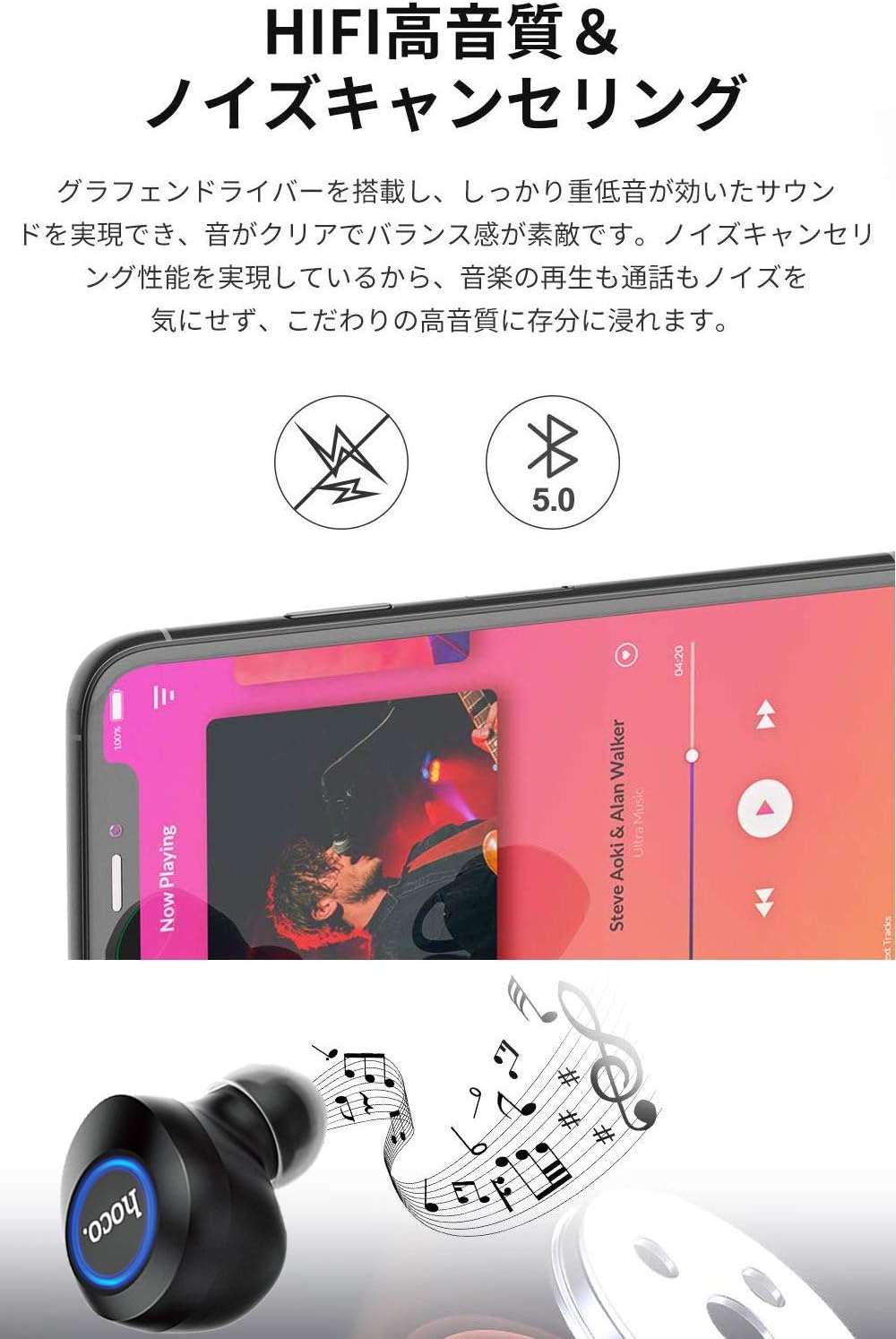
Image: A close-up of a Hoco ES24 earphone, with a smartphone screen in the background showing music playback, emphasizing HiFi sound quality and noise cancellation capabilities.
6. Vedligeholdelse
6.1 Rengøring
- Rengør regelmæssigt øretelefonerne og opladningsetuiet med en blød, tør og fnugfri klud.
- Brug ikke slibende rengøringsmidler, alkohol eller kemiske opløsningsmidler.
- Fjern forsigtigt ørevoks eller snavs fra ørepropperne og højttalernettet med en lille, blød børste eller vatpind.
6.2 Opbevaring
- Når de ikke er i brug, skal øretelefonerne opbevares i deres opladningsetui for at beskytte dem mod støv og skader.
- Avoid storing the device in extreme temperatures (hot or cold) or in humid environments.
6.3 Pleje af batterier
- For at forlænge batterilevetiden bør du undgå at aflade øretelefonerne og opladningsetuiet helt ofte.
- Oplad enheden regelmæssigt, selvom den ikke bruges ofte.
7. Fejlfinding
If you encounter any issues with your Hoco ES24 earphones, refer to the following common problems and solutions:
| Problem | Løsning |
|---|---|
| Høretelefonerne tændes ikke. | Ensure the earphones and charging case are fully charged. Place earphones in the case and close the lid, then open again. |
| Kan ikke parres med enheden. | Make sure Bluetooth is enabled on your device. Ensure earphones are in pairing mode (flashing LED). Turn off and on your device's Bluetooth. Forget "Hoco ES24" from your device's Bluetooth list and try pairing again. |
| Ingen lyd fra den ene eller begge hovedtelefoner. | Check device volume. Ensure earphones are properly connected. Try re-pairing. Clean any debris from the speaker mesh. |
| Opladningsetuiet oplader ikke. | Verify the USB cable is securely connected to both the case and the power source. Try a different USB cable or power adapter. |
| Berøringsknapper reagerer ikke. | Sørg for, at dine fingre er rene og tørre. Genstart øretelefonerne ved at lægge dem i etuiet og tage dem ud igen. |
8. Specifikationer
Below are the technical specifications for the Hoco ES24 Wireless Sound Earphones:
- Model: ES24
- Forbindelse: Trådløs (Bluetooth 5.0)
- Formfaktor: In-Ear
- Materiale: Plast
- Kontrolmetode: Røre
- Mikrofon: Ja
- Støjreduktion: No (Passive noise isolation may be present due to in-ear design)
- Kompatible enheder: All devices with Bluetooth functionality
- Varens vægt: 55 grams (earphones + case)
- Produktdimensioner: 2.38 x 2.1 x 2.35 cm (earphone dimensions)
- Inkluderede komponenter: Protective charging case
- Farve: Sort
- Aldersinterval: Voksen
- Opladningstid: Approximately 1 hour (fast charge)
- Brugstid: Approximately 4-5 hours (single use)
9. Sikkerhedsoplysninger
Overhold følgende sikkerhedsretningslinjer for at forhindre skader på enheden eller personskade:
- Produktet må ikke skilles ad, repareres eller modificeres.
- Hold enheden væk fra vand, fugt og ekstreme temperaturer.
- Undgå langvarig eksponering for høje lydstyrker for at forhindre høreskader.
- Opbevares utilgængeligt for børn og kæledyr.
- Bortskaf produktet ansvarligt i henhold til lokale regler.
10. Garanti og support
Hoco products are designed and manufactured to the highest quality standards. For warranty information, technical support, or customer service inquiries, please refer to the warranty card included in your package or contact your local retailer or Hoco customer support directly. Please retain your proof of purchase for any warranty claims.