
1. Introduktion
This instruction manual provides detailed guidance for the proper use and maintenance of your AMERTEER Wireless Laser Pointer, Model RF038. Please read this manual thoroughly before using the device to ensure optimal performance and longevity. This device is designed to enhance presentations by providing remote control for slides and a laser pointer function.
2. Produktet er slutview
The AMERTEER RF038 is a sleek, rechargeable wireless presenter designed for professional and educational environments. It features a slim, anti-slip body with a soft-touch matte finish and responsive buttons for smooth operation.
2.1 Komponenter
- AMERTEER Wireless Laser Pointer (RF038)
- USB Receiver (stored magnetically within the presenter)
- USB opladningskabel
- Beskyttende opbevaringstaske
- Brugsanvisning (japansk)
2.2 Nøglefunktioner
- Multifunktionel kontrol: Advance/return slides, activate red laser pointer, black screen function, hyperlink access, and volume control.
- Bred kompatibilitet: Supports PowerPoint, Keynote, and Google Slides. Compatible with Windows, Mac OS, and Linux operating systems.
- Pålidelig trådløs rækkevidde: Operates up to 100 feet (approximately 30 meters) using stable 2.4GHz wireless technology. Actual range may vary based on environment.
- Genopladeligt batteri: Built-in lithium battery charges via USB, eliminating the need for disposable batteries.
- Plug and Play: Includes a USB receiver that requires no driver installation.
- Bærbart design: Lightweight at approximately 30g, making it easy to carry for presentations on the go.

3. Opsætning
Follow these steps to set up your AMERTEER Wireless Laser Pointer:
- Opkræv præsentanten: Before first use, fully charge the device using the provided USB cable. Connect the cable to the charging port on the presenter and a USB power source (e.g., computer USB port, wall adapter). The charging indicator will show the charging status.
- Hent USB-modtager: The USB receiver is magnetically stored inside the presenter for convenience and to prevent loss. Gently pull it out from the designated slot.
- Tilslut USB-modtager: Insert the USB receiver into an available USB port on your computer (Windows, Mac, or Linux). The system will automatically detect and install the necessary drivers. No manual driver installation is required.
- Tænd: Locate the ON/OFF switch on the side of the presenter and slide it to the 'ON' position.
- Test forbindelse: Open a presentation application (e.g., PowerPoint, Keynote, Google Slides) and test the slide navigation buttons and laser pointer to ensure proper functionality.

4. Betjeningsvejledning
The AMERTEER RF038 features intuitive buttons for controlling your presentation:

- Side op (▲): Tryk for at gå til det forrige dias.
- Side ned (▼): Tryk for at gå til det næste dias.
- Laser Pointer (Sun/Star icon): Press and hold to activate the red laser pointer. Release to turn off.
- Black Screen (Square icon): Press to toggle between a black screen and the current slide.
- Hyperlink/Volume Control: This button (often represented by a square or specific icon) may offer additional functions such as activating hyperlinks or adjusting system volume, depending on the software and operating system. Refer to your presentation software for specific compatibility.
4.1 Kompatibilitet
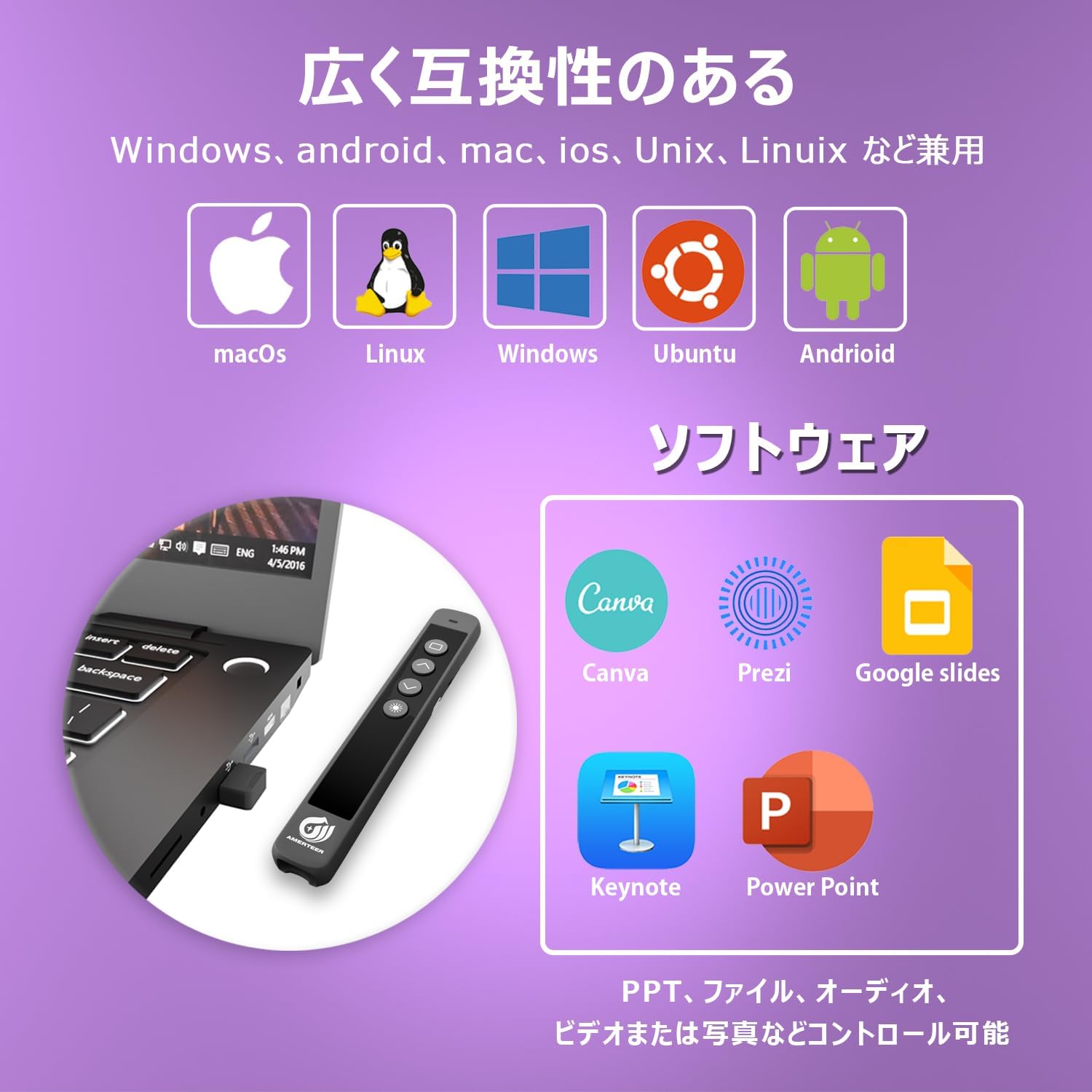
The presenter is compatible with a wide range of operating systems and presentation software:
- Operativsystemer: Windows, Mac OS, Linux
- Præsentationssoftware: Microsoft PowerPoint, Apple Keynote, Google Slides, Canva, Prezi
4.2 Trådløs rækkevidde
The AMERTEER RF038 provides a reliable wireless connection up to 30 meters (100 feet), allowing you freedom of movement during your presentation. The laser pointer has an effective range of up to 200 meters.

5. Vedligeholdelse
Korrekt vedligeholdelse sikrer din enheds levetid og optimale ydeevne.
- Opladning: The built-in lithium battery requires approximately 1 hour for a full charge, providing up to 20 hours of continuous use or 1 week of typical use. Charge the device when the battery indicator shows low power.

- Opbevaring: When not in use, store the USB receiver inside the presenter's magnetic slot to prevent loss. Keep the device in its protective storage case to shield it from dust and physical damage.
- Rensning: Brug en blød, tør klud til at rengøre ydersiden af præsentationsværten. Undgå at bruge skrappe kemikalier eller slibende materialer.
- Miljøforhold: Undgå at udsætte enheden for ekstreme temperaturer, direkte sollys, høj luftfugtighed eller ætsende miljøer.
6. Fejlfinding
If you encounter issues with your AMERTEER Wireless Laser Pointer, refer to the following common problems and solutions:
| Problem | Mulig årsag | Løsning |
|---|---|---|
| Oplægsholder svarer ikke |
|
|
| Laserpointer virker ikke |
|
|
| Diasnavigation virker ikke |
|
|
| Black screen function not working as expected |
|
|
7. Specifikationer
| Feature | Specifikation |
|---|---|
| Modelnummer | RF038 |
| Mærke | AMERTEER |
| Farve | Sort |
| Forbindelsesteknologi | USB (2.4GHz Wireless) |
| Kompatible enheder | Windows, Mac OS, Linux |
| Batteritype | Genopladeligt lithium batteri |
| Opladningstid | Ca. 1 time |
| Brugstid (fuld opladning) | Up to 20 hours continuous, 1 week typical |
| Trådløs driftsområde | Op til 30 meter (100 fod) |
| Laser Projection Distance | Op til 200 meter |
| Varens vægt | 35 gram |
| Pakkedimensioner | 16 x 4.1 x 2.8 cm |
8. Garanti og support
Your AMERTEER Wireless Laser Pointer RF038 is backed by a 12 måneders garanti fra købsdatoen. Derudover en 30 dages returret tilbydes. Gem venligst din købsbevis til garantikrav.
For technical support or warranty inquiries, please contact AMERTEER customer service through the retailer where the product was purchased.