
Indledning
This manual provides comprehensive instructions for the installation, operation, and maintenance of your Aerocool LUX RGB 650M semi-modular power supply. The LUX RGB 650M is designed to deliver stable power to your PC components while offering customizable RGB lighting effects. Please read this manual thoroughly before installation and use to ensure proper functionality and safety.

Billede: Vinklet view of the Aerocool LUX RGB 650M Power Supply, showcasing its black finish and RGB lighting panel.
Sikkerhedsoplysninger
- Ensure the power supply is disconnected from the AC power outlet before installation or maintenance.
- Åbn ikke strømforsyningsenheden. Høj lydstyrketagder er elektriske stød indeni.
- Install the power supply in a well-ventilated area. Do not block the ventilation openings.
- Dette produkt er designet til brug i personlige computere. Brug det ikke til andre formål.
- Hold strømforsyningen væk fra vand, fugt og ekstreme temperaturer.
- Brug kun de kabler, der følger med strømforsyningen. Brug af tredjepartskabler kan forårsage skader.
Pakkens indhold
Bekræft at alle varer er til stede i pakken:
- Aerocool LUX RGB 650M strømforsyning
- Modular Cable Set (PCIe, SATA, Peripheral)
- Main ATX 20+4 Pin Cable (fixed)
- CPU 4+4 Pin Cable (fixed)
- AC strømledning
- Monteringsskruer
- Brugermanual
Opsætning og installation
Follow these steps to install your Aerocool LUX RGB 650M power supply:
- Klargør dit pc-kabinet: Ensure your computer is powered off and unplugged from the wall outlet. Open your PC case to access the power supply mounting area.
- Monter strømforsyningen: Carefully slide the LUX RGB 650M into the designated power supply bay in your PC case. Secure it with the provided mounting screws.
- Connect Fixed Cables:
- Tilslut 20+4 Pin ATX cable to your motherboard's main power connector.
- Tilslut 4+4 Pin CPU cable to your motherboard's CPU power connector.
- Tilslut modulære kabler: Identify the necessary modular cables for your components (graphics card, SSDs/HDDs, optical drives).
- Tilslut den nødvendige PCIe-kabler to your graphics card(s).
- Forbinde SATA strømkabler to your storage drives (SSDs, HDDs).
- Forbinde Peripheral (Molex) cables for any other components requiring them.

Billede: Vinklet view of the Aerocool LUX RGB 650M Power Supply, illustrating the semi-modular design with fixed and detachable cables.
- Kabelstyring: Utilize the semi-modular design to manage cables efficiently, improving airflow and aesthetics within your PC case.
- Connect RGB:
- For motherboard synchronization, connect the power supply's Addressable RGB cable to a +5V Addressable RGB header on your compatible motherboard.
- If your motherboard does not have an Addressable RGB header, you can control the lighting effects directly via the LED control button on the power supply.
- Strømtilslutning: Connect the AC power cord to the power supply's input socket and then to a wall outlet. Ensure the power switch on the PSU is in the OFF (0) position before plugging it in.
- System Configuration Note: For optimal performance and stability, ensure your system's power requirements do not exceed the PSU's capacity. A recommended maximum configuration for this 650W model is an Intel i5 processor, an RTX 3060 graphics card, and 16GB DDR4 RAM. For precise power calculations, consult online PSU calculators.
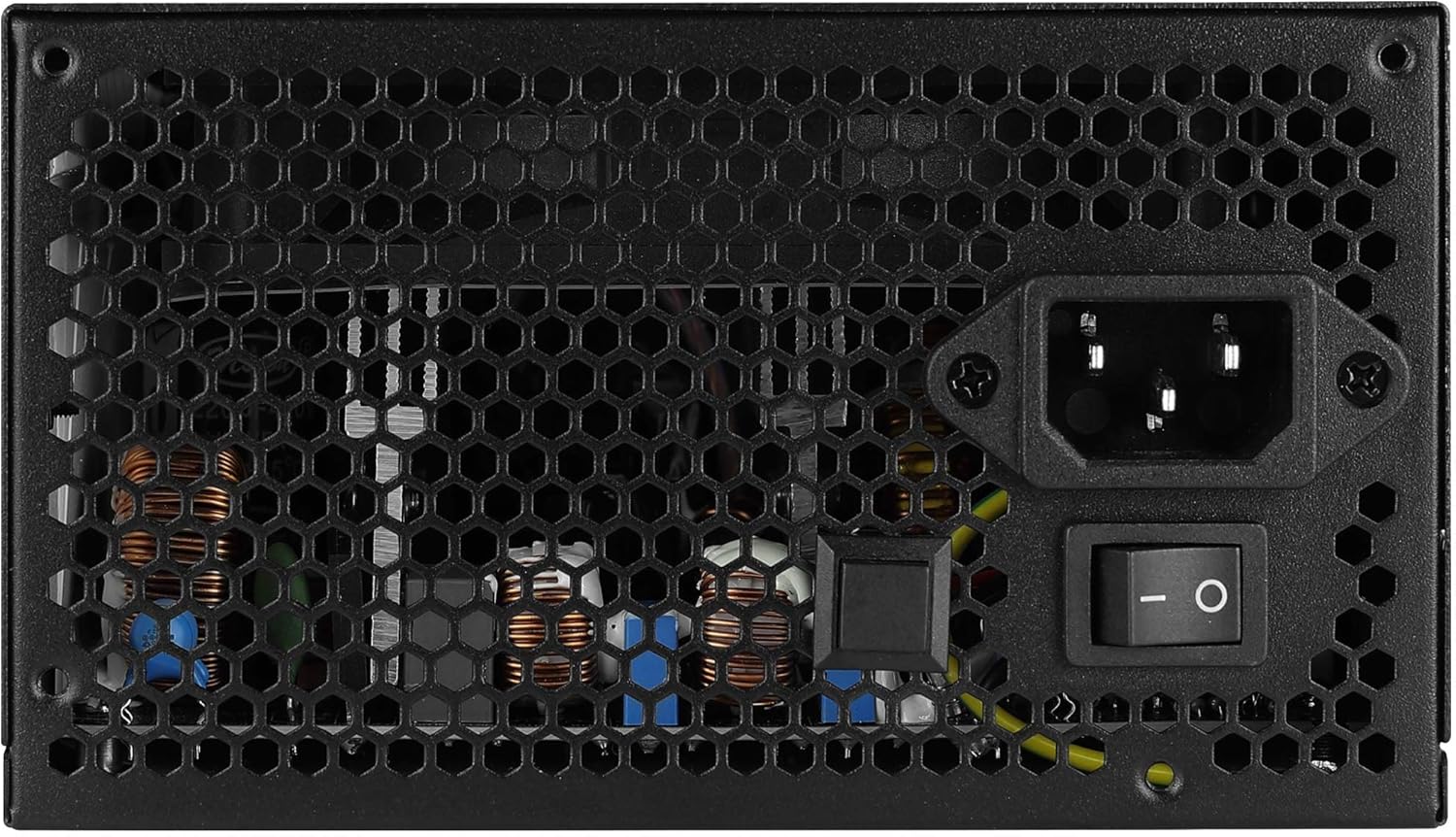
Billede: Bagside view of the Aerocool LUX RGB 650M Power Supply, showing the AC power input, power switch, and ventilation grille.
Betjeningsvejledning
After successful installation, follow these steps to operate your power supply:
- Tænd: Flip the power switch on the rear of the power supply to the ON (I) position. Then, power on your computer using the case's power button.
- RGB-lysstyring:
- Via LED-kontrolknap: If not connected to a motherboard ARGB header, press the dedicated LED control button on the power supply to cycle through 13 predefined lighting effects.
- Via bundkortsoftware: If connected to a +5V Addressable RGB header on your motherboard, you can control and synchronize the power supply's lighting effects using your motherboard's RGB software (e.g., ASUS Aura Sync, MSI Mystic Light Sync, Gigabyte RGB Fusion, ASRock Polychrome Sync).
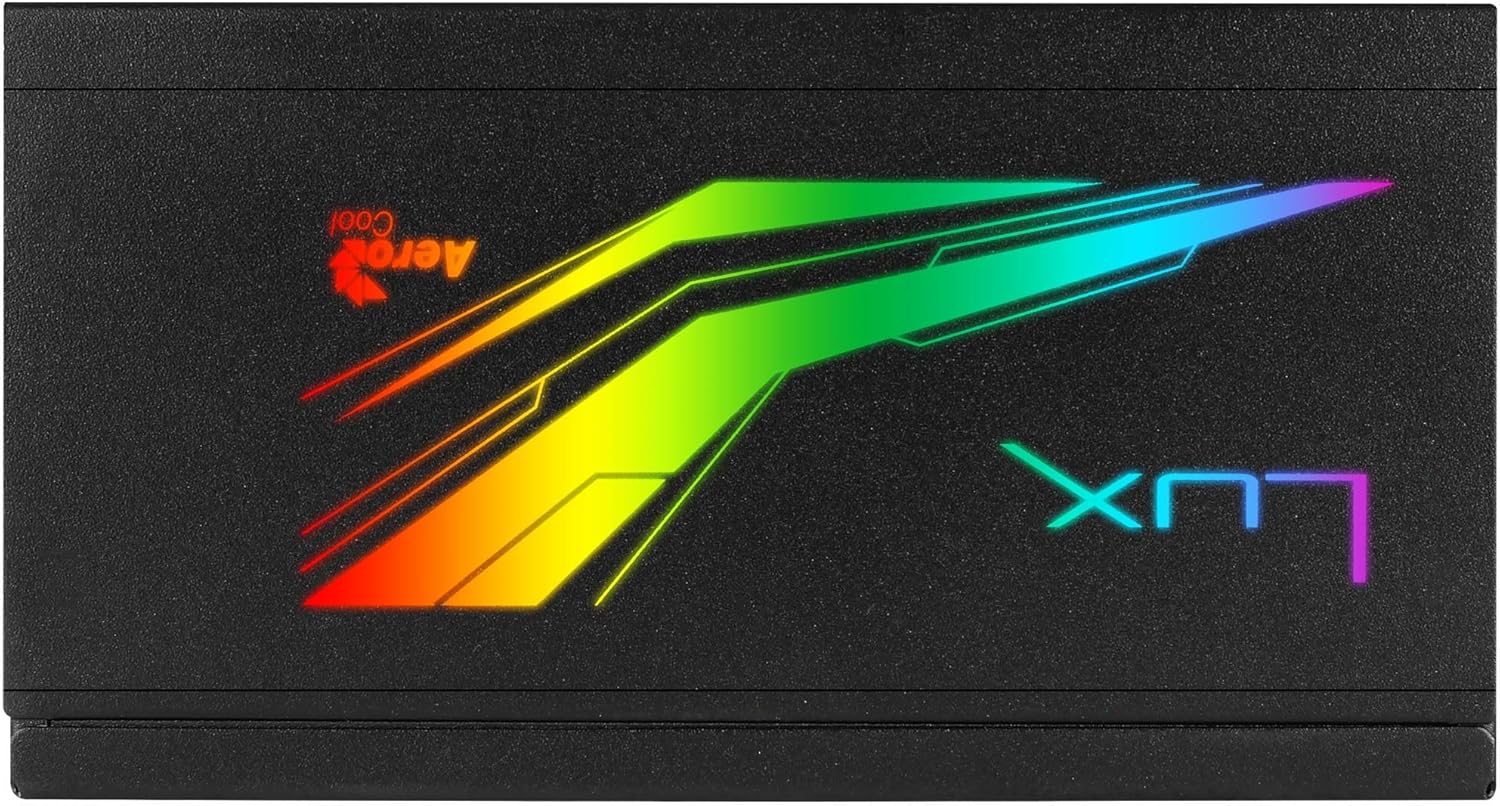
Billede: Top view of the Aerocool LUX RGB 650M Power Supply, highlighting the integrated RGB lighting panel with the "LUX" and "AeroCool" logos.
Opretholdelse
Korrekt vedligeholdelse sikrer strømforsyningens levetid og optimale ydeevne:
- Støvrensning: Periodically clean the power supply's fan and ventilation grilles to prevent dust buildup, which can impede airflow and cooling. Use compressed air for best results. Ensure the power supply is off and unplugged before cleaning.
- Luftstrøm: The LUX RGB 650M features a 30% increased ventilation area for enhanced airflow. Ensure your PC case has adequate ventilation to support efficient heat dissipation from the power supply.
- Ventilatorbetjening: The 12cm silent black fan operates with optimized thermal fan speed control, adjusting its speed based on temperature to maintain quiet operation and effective cooling.

Billede: Side view of the Aerocool LUX RGB 650M Power Supply, highlighting the extensive honeycomb ventilation pattern for improved airflow.
Fejlfinding
Hvis du støder på problemer med din strømforsyning, kan du se følgende almindelige problemer og løsninger:
- Ingen strøm til systemet:
- Kontroller, om netledningen er korrekt tilsluttet både strømforsyningen og stikkontakten.
- Ensure the power switch on the rear of the PSU is in the ON (I) position.
- Verify that all power cables (20+4 Pin ATX, 4+4 Pin CPU, PCIe, SATA) are correctly and firmly connected to their respective components.
- Test stikkontakten med en anden enhed for at bekræfte, at den har strøm.
- Systemustabilitet/nedbrud:
- Ensure your system's power draw does not exceed the 650W capacity of the PSU. Overloading can cause instability.
- Tjek for løse kabelforbindelser.
- Sørg for tilstrækkelig ventilation i pc-kabinettet for at forhindre overophedning.
- RGB-belysning virker ikke:
- If using the LED control button, ensure it is being pressed correctly to cycle effects.
- If connected to a motherboard ARGB header, verify the connection is secure and that your motherboard's RGB software is installed and configured correctly. Ensure it's a +5V ARGB header, not a +12V RGB header.
Specifikationer

Image: Electrical specifications label for the Aerocool LUX RGB 650M Power Supply, detailing voltage og strømudgange.
| Feature | Detalje |
|---|---|
| Modelnummer | LUXRGB650M |
| Mærke | AeroCool |
| Strømudgang | 650 watt |
| Effektivitetscertificering | 80Plus 230V EU Bronze (up to 88%+ efficiency) |
| Formfaktor | ATX |
| Cabling Design | Semi-modulær |
| Afkølingsmetode | Air (12cm silent black fan with optimized thermal speed control) |
| RGB belysning | Prism RGB (13 predefined effects via button, compatible with +5V Addressable RGB motherboards) |
| Input bindtage | 115-230 volt |
| Dimensioner (L x B x H) | 16 x 15 x 8.6 cm |
| Vægt | 1.5 kilo |
| Kompatible enheder | Personlig computer |
Garanti
The Aerocool LUX RGB 650M Power Supply comes with a 2 års garanti on spare parts. Please retain your proof of purchase for warranty claims. The warranty covers defects in materials and workmanship under normal use. It does not cover damage caused by misuse, accident, modification, or unauthorized repair.
Støtte
For technical assistance, troubleshooting beyond this manual, or warranty inquiries, please contact AeroCool customer support. Visit the official AeroCool webwebsted for kontaktoplysninger og yderligere ressourcer.
Online ressourcer: www.aerocool.io