
ZEBRONICS ZEB-Power
ZEBRONICS Zeb-Power Wired USB Mouse User Manual
Model: ZEB-Power
1. Introduktion
Thank you for choosing the ZEBRONICS Zeb-Power Wired USB Mouse. This manual provides essential information for setting up, operating, and maintaining your new mouse. The Zeb-Power mouse is designed for reliable performance with its advanced optical sensor technology and a compact, stylish design.
Nøglefunktioner omfatter:
- Kompakt og stilrent design
- Advanced optical sensor technology with 1200 DPI resolution
- Nem plug-and-play installation
- Compatible with Windows XP / Vista / 7 / 8 / 10, Mac OS, or Android OS
- Durable 1.1m USB cable

Figur 1: Øverst view of the Zeb-Power Wired USB Mouse, showcasing dets elegante sorte design og scrollhjul.
2. Opsætning
The Zeb-Power mouse features a simple plug-and-play setup, requiring no additional drivers for most operating systems.
2.1 Tilslutning af musen
- Locate an available USB port on your computer (desktop, laptop, or compatible device).
- Insert the USB connector of the Zeb-Power mouse firmly into the USB port.
- Your operating system will automatically detect and install the necessary drivers. This process usually takes a few seconds.
- Når musen er installeret, er den klar til brug.

Figure 2: The Zeb-Power mouse features a 1.1m cable length and a standard USB-A interface for easy connection.
2.2 Systemkompatibilitet
The Zeb-Power mouse is compatible with a wide range of operating systems:
- Windows XP
- Windows Vista
- Windows 7
- Windows 8
- Windows 10
- Mac OS
- Android OS (with appropriate USB host support)
3. Betjening af musen
The Zeb-Power mouse is a standard 3-button optical mouse designed for intuitive navigation.
3.1 Grundlæggende funktioner
- Venstre knap: Primær klikfunktion, bruges til at vælge elementer, åbne files, og aktivering af links.
- Højre knap: Sekundær klikfunktion, bruges typisk til at åbne kontekstmenuer.
- Scrollehjul (midterste knap): Bruges til at scrolle gennem dokumenter og web pages. Can also function as a middle click button for specific applications.

Figure 3: The compact design of the Zeb-Power mouse ensures comfortable handling for extended use.
3.2 Optical Sensor and DPI
The mouse is equipped with an advanced optical sensor providing 1200 DPI (Dots Per Inch) resolution. This high precision ensures smooth and accurate cursor movement on various surfaces.

Figure 4: The 1200 DPI optical sensor provides high precision for accurate cursor control.
3.3 Overfladekompatibilitet
The optical sensor is designed to work effectively on most common surfaces, including mouse pads, wood, and plastic. For optimal performance, avoid highly reflective or transparent surfaces like glass.
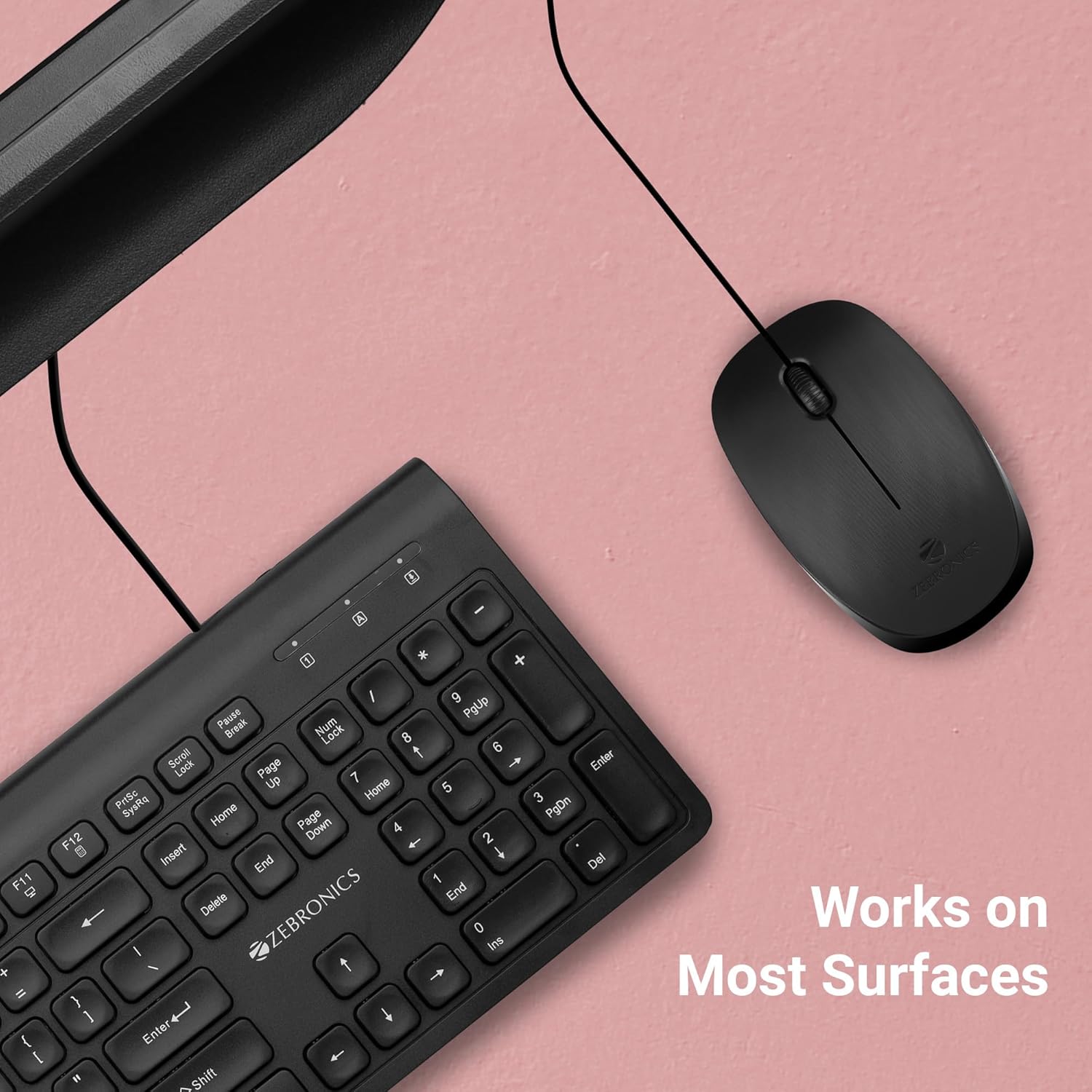
Figure 5: The Zeb-Power mouse is designed to work reliably on a variety of common desk surfaces.
4. Vedligeholdelse
Proper care and maintenance will extend the lifespan of your Zeb-Power mouse.
4.1 Rengøring
- Frakobl musen fra computeren, før du rengør den.
- Brug en blød, let damp cloth to wipe the exterior of the mouse.
- For stubborn dirt, a small amount of mild soap can be used, but ensure no liquid enters the mouse.
- Use a cotton swab or compressed air to clean around the scroll wheel and buttons.
- Gently wipe the optical sensor on the underside of the mouse with a clean, dry cloth to ensure optimal tracking performance.

Figure 6: The underside of the mouse, showing the optical sensor. Keep this area clean for best performance.
4.2 Opbevaring
When not in use for extended periods, store the mouse in a clean, dry environment away from extreme temperatures and direct sunlight.
5. Fejlfinding
If you encounter issues with your Zeb-Power mouse, refer to the following common problems and solutions:
| Problem | Mulig årsag | Løsning |
|---|---|---|
| Musen reagerer ikke | Løs USB-forbindelse, defekt USB-port, driverproblem. |
|
| Uregelmæssig markør bevægelse | Snavset optisk sensor, uegnet overflade. |
|
| Knapper eller scrollhjul virker ikke | Dirt accumulation, software conflict. |
|
6. Specifikationer
| Feature | Detalje |
|---|---|
| Modelnavn | Zeb-Power |
| Forbindelsesteknologi | Kablet USB |
| Bevægelsesdetekteringsteknologi | Optisk |
| DPI opløsning | 1200 DPI |
| Antal knapper | 3 (Venstre, Højre, Scrollhjul/Midten) |
| Kabellængde | 1.1 meter (ca. 3.6 fod) |
| Produktmål (L x B x H) | 3.9 x 2.32 x 0.04 tommer (ca.) |
| Varens vægt | 1.83 ounce |
| Farve | Sort |
| OS kompatibilitet | Windows XP / Vista / 7 / 8 / 10, Mac OS, Android OS |
7. Garantioplysninger
The ZEBRONICS Zeb-Power Wired USB Mouse comes with a 1 års garanti from the date of purchase. Please retain your purchase receipt as proof of purchase for warranty claims. The warranty covers manufacturing defects and material faults under normal use. It does not cover damage caused by misuse, accidents, unauthorized modifications, or normal wear and tear.
8. Kundesupport
For further assistance, technical support, or warranty inquiries, please contact ZEBRONICS customer service. Refer to the official ZEBRONICS webwebstedet eller produktemballagen for de mest opdaterede kontaktoplysninger.
Ask a question about this manual
Ask about setup, troubleshooting, compatibility, parts, safety, or missing instructions. Manuals+ will review the question and use this page’s manual context to help answer it.