
Indledning
Tak for købetasing the Singingwood SBX030BT CD Player Boombox. This device offers a versatile audio experience with its CD player, AM/FM radio, Bluetooth connectivity, USB playback, and auxiliary input. This manual provides detailed instructions for setup, operation, and maintenance to ensure optimal performance and longevity of your boombox.
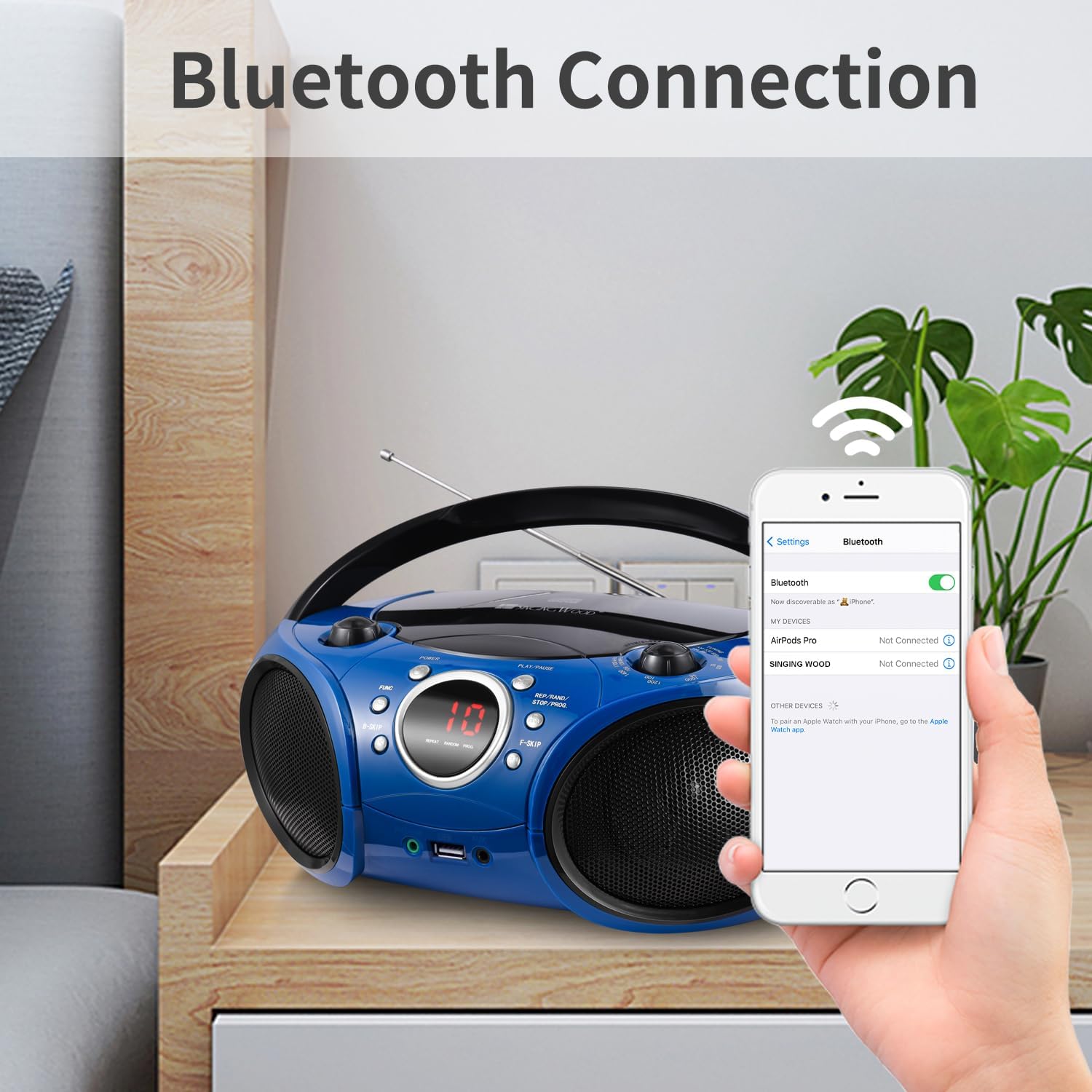
Image: The Singingwood SBX030BT CD Player Boombox in Starlight Blue, showcasing dens kompakte design.
Nøglefunktioner
- Sleek and User-Friendly Design: Features easy-to-use buttons and an LED display for effortless operation. Its compact and modern design is suitable for various environments.
- Klar stereolyd: Equipped with dual premium 3-inch front-firing speakers, delivering crisp, well-balanced stereo sound (2W x 2 RMS).
- Versatile CD Player: The top-loading CD player supports CD, CD-R/RW, MP3 CDs, and audiobook CDs, with shuffle (RAND) and repeat (REP) functions.
- AM og FM radio: Built-in AM and FM tuner with a classic manual tuning knob for enjoying radio stations.
- Bluetooth-streaming: Easily pair with Bluetooth-enabled devices for wireless music and podcast streaming with a stable connection.
- USB-afspilning: Supports MP3 or WMA files from USB flash drives up to 128 GB (FAT32 format only; exFAT/NTFS not supported).
- Praktiske funktioner: Includes a 3.5mm auxiliary (AUX) input for wired connections and a headphone jack for private listening. The Function (FUNC) button allows easy switching between CD, USB, AUX, FM, AM, and Bluetooth modes.
Styringer og forbindelser
Familiarize yourself with the boombox's controls and connection ports for proper operation.

Billede: Forside view of the boombox with labels for FM Antenna, Volume Control Knob, LED Screen, Power ON/OFF, Play/Pause, Function, B-Skip, REP/RAND/STOP/PROG, F-Skip, Headphone Jack, USB Port, and AUX In Jack.
- Tænd/sluk: Tænder eller slukker for enheden.
- Volumenkontrolknap: Justerer lydudgangsniveauet.
- LED skærm: Displays current mode, track number, or radio frequency.
- Afspil/pause: Starts or pauses playback in CD, USB, or Bluetooth modes.
- Function (FUNC) Button: Cycles through available modes: CD, USB, AUX, FM, AM, Bluetooth.
- B-Skip / F-Skip: Skips backward or forward through tracks on CD/USB, or tunes radio frequencies.
- REP/RAND/STOP/PROG: Controls repeat, random playback, stops playback, or programs CD/USB tracks.
- FM-antenne: Forlæng for optimal FM-radiomodtagelse.
- Hovedtelefonstik (3.5 mm): Til privat lytning med hovedtelefoner.
- USB-port: Connect a USB flash drive for MP3/WMA playback.
- AUX-indgangsstik (3.5 mm): Connect external audio devices using an auxiliary cable.
Opsætning
Strøm til Ghettoblasteren
The boombox can be powered by AC power or batteries.
Vekselstrømsdrift:
- Ensure the boombox is switched off.
- Tilslut det medfølgende netkabel til AC IN-stikket på bagsiden af enheden.
- Sæt den anden ende af netledningen i en almindelig stikkontakt (AC 120V ~ 60Hz).

Image: The boombox connected to a wall outlet via its AC power cord, illustrating AC power operation.
Batteridrift:
- Ensure the boombox is switched off and disconnected from AC power.
- Åbn batteridækslet i bunden af enheden.
- Insert 6 x 'C' size batteries (not included), ensuring correct polarity (+/-).
- Luk batterirummets dæksel forsvarligt.
Betjeningsvejledning
Betjening af cd-afspiller
- Tryk på Magt button to turn on the boombox.
- Tryk på FUNK knappen gentagne gange, indtil 'CD'-tilstand er valgt.
- Åbn dækslet til cd-rummet ved forsigtigt at løfte det.
- Place a CD (CD, CD-R/RW, MP3 CD, or audiobook CD) onto the center spindle with the label side facing up.
- Close the CD compartment cover. The boombox will read the disc, and the track number will appear on the LED display.
- Tryk på Afspil/pause knappen for at starte afspilning.
- Brug B-Skip og F-Skip knapper til at navigere mellem spor.
- Tryk på REP/RAND/STOP/PROG button to cycle through repeat modes (repeat one, repeat all) or random playback. Press and hold to stop playback.
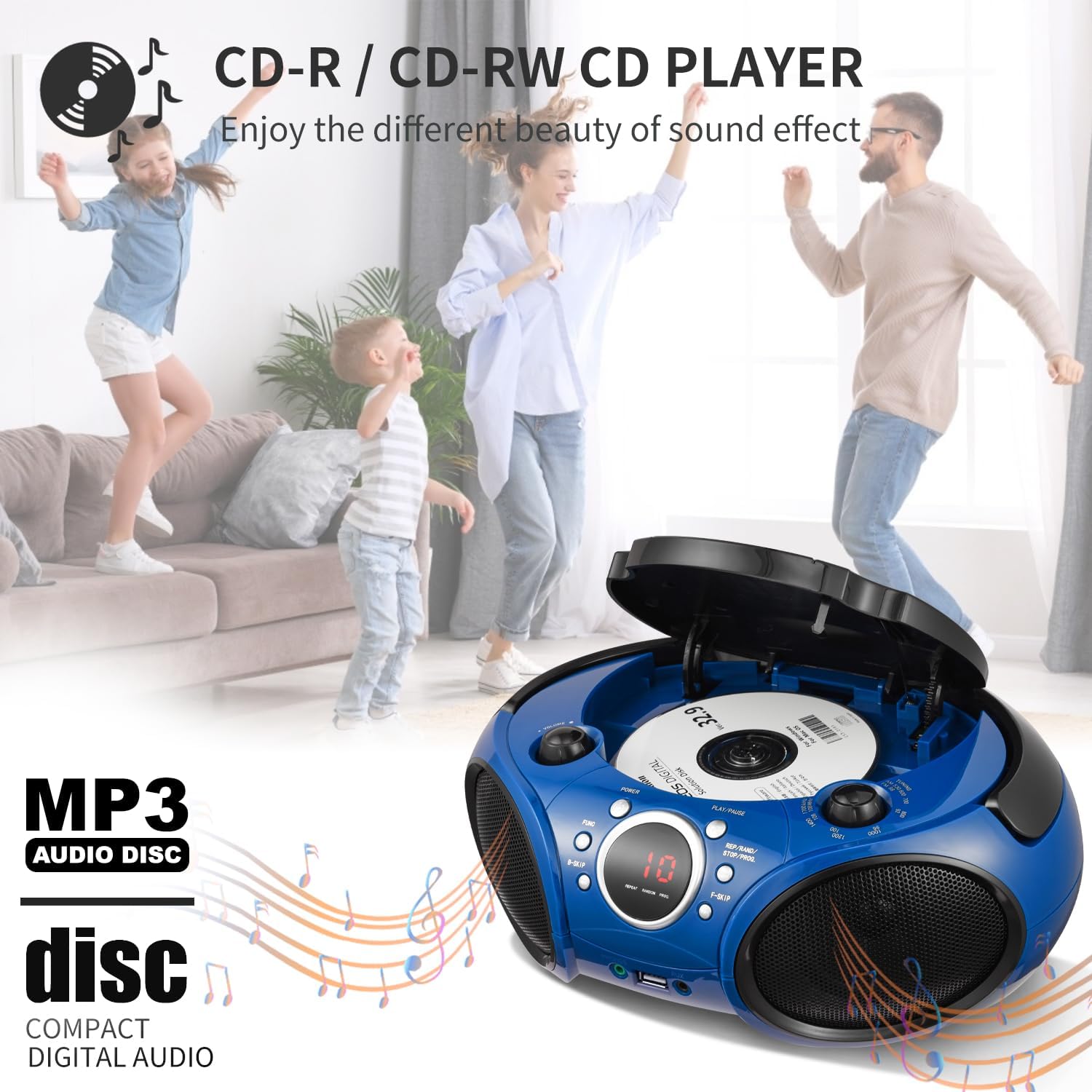
Image: A hand placing a CD into the top-loading CD player of the boombox, illustrating the CD loading process.
AM/FM-radiodrift
- Tryk på Magt button to turn on the boombox.
- Tryk på FUNK button repeatedly until 'FM' or 'AM' mode is selected.
- For FM reception, extend the FM antenna for best signal. For AM reception, rotate the unit for best signal.
- Brug Tuningknap to manually tune to your desired radio station.
Bluetooth streaming
- Tryk på Magt button to turn on the boombox.
- Tryk på FUNK button repeatedly until 'BT' (Bluetooth) mode is selected. The LED display will show 'BT' and flash, indicating it's in pairing mode.
- Aktiver Bluetooth på din Bluetooth-aktiverede enhed (smartphone, tablet osv.) og søg efter tilgængelige enheder.
- Select 'SINGING WOOD' from the list of devices. Once paired, the 'BT' indicator on the boombox will stop flashing and remain solid.
- You can now stream audio from your device to the boombox. Use your device's controls for track navigation and volume, or the boombox's volume knob.
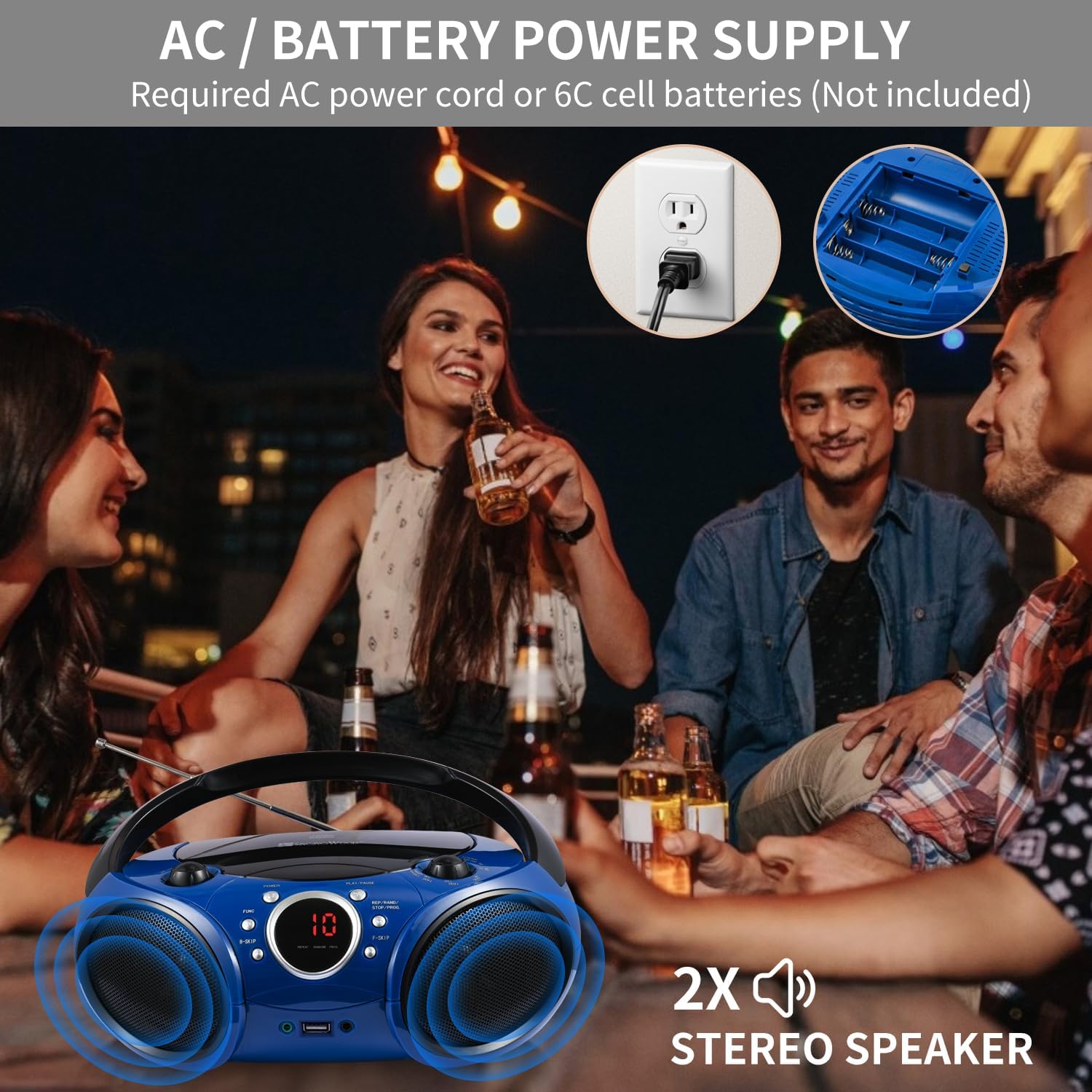
Image: A smartphone showing its Bluetooth settings, with 'SINGING WOOD' visible for pairing, next to the boombox.
USB-afspilning
- Tryk på Magt button to turn on the boombox.
- Insert a USB flash drive (FAT32 format, up to 128 GB) into the USB port.
- Tryk på FUNK button repeatedly until 'USB' mode is selected. The boombox will automatically detect and begin playing MP3/WMA files fra USB-drevet.
- Brug Afspil/pause, B-Skip, F-Skip, og REP/RAND/STOP/PROG knapper til at styre afspilning.

Image: A USB flash drive being inserted into the USB port of the boombox, demonstrating USB playback setup.
Aux-indgang (AUX)
- Tryk på Magt button to turn on the boombox.
- Connect one end of a 3.5mm audio cable (not included) to the AUX In jack on the boombox.
- Tilslut den anden ende af lydkablet til hovedtelefonstikket eller lydudgangen på din eksterne enhed (f.eks. MP3-afspiller, smartphone).
- Tryk på FUNK knappen gentagne gange, indtil 'AUX'-tilstand er valgt.
- Start playback on your external device. Adjust volume using both the external device and the boombox's volume knob.

Image: An audio cable being plugged into the AUX In jack of the boombox, showing how to connect an external device.
Hovedtelefonstik
- Plug your 3.5mm headphones into the Headphone Jack on the front of the boombox.
- Audio will automatically switch from the speakers to your headphones.
- Adjust the volume using the boombox's volume knob.

Image: A headphone jack being inserted into the boombox, indicating private listening functionality.
Opretholdelse
- Rensning: Brug en blød, tør klud til at rengøre ydersiden af giggtaleren. Brug ikke slibende rengøringsmidler eller opløsningsmidler.
- CD-linsepleje: If the CD player experiences reading errors, use a commercially available CD lens cleaner to clean the lens.
- Opbevaring: When not in use for extended periods, remove batteries and store the unit in a cool, dry place away from direct sunlight and extreme temperatures.
- Antenne: Handle the FM antenna carefully to avoid damage. Retract it when not in use.
Fejlfinding
| Problem | Mulig årsag | Løsning |
|---|---|---|
| Ingen strøm | Netledningen er ikke tilsluttet; Batterierne er opbrugt eller er isat forkert. | Ensure AC cord is securely plugged in; Replace batteries or check polarity. |
| CD not playing / skipping | CD'en er snavset, ridset eller isat forkert; CD-linsen er snavset. | Clean or replace CD; Insert CD with label side up; Use a CD lens cleaner. |
| Dårlig radiomodtagelse | FM antenna not extended; Unit position for AM. | Extend FM antenna fully; Rotate the unit for better AM signal. |
| Bluetooth ikke parring | Boombox not in BT mode; Device Bluetooth off; Device too far. | Select BT mode; Enable Bluetooth on your device; Move device closer to boombox. |
| USB afspilles ikke | USB not inserted correctly; Unsupported file format; USB drive not FAT32. | Sæt USB-drevet i igen; Sørg for files are MP3/WMA; Format USB drive to FAT32. |
Specifikationer
- Modelnummer: SBX030BTB
- Produktdimensioner: 11.8 x 9 x 4.8 tommer
- Varens vægt: 3.83 pund
- Forbindelse teknologi: Bluetooth, Auxiliary, USB
- Højttalertype: Stereo (2W x 2 RMS)
- CD-kompatibilitet: CD, CD-R/RW, MP3 CDs, Audiobook CDs
- USB-kompatibilitet: MP3/WMA files, up to 128 GB (FAT32 format)
- Strømkilde: AC 120V ~ 60Hz or 6 x 'C' size batteries (not included)
Officielle produktvideoer
Singingwood SBX030 Series Boombox/CD Player Overview
Video: En officiel overview of the Singingwood SBX030 series boombox, highlighting its various features and design aspects.
SBX030BT CD Player Boombox Features
Video: A detailed look at the features of the SBX030BT CD Player Boombox, including its connectivity options and ease of use.
Garanti og support
For warranty information and customer support, please refer to the documentation included with your purchase or visit the official Singingwood webwebsted. Gem din købsbevis i tilfælde af garantikrav.