
Sonew Sonewme6df9sowu
Sonew Automatic Power Cut Failure Alerter User Manual
Model: Sonewme6df9sowu
1. Produktet er slutview
The Sonew Automatic Power Cut Failure Alerter is designed to provide immediate notification in the event of a power outage or failure. It features an LED indicator to show the power status and emits a loud 120dB siren when the power supply is interrupted. This device is ideal for monitoring critical appliances like freezers, or for security in industrial and mining enterprises, substations, telecommunications rooms, and farms.
The alarm is powered by a 9V battery (not included) which ensures operation even when the main power is cut. The siren can be manually muted using an on/off switch.
2. Pakkens indhold
- 1 x Sonew Automatic Power Cut Failure Alerter
- Note: A 9V battery is required and is not included in the package.
3. Opsætning og installation
3.1 Batteriinstallation
The device requires one 9V battery for operation during a power outage. The battery compartment is designed as a drawer-type cover for easy access.

Figur 3.1: Batteriinstallation
Locate the drawer-type battery cover on the bottom of the unit. Slide it open and insert a 9V battery, ensuring correct polarity. The diagram shows the positive and negative electrodes for proper insertion. The device will not function without a battery.- Find batteridækslet i bunden af enheden.
- Skub dækslet åbent.
- Insert a 9V battery, paying close attention to the positive (+) and negative (-) terminals as indicated inside the compartment. Incorrect polarity will prevent the device from working.
- Skub batteridækslet tilbage på plads, indtil det klikker sikkert.
3.2 Tilslutning til strøm
Once the battery is installed, connect the alarm to a standard AC power outlet. The device is designed for high voltage modstand.

Figure 3.2: Device Connected to Power
Plug the alarm directly into a wall outlet. Ensure the outlet is functioning correctly. The device is now ready to monitor the power supply.- Plug the device into a standard AC power outlet (120VAC only).
- Ensure the on/off switch (located on the side) is in the "ON" position to enable monitoring and alarm functions.
- The LED indicator on the front of the unit will illuminate, indicating that the device is receiving power and is in a working state.
4. Betjeningsvejledning
The Sonew Power Cut Failure Alerter operates automatically once properly set up.
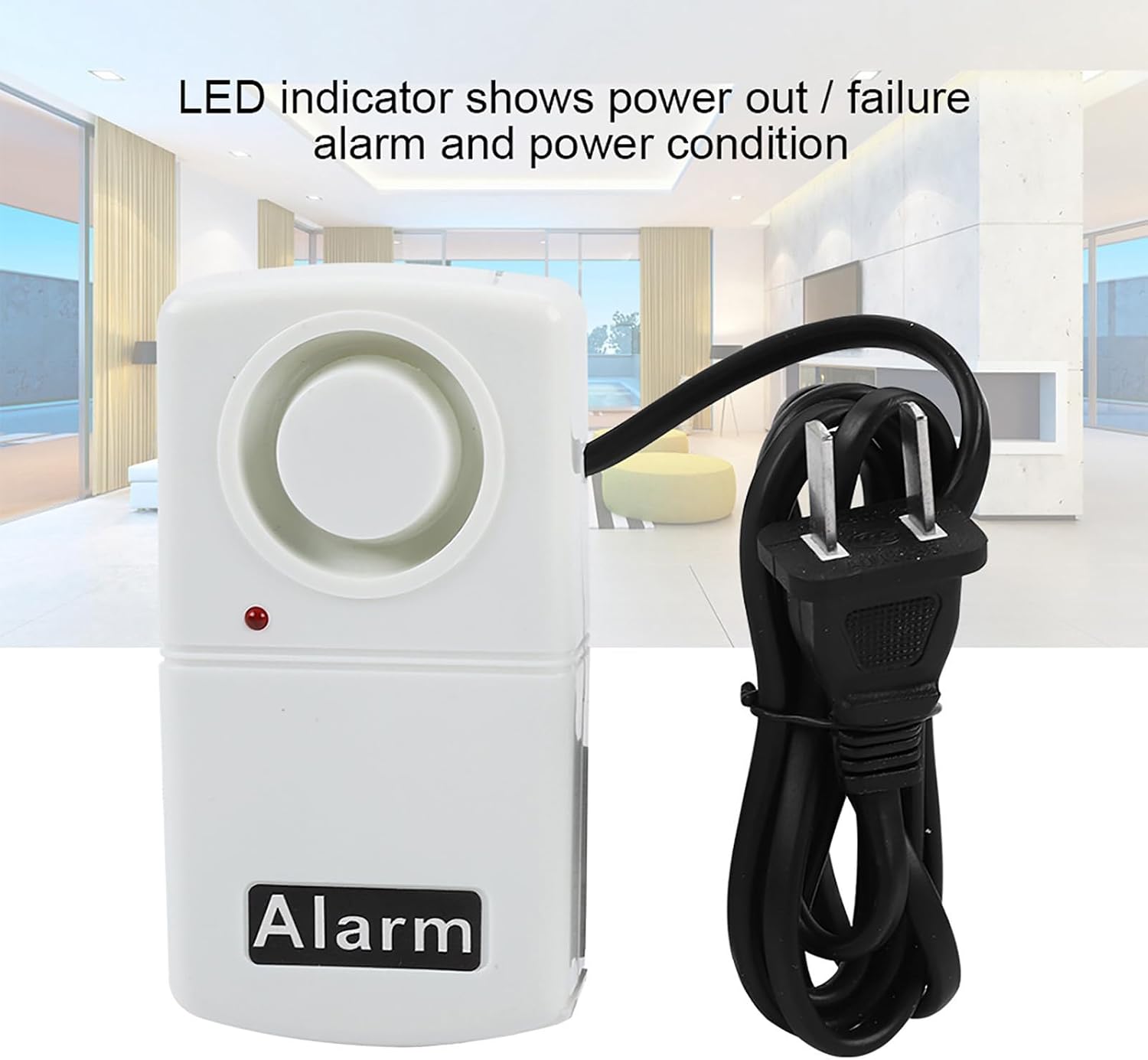
Figure 4.1: LED Indicator
The red LED on the front of the device indicates the power status. When illuminated, power is present. When it goes out and the alarm sounds, it signifies a power failure.
- Normal drift: When the device is plugged into an active power outlet and the switch is "ON", the LED indicator will be lit, signifying that power is present and the device is monitoring.
- Power Outage Alarm: If the AC power supply is cut off (e.g., due to a power outage, circuit breaker trip, or unplugging), the device will immediately activate its 120dB siren. The LED indicator will turn off.
- Muting the Alarm: The siren will continue to sound until power is restored or the device is manually muted. To mute the alarm, slide the on/off switch to the "OFF" position.
- Strømgendannelse: Once power is restored, the LED indicator will light up again. If the alarm was muted, you will need to switch it back to the "ON" position to resume monitoring.
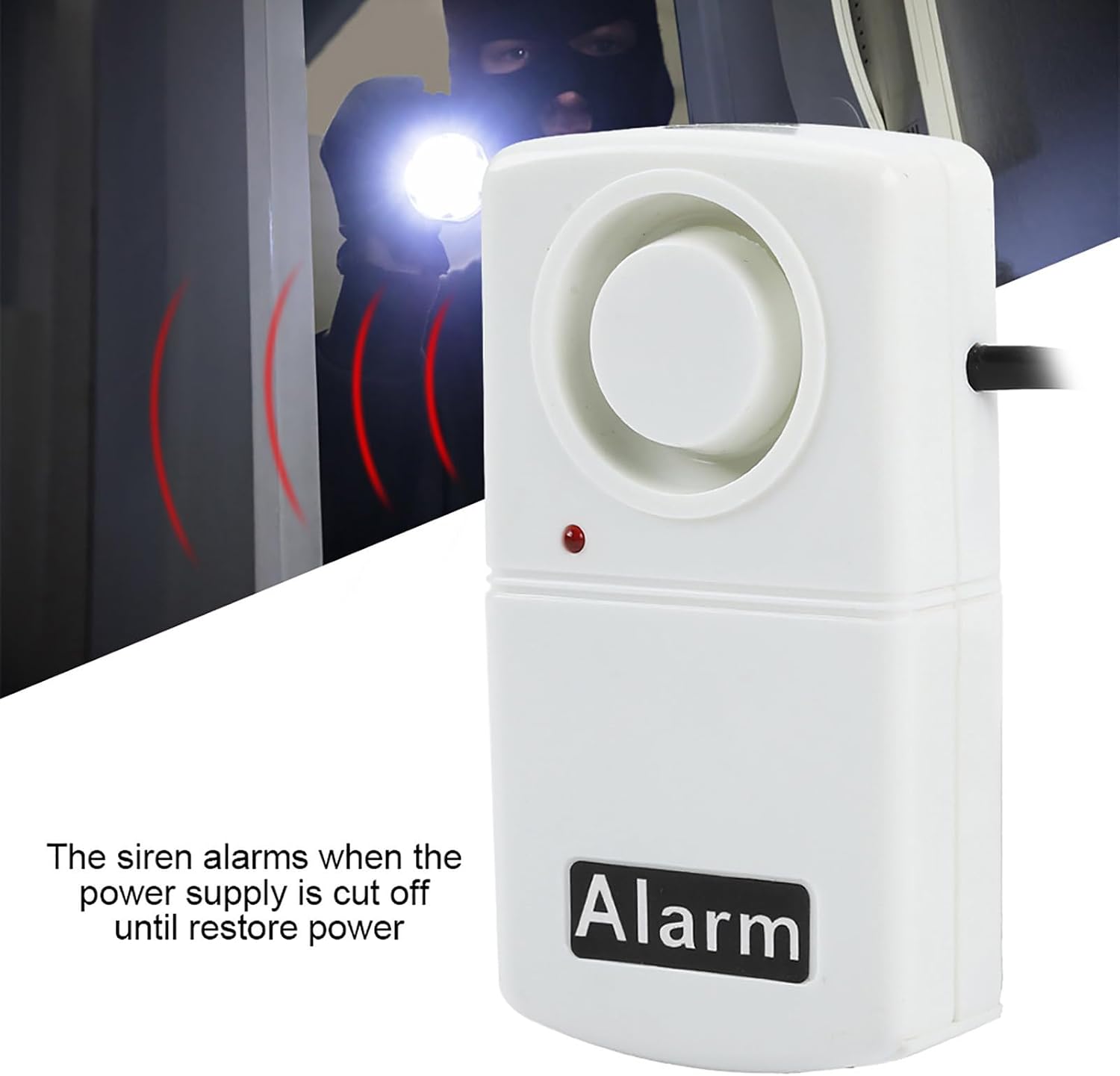
Figure 4.2: Alarm Activation
The device is designed to alert users immediately upon power loss, providing a loud siren to ensure notification even from a distance.
5. Vedligeholdelse
The Sonew Power Cut Failure Alerter requires minimal maintenance.
- Udskiftning af batteri: The 9V battery powers the alarm during outages. It is recommended to test the device periodically (e.g., every 6-12 months) by temporarily unplugging it to ensure the battery is still functional and the alarm sounds. Replace the battery if the alarm is weak or does not sound.
- Rensning: Tør enheden af med en blød, tør klud. Brug ikke slibende rengøringsmidler, og enheden må ikke nedsænkes i vand.
6. Fejlfinding
| Problem | Mulig årsag | Løsning |
|---|---|---|
| Alarm does not sound during a power outage. |
|
|
| LED indicator is not lit when plugged in. |
|
|
| Alarmen er for høj. |
|
|
7. Specifikationer
| Mærke | Sonew |
| Modelnummer | Sonewme6df9sowu |
| Støjniveau | 120 dB |
| Kontrolmetode | Touch (On/Off Switch) |
| Strømkilde | AC Powered (with 9V battery backup, not included) |
| Voltage | 120 volt (AC) |
| Materiale | ABS |
| Varens vægt | 2.82 ounce (ca. 80 gram) |
| Produktdimensioner | 5.3 cm L x 2.5 cm B x 10 cm H (ca. 2.1 cm x 1 cm x 3.9 cm) |
| Oprindelsesland | Kina |

Figur 7.1: Produktmål
The compact design of the alarm allows for easy placement near any monitored appliance or area.
8. Garanti og support
For warranty information or technical support, please refer to the product packaging or contact Sonew customer service directly. Keep your purchase receipt for warranty claims.
Sonew Customer Service: Please visit the official Sonew website or refer to the contact information provided with your purchase for support.
Ask a question about this manual
Ask about setup, troubleshooting, compatibility, parts, safety, or missing instructions. Manuals+ will review the question and use this page’s manual context to help answer it.