
Indledning
The DoorBird IP Door Chime is designed to integrate seamlessly with DoorBird intercom systems. This device can be mounted on a wall or ceiling and connects to your local area network (LAN) via either a Cat5 network cable or Wi-Fi. Power over Ethernet (PoE) is supported for network cable installations, simplifying the setup process. The chime's settings, including volume, ringtone, and 'do not disturb' features, are configurable through the DoorBird app. It can be connected to an unlimited number of DoorBird intercoms.
Funktioner
- Forbindelse: Supports Wi-Fi, Ethernet, and Power over Ethernet (PoE).
- Konfiguration: Easily configurable via the DoorBird mobile application.
- Tilpasning: Adjustable volume and ringtone settings.
- Bekvemmelighed: Includes a 'do not disturb' feature.
- Skalerbarhed: Connects to an unlimited number of DoorBird intercoms.
- Oprindelse: Manufactured in Germany.
Opsætning og installation
Before beginning installation, ensure all power to the existing doorbell system is turned off at the circuit breaker. Electrical work should be performed in accordance with local and national electrical codes. If you are unsure, consult a qualified electrician.
Udpakning og komponenter
The DoorBird IP Door Chime comes with the main chime unit and necessary mounting hardware. Familiarize yourself with the components before proceeding.
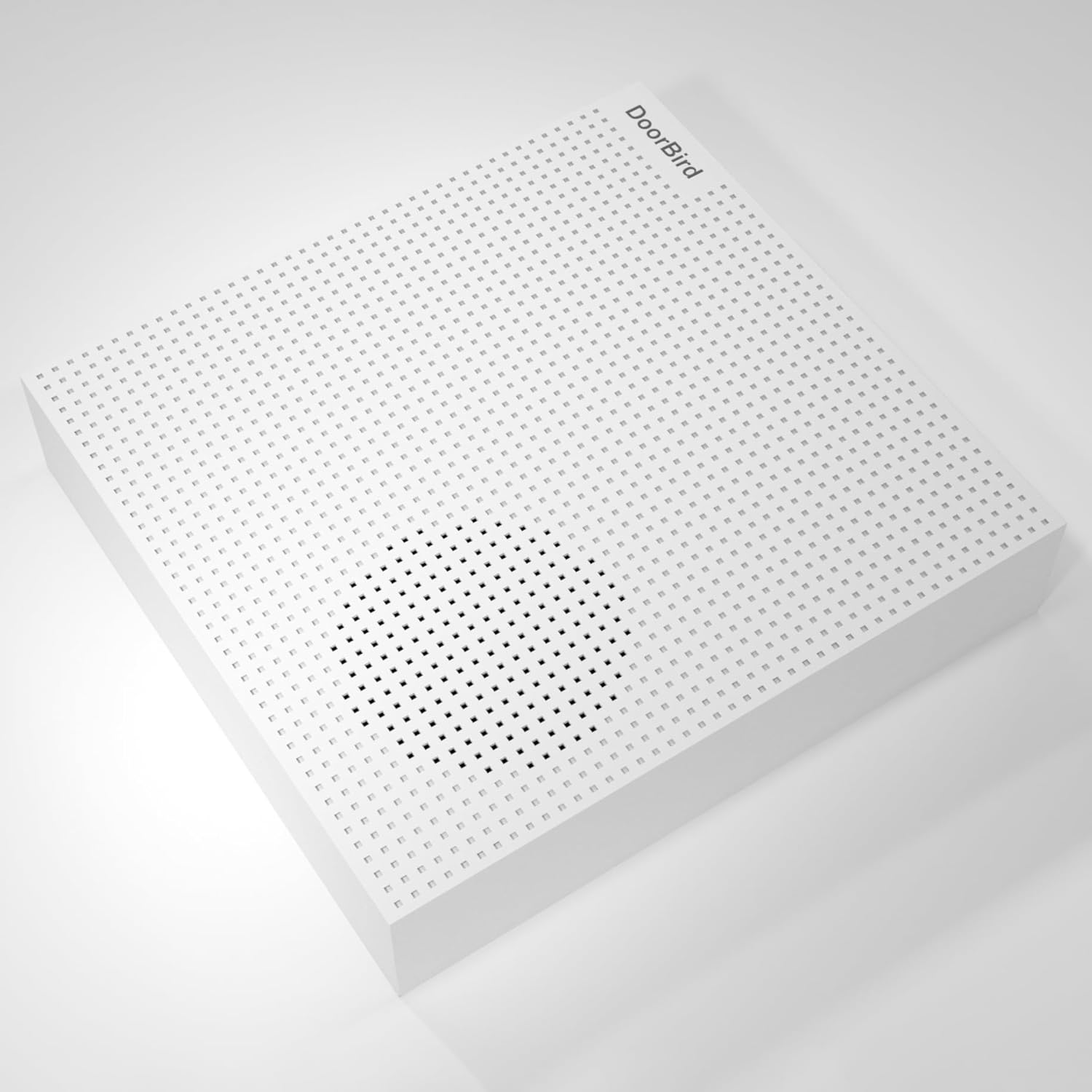
Billede: Forside view of the DoorBird IP Door Chime unit.

Billede: Side view of the DoorBird IP Door Chime unit, highlighting the mounting points and internal components.
Kabelføring og montering
The chime can be connected to your network using either a Cat5 cable (supporting PoE) or Wi-Fi. For wired installations, connect the appropriate wires from your existing doorbell system to the chime's terminals. Ensure secure connections to prevent intermittent operation. The unit can be mounted on a wall or ceiling using the provided hardware.
For a visual guide on the installation process, please refer to the product overview videoen nedenfor:
Video: Produkt slutview Video demonstrating the features and basic installation steps of a doorbell chime.
Betjeningsvejledning
The DoorBird IP Door Chime is primarily controlled and configured through the dedicated DoorBird mobile application. After successful installation and network connection, open the app to access the chime's settings.
- Lydstyrkekontrol: Adjust the chime volume to your preferred level within the app settings.
- Valg af ringetone: Choose from various available ringtones for different DoorBird intercoms or events.
- Forstyr ikke: Activate or deactivate the 'do not disturb' feature to silence the chime during specific periods.
- Intercom-parring: The chime can be paired with multiple DoorBird intercoms for comprehensive coverage.
Opretholdelse
The DoorBird IP Door Chime requires minimal maintenance. Keep the unit clean by wiping it with a soft, dry cloth. Avoid using abrasive cleaners or solvents. Ensure the unit is free from dust and debris to maintain optimal performance. Regularly check the DoorBird app for firmware updates to ensure your device has the latest features and security enhancements.
Fejlfinding
- Ingen lyd: Check the volume settings in the DoorBird app. Ensure the 'do not disturb' feature is not active. Verify all wiring connections are secure if using a wired setup.
- Forbindelsesproblemer: For Wi-Fi, ensure the chime is within range of your router and the network credentials are correct in the app. For Ethernet/PoE, check the network cable and ensure your PoE injector/switch is functioning correctly.
- App Configuration Problems: Ensure your DoorBird app is updated to the latest version. Try restarting the app or your mobile device.
- Intermitterende drift: This could indicate loose wiring connections or an unstable network connection. Recheck all physical connections and network stability.
Specifikationer
| Feature | Detalje |
|---|---|
| Modelnavn | A1061W |
| Mærke | Dørfugl |
| Farve | Hvid |
| Produktdimensioner | 1.02" D x 4.69" B x 4.92" H |
| Varens vægt | 7.1 ounces (200 gram) |
| Monteringstype | Tabletop Mount (can also be wall/ceiling mounted) |
| Forbindelsesteknologi | Ethernet, Wi-Fi |
| Trådløs kommunikationsteknologi | Wi-Fi |
| Kontrolmetode | App |
| Input bindtage | 240 volt (AC) |
| Strømkilde | Battery Powered (also supports PoE) |
| Højttaler type | Dørklokke |
| Højttaler Maksimal udgangseffekt | 60 watt |
| Frekvensrespons | 2.4 GHz |
| Indendørs/Udendørs brug | Indendørs, Udendørs |
| Vandmodstandsniveau | Ikke vandafvisende |
Garanti
The DoorBird IP Door Chime comes with a Begrænset garanti. Please refer to the product packaging or the manufacturer's official webwebstedet for specifikke vilkår og betingelser vedrørende garantidækning og varighed.
Støtte
For further assistance, technical support, or to report any issues, please visit the official DoorBird website or contact their customer service. Ensure you have your product model number (A1061W) and purchase details ready when seeking support.