
Indledning
Welcome to your new Targus Compact Wireless Mouse. This manual provides essential information for proper setup, operation, and maintenance of your device. Please read these instructions carefully before use.
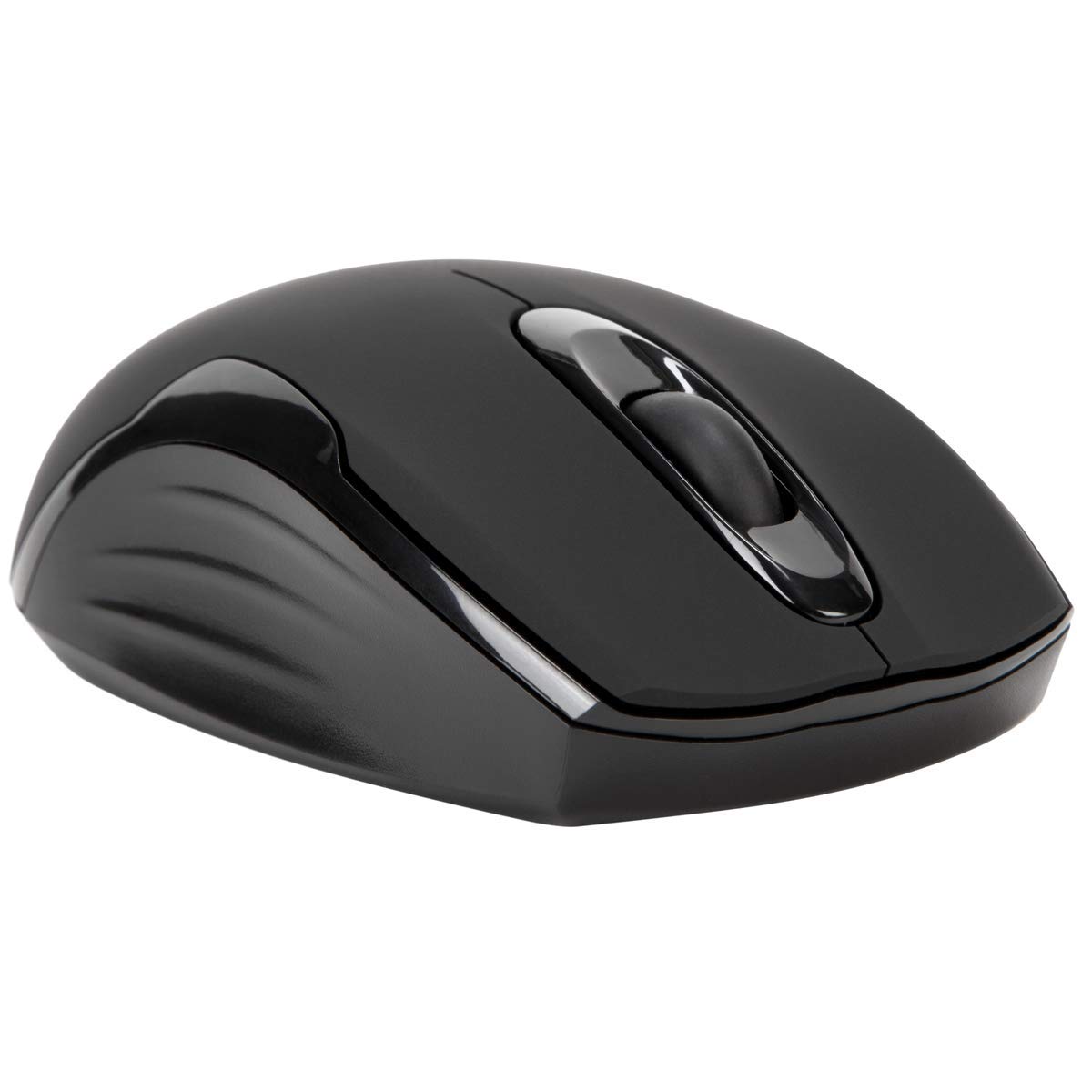
Pakkens indhold
- Targus Compact Wireless Mouse
- USB-modtager
- 1 x AA batteri
- Instruktionsmanual (dette dokument)
Opsætning
1. Installer batteriet
Locate the battery compartment on the underside of the mouse. Insert the provided 1 x AA battery, ensuring correct polarity (+/-). Close the battery compartment cover securely.

2. Tilslut USB-modtager
Remove the USB receiver from its storage compartment, typically located near the battery. Plug the USB receiver into an available USB port on your computer.


3. Tænd
Turn on the mouse using the power switch, usually located on the underside. The mouse should automatically connect to the receiver, and you can begin using it.
Operation
Grundlæggende funktioner
- Venstre klik: Use for primary selection, opening items, and activating functions.
- Højreklik: Access contextual menus and additional options.
- Scrollhjul: Naviger i dokumenter og web pages vertically. Pressing the scroll wheel typically functions as a middle-click.
Blue Trace Technology
The Targus Compact Wireless Mouse features Blue Trace Technology, which allows it to track accurately on a wider variety of surfaces compared to standard optical mice, including glass, granite, and wood.
DPI-følsomhed
The mouse is equipped with a 1,600 DPI (Dots Per Inch) optical sensor, providing a precise and responsive cursor movement for various tasks.
Opretholdelse
Udskiftning af batteri
When the mouse performance degrades or if it stops responding, it may be time to replace the AA battery. The average battery life is approximately 6 months, but this can vary based on usage.
Rensning
Brug en blød, tør klud til at rengøre musen. Til genstridigt snavs kan du bruge en let tør klud.amp cloth can be used, ensuring no moisture enters the internal components. Avoid using harsh chemicals, solvents, or abrasive cleaners, as these can damage the mouse's surface or internal parts.
USB-modtagerlagring
For convenient transport or storage, the USB receiver can be securely stored inside a dedicated compartment within the mouse itself. This helps prevent loss of the small receiver.
Fejlfinding
Musen reagerer ikke
- Ensure the mouse is powered on using the switch on its underside.
- Check the battery level and replace the AA battery if necessary.
- Kontroller, at USB-modtageren er korrekt tilsluttet en fungerende USB-port på din computer.
- Prøv at tilslutte USB-modtageren til en anden USB-port på din computer.
- Restart your computer to refresh the connection.
Uregelmæssig markørbevægelse
- Rengør den optiske sensor på undersiden af musen med en blød, tør klud.
- Ensure the surface you are using the mouse on is clean, flat, and suitable for optical tracking. Avoid highly reflective or transparent surfaces.
- Move the mouse closer to the USB receiver to reduce potential wireless interference.
Forbindelsesproblemer
The mouse uses 2.4 GHz wireless technology designed for stable connection. If you experience persistent connectivity issues, try to minimize other wireless devices operating in close proximity that might cause interference.
Specifikationer
| Mærke | Targus |
| Modelnavn | AMW575TT |
| Forbindelsesteknologi | USB (Trådløs 2.4 GHz) |
| Bevægelsesdetektion | Optical (Blue Trace Technology) |
| Knap Antal | 3 |
| Håndorientering | Ambidekstrøs |
| Kompatible enheder | Universal (Windows® 10/8.1/8/7/Vista/XP/2000, Mac OS® X 10.6-10.12.4) |
| Strømkilde | Battery Powered (1 AAA battery required, included) |
| Mouse Maximum Sensitivity | 1600 Dots per Inch (DPI) |
| Wireless Range | 33.0 fod (10 meter) |
| Batteriets gennemsnitlige levetid | 6 måneder |
| Varens vægt | 0.14 pund |
| Emnedimensioner (L x B) | 4.4 cm L x 2.3 cm B |
| Indkapslingsmateriale | Plast |
| Yderligere funktioner | 128-bit AES-CCM encryption |
Garanti & Support
Garantioplysninger
This Targus product is covered by a 1 års producentgarantiGem venligst din købsbevis i tilfælde af garantikrav. Garantien dækker materiale- og fabrikationsfejl ved normal brug.
Kundesupport
For further assistance, technical support, or to inquire about warranty services, please visit the official Targus website or contact their customer service department. Contact information can typically be found on the Targus webwebsted.
Note: Advarsel i henhold til Proposition 65: Dette produkt kan indeholde kemikalier, der af staten Californien er kendt for at forårsage kræft og fødselsdefekter eller andre reproduktionsskader.