
1. Introduktion
The Rocketek TFU3R is a compact and portable USB 3.0 card reader designed for Micro SD (TF) cards. It allows for high-speed data transfer between your Micro SD card and USB-enabled devices such as laptops and tablets. This device supports plug-and-play functionality and hot-swapping, making it convenient for various applications.
Nøglefunktioner:
- Lille og bærbar: Designed for easy portability, fitting conveniently in a wallet or pocket.
- Plug and Play: Ingen drivere kræves til de fleste operativsystemer.
- Hot Swapping: Allows insertion and removal of the device without restarting the computer.
- USB-drevet: Operates without external power or batteries.
- SuperSpeed USB 3.0: Offers data transfer speeds up to 5 Gbps, backward compatible with USB 2.0/1.1.
- Holdbart design: Constructed with an aluminum case for enhanced durability and efficient heat dissipation.
2. Opsætningsvejledning
Follow these steps to set up and begin using your Rocketek TFU3R Micro SD Card Reader.
2.1 Indsættelse af Micro SD-kortet
- Locate the Micro SD card slot on the Rocketek TFU3R card reader.
- Gently insert your Micro SD (TF) card into the slot until it clicks into place. Ensure the card is oriented correctly to avoid damage.
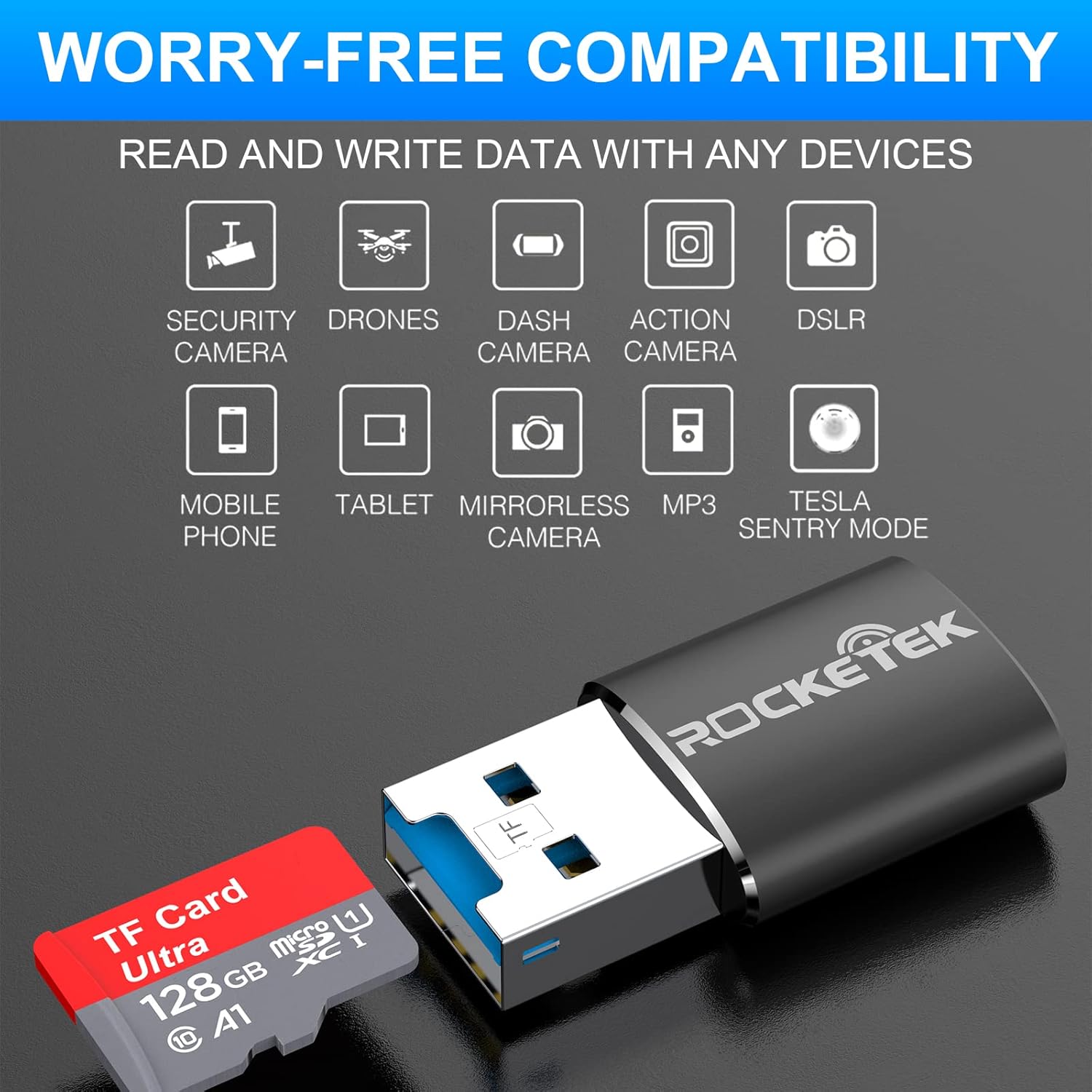
Image: Hands inserting a Micro SD card into the Rocketek TFU3R USB 3.0 card reader.
2.2 Tilslutning til din enhed
- Locate an available USB 3.0 or USB 2.0 port on your computer, laptop, or tablet.
- Plug the Rocketek TFU3R card reader, with the Micro SD card inserted, into the USB port.
- The device is plug-and-play; your operating system should automatically detect it and install any necessary generic drivers.
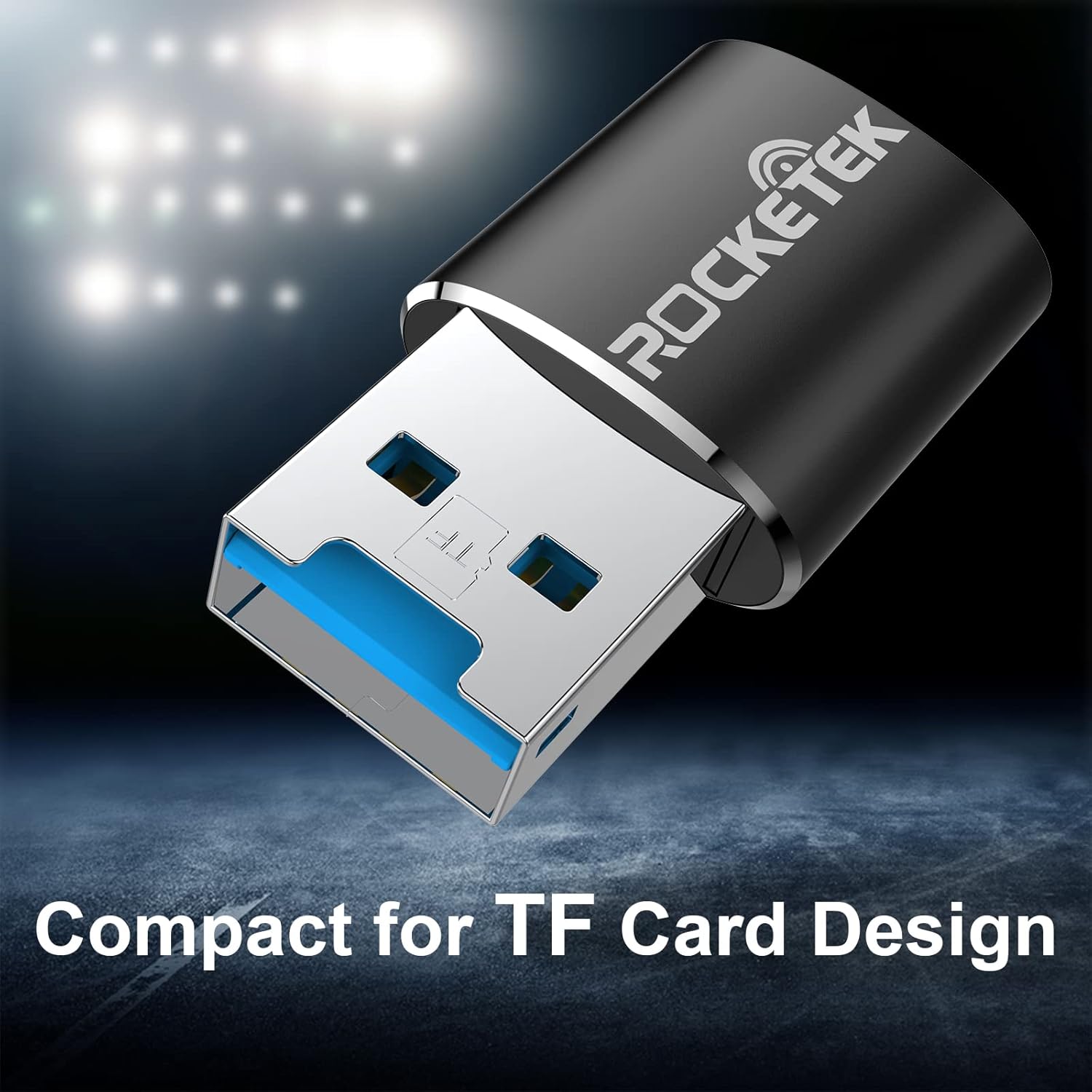
Image: Rocketek TFU3R USB 3.0 card reader plugged into a laptop's USB port, displaying 'Plug & Play'.
Video: A short demonstration showing how to insert a TF card into the Rocketek reader and connect it to a laptop for immediate use, highlighting its portability and plug-and-play functionality.
3. Betjeningsvejledning
Once connected, the Rocketek TFU3R functions like any standard external storage device.
3.1 Dataoverførsel
- After connecting the card reader to your device, open your computer's file explorer (Windows) or Finder (Mac OS).
- The Micro SD card will appear as a removable drive.
- Du kan nu trække og slippe files to and from the Micro SD card, or use copy/paste functions to transfer data.
- The USB 3.0 interface provides SuperSpeed data transfer up to 5 Gbps, ensuring quick transfers of large files.
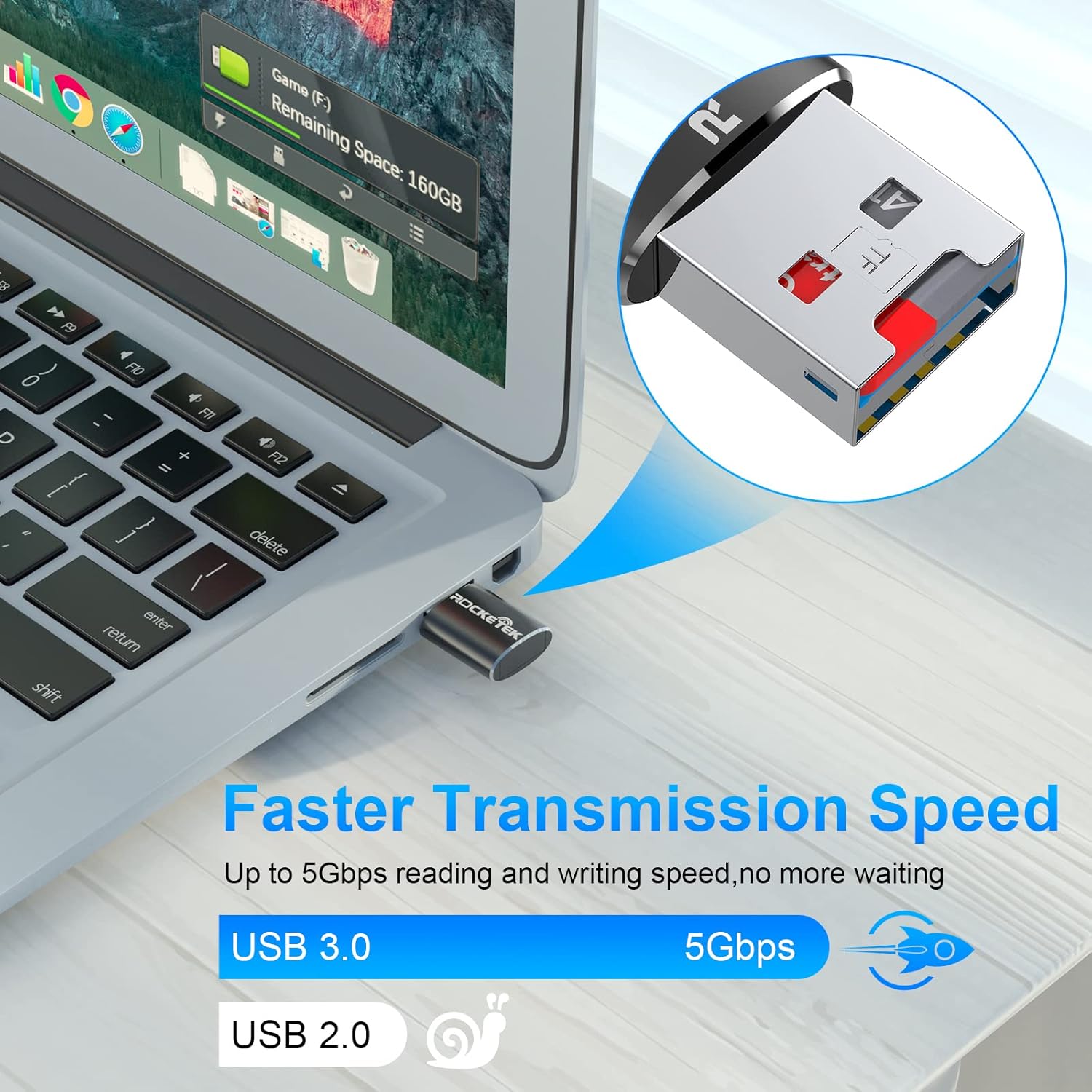
Image: Laptop screen showing file transfer with the Rocketek TFU3R plugged in, indicating 'Faster Transmission Speed' and 'USB 3.0 5Gbps'.
3.2 Sikker fjernelse
To prevent data corruption, always safely remove the card reader before unplugging it from your computer.
- Windows: Right-click on the drive icon in 'This PC' or the taskbar's 'Safely Remove Hardware' icon, then select 'Eject'.
- Mac OS: Drag the drive icon to the Trash or click the Eject button next to the drive name in Finder.
4. Kompatibilitet
The Rocketek TFU3R card reader offers broad compatibility with various devices and operating systems.
4.1 Understøttede enheder
- Bærbare computere
- Tabletter
- Stationære computere
- Other USB-enabled devices

Image: Diagram illustrating the Rocketek TFU3R's compatibility with tablets and laptops, showing a Micro SD card being inserted.
4.2 Understøttede operativsystemer
- Windows 7 / 8 / 8.1 / 10+
- Mac OS
- Linux

Image: The Rocketek TFU3R is compatible with a wide range of devices, including security cameras, drones, dash cameras, action cameras, DSLRs, mobile phones, tablets, mirrorless cameras, MP3 players, and for Tesla Sentry Mode.
5. Specifikationer
| Feature | Detalje |
|---|---|
| Modelnummer | TFU3R (RT-TFU3R-B) |
| Mærke | Rocketek |
| Medietype | Micro SD (TF) |
| Forbindelsesteknologi | USB |
| Hardware-interface | USB 3.0 (bagudkompatibel med USB 2.0/1.1) |
| Dataoverførselshastighed | Op til 5 gigabit pr. sekund (USB 3.0) |
| Slot Count | 1 (for Micro SD/TF cards) |
| Speciel funktion | Portable, Plug & Play, Hot Swapping |
| Materiale | Aluminium kasse |
| Operativsystemkompatibilitet | Windows 7/8/8.1/10+, Mac OS, Linux |
6. Fejlfinding
If you encounter issues with your Rocketek TFU3R, refer to the following common troubleshooting steps.
6.1 Enhed ikke genkendt
- Tjek forbindelsen: Sørg for, at kortlæseren er sat helt i USB-porten.
- Prøv en anden USB-port: Connect the card reader to a different USB port on your computer.
- Prøv en anden enhed: Test the card reader on another computer or compatible device to rule out a port issue.
- Check Micro SD Card: Ensure the Micro SD card is properly inserted into the card reader and is not damaged. Test the Micro SD card in another device if possible.
- Genstart computeren: Nogle gange kan en simpel genstart løse detektionsproblemer.
6.2 Langsom dataoverførselshastighed
- Brug USB 3.0-porten: For optimal speeds (up to 5 Gbps), ensure the card reader is plugged into a USB 3.0 port (often identified by a blue interior). Connecting to a USB 2.0 port will result in slower speeds.
- Check Micro SD Card Speed Class: The actual transfer speed is also limited by the speed class of your Micro SD card. Use a high-speed card for better performance.
- Avoid Other USB Devices: Disconnect other high-bandwidth USB devices if you are experiencing unusually slow speeds.
6.3 Card Not Reading
- Genindsæt kort: Remove and reinsert the Micro SD card, ensuring it is seated correctly.
- Rengør kontakter: Gently clean the metal contacts on the Micro SD card with a soft, dry cloth.
- Check Card Format: Ensure the Micro SD card is formatted in a file system compatible with your operating system (e.g., FAT32, exFAT, NTFS).
7. Vedligeholdelse
Proper care and maintenance will extend the lifespan of your Rocketek TFU3R card reader.
- Hold tør: Undgå at udsætte enheden for fugt eller væsker.
- Rengør forsigtigt: Brug en blød, tør klud til at rengøre ydersiden. Brug ikke skrappe kemikalier eller slibende materialer.
- Opbevar korrekt: When not in use, store the card reader in a cool, dry place away from direct sunlight and extreme temperatures.
- Håndteres med forsigtighed: Undgå at tabe eller udsætte enheden for kraftige stød.
8. Garanti og support
Rocketek stands behind the quality of its products.
8.1 Garantioplysninger
The Rocketek TFU3R USB 3.0 Micro SD Card Reader comes with a hassle-free 24-month warranty fra købsdatoen. Denne garanti dækker fabrikationsfejl og sikrer pålidelig ydeevne under normal brug. Gem venligst din købsbevis til garantikrav.
8.2 Kundesupport
For technical assistance, warranty claims, or any questions regarding your Rocketek TFU3R, please contact our customer support team:
- E-mail: support@rocketek.com (Eksample email, please refer to product packaging for actual contact)
- Webwebsted: Visit the official Rocketek webwebsted for ofte stillede spørgsmål og yderligere ressourcer.