
Cecotec 05050
Conga Excellence 990 Robot Vacuum Cleaner User Manual
Model: 05050 | Mærke: Cecotec
1. Produktet er slutview
The Cecotec Conga Excellence 990 is a versatile 4-in-1 robot vacuum cleaner designed to sweep, vacuum, mop, and wipe floors. It features intelligent navigation, programmable cleaning schedules, and multiple cleaning settings to ensure thorough cleaning of your home.

Figur 1.1: Øverst view of the Conga Excellence 990 Robot Vacuum Cleaner, showcasing its sleek gray design and central power button.
2. Sikkerhedsinstruktioner
Læs venligst alle sikkerhedsinstruktioner omhyggeligt, inden apparatet tages i brug. Gem denne manual til senere brug.
- Do not use the robot vacuum cleaner on wet surfaces or to clean up liquids.
- Ensure all loose cables, rugs, and small objects are cleared from the floor before operation to prevent entanglement.
- Hold børn og kæledyr væk fra robotten under drift.
- Brug ikke robotten, hvis den er beskadiget eller ikke fungerer korrekt. Kontakt kundesupport.
- Use only the original charging station and power adapter provided with the device.
- Do not block the robot's air vents or exhaust.
- The robot is equipped with anti-drop sensors. However, exercise caution near stairs or elevated surfaces.
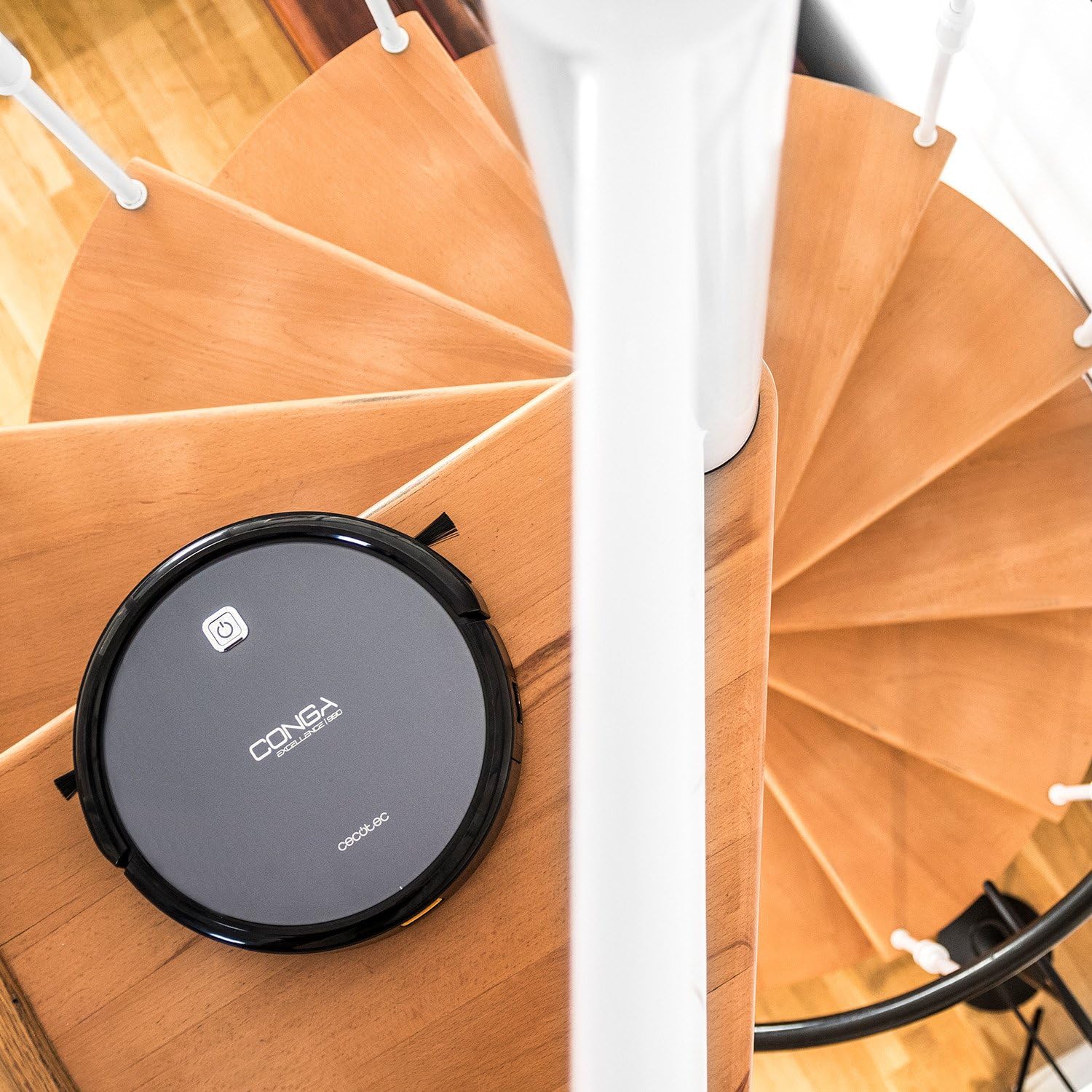
Figure 2.1: The robot vacuum positioned near a spiral staircase, demonstrating its ability to navigate edges while highlighting the importance of anti-drop sensor functionality.
3. Funktioner
The Conga Excellence 990 offers a range of features for efficient home cleaning:
- 4-i-1 funktionalitet: Sweeps, vacuums, mops, and wipes simultaneously.
- Intelligent navigation: Calculates optimal routes for comprehensive cleaning, stopping at surface boundaries.
- Programmerbar: Schedule cleaning for up to 24 hours a day.
- 5 Cleaning Settings: Adaptable modes for various cleaning needs.
- HEPA-filter: Captures allergens and fine dust particles.
- Stille drift: Designet til minimal støj under brug.
- Kraftig sugning: Ensures effective dirt and debris removal.
- Automatisk opladning: Returns to the charging station when battery is low.

Figure 3.1: The robot vacuum demonstrating its cleaning capability by approaching spilled nuts and dried fruit on a carpet, highlighting its powerful suction.
4. Opsætning
4.1 Udpakning
Fjern forsigtigt alle komponenter fra emballagen. Sørg for, at alle dele, der er anført på pakkelisten, er til stede.
4.2 Placering af ladestation
Place the charging station against a wall in an open, uncluttered area. Ensure there is at least 1 meter (3 feet) of clear space on either side and 2 meters (6 feet) in front of the station. Plug the power adapter into the charging station and then into a wall outlet.
4.3 Indledende opladning
Place the robot onto the charging station, ensuring the charging contacts align. The robot will begin charging automatically. For first use, charge the robot for at least 4-5 hours until fully charged.

Figure 4.1: The robot vacuum automatically navigating back to its charging station, indicated by a white path on the floor.
5. Betjening af robotstøvsugeren
5.1 Start af en rengøringscyklus
Press the power button on the robot or the "Clean" button on the remote control to start a cleaning cycle. The robot will automatically select a cleaning mode based on its intelligent navigation.
5.2 Brug af fjernbetjeningen
The remote control allows you to manually control the robot, select cleaning modes, set schedules, and send the robot back to its charging station.

Figure 5.1: A hand holding the remote control for the robot vacuum, showing its various buttons for control and programming.
5.3 Programming Cleaning Schedules
Refer to the remote control section in the full manual for detailed instructions on setting daily or weekly cleaning schedules. The robot can be programmed to clean at specific times, even when you are not home.

Figure 5.2: The robot vacuum cleaning a living room carpet, demonstrating its quiet operation as two dogs and a person relax nearby.

Figure 5.3: The robot vacuum cleaning a carpet, with a visual representation of its intelligent cleaning path, ensuring thorough coverage.
6. Rengøringstilstande
The Conga Excellence 990 offers 5 distinct cleaning settings to suit various needs:
- Automatisk tilstand: Robotten navigerer intelligent og rengør hele det tilgængelige område.
- Kanttilstand: Robotten rengør langs vægge og møbelkanter.
- Spot-tilstand: For concentrated cleaning of a specific dirty area. The robot cleans in a spiral pattern.
- Enkeltværelsestilstand: Cleans a single room thoroughly before stopping.
- Max tilstand: Øger sugekraften for dybere rengøring af tæpper eller meget snavsede områder.
6.1 Mopping and Wiping Function
To use the mopping function, attach the microfiber mop cushion to the water tank and fill the tank with clean water. The robot will spray and wipe the floor as it cleans. This function is ideal for hard floors.
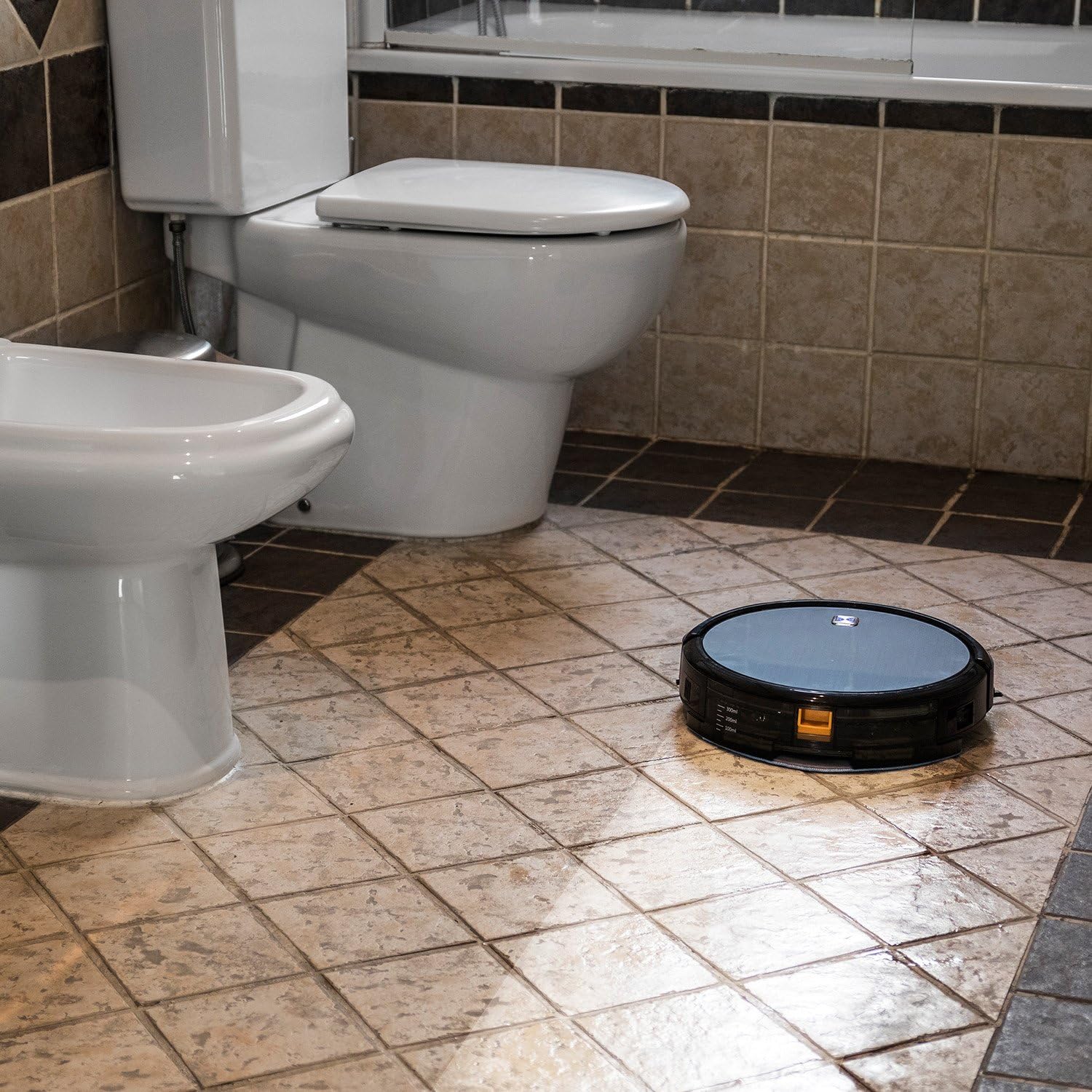
Figure 6.1: The robot vacuum mopping a tiled bathroom floor, demonstrating its wet cleaning capability.
7. Vedligeholdelse
Regelmæssig vedligeholdelse sikrer optimal ydeevne og forlænger levetiden på din robotstøvsuger.
7.1 Tømning af skraldespanden
The dustbin should be emptied after each cleaning cycle or when full. Press the release button to remove the dustbin, open it, and discard the collected debris.
7.2 Rengøring af filtre
The HEPA filter and primary filter should be cleaned regularly. Tap the HEPA filter to remove dust; do not wash it with water. The primary filter can be rinsed with water and air-dried completely before reinstallation.
7.3 rengøringsbørster
Periodically remove and clean the main brush and side brushes. Use the cleaning tool provided to cut and remove any hair or debris tangled around the brushes.
7.4 Rengøring af sensorer og opladningskontakter
Wipe the anti-drop sensors, wall sensors, and charging contacts on both the robot and the charging station with a clean, dry cloth to ensure proper function.
8. Fejlfinding
If your Conga Excellence 990 encounters an issue, refer to the following common problems and solutions:
| Problem | Mulig årsag | Løsning |
|---|---|---|
| Robotten tænder ikke. | Lavt batteri; sluk for strømmen. | Oplad robotten; sørg for, at tænd/sluk-knappen er tændt. |
| Robotten oplader ikke. | Charging contacts dirty; charging station not powered. | Clean charging contacts; check power connection to station. |
| Robotten sidder ofte fast. | Obstacles (cables, rugs); uneven surfaces. | Clear obstacles; use virtual wall if available. |
| Dårlig rengøringsevne. | Full dustbin; dirty filters/brushes. | Empty dustbin; clean/replace filters and brushes. |
| Robotten vender ikke tilbage til ladestationen. | Charging station blocked; robot too far. | Ensure clear path to station; manually place robot closer. |
9. Specifikationer
| Feature | Detalje |
|---|---|
| Mærke | Cecotec |
| Modelnavn | Conga Excellence 990 |
| Modelnummer | 05050 |
| Produktdimensioner | 9.06 cm L x 5.43 cm B x 11.81 cm H |
| Varens vægt | 3.52 pund |
| Farve | Grå |
| Filtertype | HEPA filter |
| Batterilevetid | 1.5 timer |
| Kapacitet (affaldsbeholder) | 3 liter |
| Kontrolmetode | Fjern |
| Inkluderede komponenter | Battery, Remote Control, mop cushion |
10. Garanti og support
The Cecotec Conga Excellence 990 comes with a standard manufacturer's warranty. Please refer to the warranty card included in your product packaging for specific terms and conditions.
For teknisk support, reservedele eller garantikrav, kontakt venligst Cecotec kundeservice via deres officielle webwebstedet eller kontaktoplysningerne i din produktdokumentation. Gem din købskvittering som købsbevis.
EU-reservedeles tilgængelighedsvarighed: 10 år.
Ask a question about this manual
Ask about setup, troubleshooting, compatibility, parts, safety, or missing instructions. Manuals+ will review the question and use this page’s manual context to help answer it.