
Indledning
This manual provides detailed instructions for the installation, operation, and maintenance of your A-ZONE AZJ-016-FBA 3MP 4-Channel Security Camera System. Please read this manual thoroughly before using the product to ensure proper functionality and safety. This system is designed to provide reliable surveillance with high-resolution video and advanced features for your home or business.
Vigtige sikkerhedsoplysninger
- Sørg for, at alle strømforbindelser er sikre og korrekt installeret for at forhindre elektriske farer.
- Do not expose the NVR or cameras to extreme temperatures, humidity, or direct sunlight beyond specified operating conditions.
- Håndter alle komponenter forsigtigt for at undgå skader.
- Consult a qualified professional for complex installations or if you are unsure about any steps.
- Keep the system away from children and pets.
Pakkens indhold
Kontroller venligst, at alle nedenstående varer er inkluderet i din pakke:
| Punkt | Mængde |
|---|---|
| 3MP IP67 Waterproof Cameras | 2 (kan udvides til 4) |
| 4-Channel NVR with 1TB HDD | 1 |
| Strømadapter til NVR | 1 |
| LAN Cables | 2 |
| USB-mus | 1 |
| Monteringsskruer og -dybler | 1 sæt |
| Security Warning Sticker | 1 |
| Brugermanual | 1 |

Produktegenskaber
- 3 Megapixel High Resolution: Captures clear and detailed images, surpassing Full HD 2MP cameras. Features digital zoom for enlarging specific areas to identify faces or license plates.
- Lydoptagelse: Built-in audio pickup allows simultaneous video and audio recording within a 10-meter range, providing valuable evidence.
- H.265 videokomprimering: Advanced H.265 compression technology reduces file size by approximately 50% compared to H.264, optimizing storage and network bandwidth without compromising video quality.
- Motion Detection & Alarm Notifications: The system detects movement within the surveillance area and initiates audio recording, sending alarm notifications to your device.
- IP67 Waterproof & Dustproof Cameras: Durable metal cameras with IP67 rating ensure reliable performance in various weather conditions, from -20°C to 60°C.
- Udvidelig lagerplads: Includes a 1TB HDD, expandable up to 8TB, with overwrite functionality for continuous 24/7 recording.
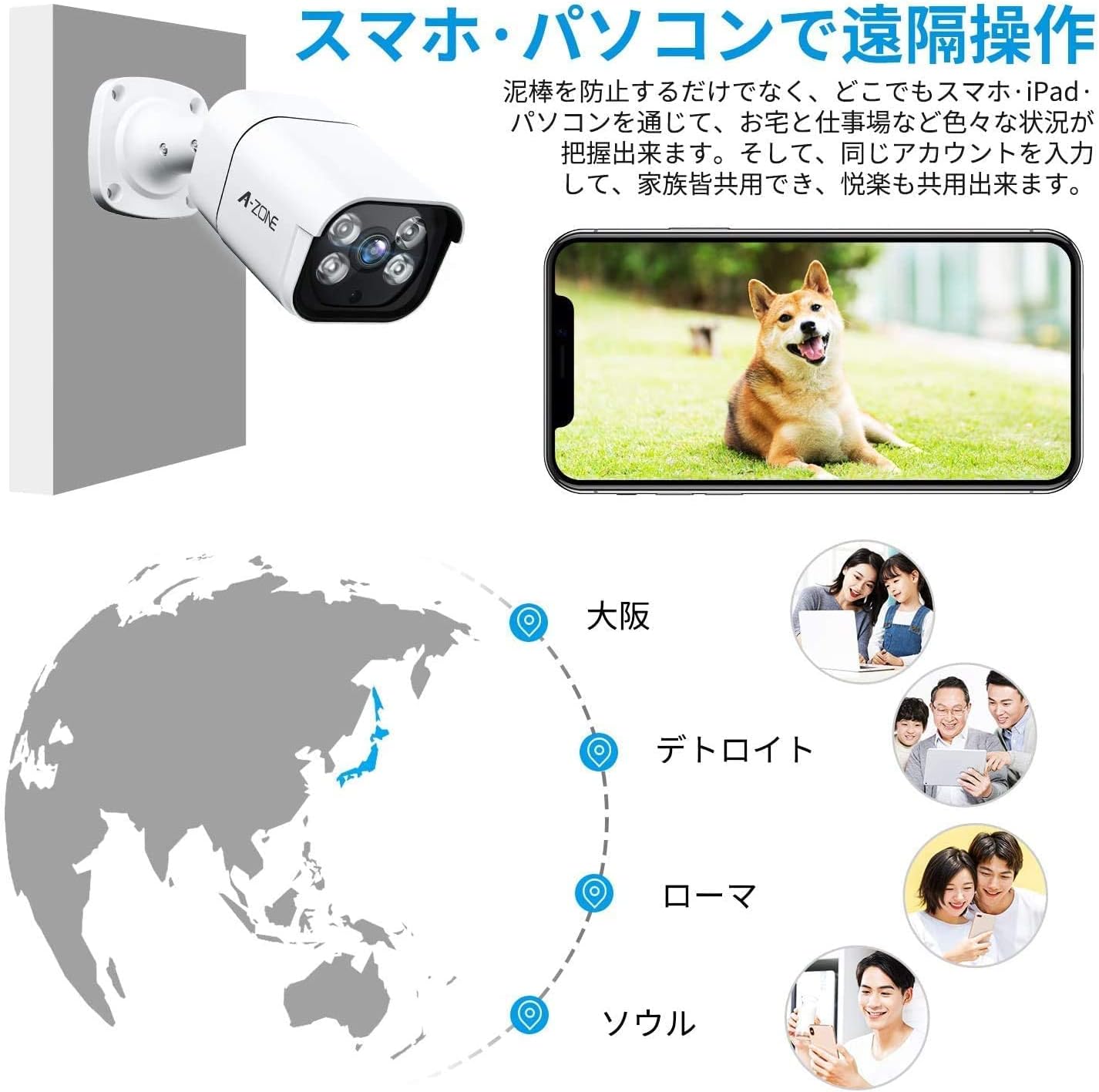
- Easy Operation & Remote Access: Simple POE (Power over Ethernet) connection. Access live view and playback recordings via smartphone, PC, or tablet.


Opsætningsvejledning
1. Hardwareforbindelse
- Connect the NVR to your router using a LAN cable via the WAN port.
- Tilslut NVR'en til en strømkilde ved hjælp af den medfølgende strømadapter.
- Connect the cameras to the NVR's LAN ports using the provided LAN cables. The cameras are POE (Power over Ethernet), so they receive power and data through a single cable.
- Connect a monitor to the NVR using an HDMI or VGA cable.
- Tilslut USB-musen til NVR'en for at navigere.
2. Appinstallation og konfiguration
- Download the "HonestView" app from your smartphone's app store.
- Registrer en konto og log ind.
- Tryk på "+"-ikonet i øverste højre hjørne for at tilføje en enhed.
- Scan the QR code (Cloud ID) located on the NVR unit.
- Follow the on-screen prompts to complete the network configuration and device naming.
- Once connected, click the play button to enter the real-time viewpå skærmen.

Betjeningsvejledning
Levende View og afspilning
Efter vellykket opsætning kan du view live footage from your cameras and play back recorded videos through the "HonestView" app or directly from the NVR connected to a monitor.
- Levende View: Åbn appen, og vælg det ønskede kamera view dens realtidsfeed.
- Afspilning: Navigate to the playback section in the app or NVR interface to review optaget footage. Recordings are typically saved in 1-hour segments for easy management.
- Digital zoom: On the surveillance screen, use the digital zoom function (often by pinching on mobile or selecting with the mouse on NVR) to enlarge specific areas for closer inspection.
Indstillinger for bevægelsesdetektion
Configure motion detection settings via the NVR interface or the "HonestView" app to customize sensitivity and notification preferences.
- Access the system settings and locate the "Motion Detection" or "Alarm" section.
- Define the detection zones and sensitivity levels for each camera.
- Enable desired actions upon detection, such as audio recording, alarm notifications (email/app push), or specific recording schedules.
Opretholdelse
- Regelmæssig rengøring: Periodically clean camera lenses with a soft, dry cloth to ensure clear image quality. Avoid abrasive cleaners.
- Firmwareopdateringer: Check for and install firmware updates for the NVR and cameras to ensure optimal performance and security.
- Kabelinspektion: Regularly inspect all cables for wear, damage, or loose connections, especially for outdoor installations.
- Lagerstyring: The 1TB HDD has an overwrite function. However, regularly back up important footage and manage storage space as needed.
- Miljøbeskyttelse: While cameras are IP67 rated, ensure they are installed in locations that minimize direct exposure to harsh elements where possible, to prolong lifespan.
Fejlfinding
| Problem | Mulig løsning |
|---|---|
| Ingen videofeed fra kameraet. |
|
| Dårlig billedkvalitet. |
|
| Motion detection not working or false alarms. |
|
| Cannot access system remotely. |
|
Specifikationer
| Feature | Detalje |
|---|---|
| Mærke | A-ZONE |
| Modelnummer | AZJ-016-FBA |
| Effektive pixel | 3 megapixel (3MP) |
| Videooptagelsesopløsning | 1920p |
| Forbindelsesteknologi | Kablet (POE) |
| Særlige funktioner | Infrared, Waterproof (IP67) |
| NVR-kanaler | 4-channel (expandable to 8 cameras) |
| HDD-kapacitet | 1TB (expandable up to 8TB) |
| Videokomprimering | H.265 |
| Driftstemperatur | -20°C til 60°C |
| Pakkedimensioner | 28.2 x 28 x 18.8 cm |
| Pakkevægt | 4.14 kg |
Garanti og support
Your A-ZONE security camera system comes with a 2 års garanti. We also provide free professional technical support to ensure your satisfaction.
Hvis du har spørgsmål, bekymringer eller har brug for hjælp til dit produkt, er du velkommen til at kontakte os:
- Phone (Japan): 034-588-9368 (Weekdays 10:00 - 19:30 JST)
- E-mail: hana@azonecctvstore.com (24-hour reception)
- LINJE ID: azone1234
Our support team is dedicated to providing prompt, flexible, and friendly assistance. When contacting support, please try to explain your issue as clearly and simply as possible.