
1. Produktet er slutview
The INLAND 2.5 SATA to HIGH-Speed USB 3.0 External Hard Drive Enclosure provides a convenient solution for converting a 2.5-inch SATA hard drive or solid-state drive (SSD) into a portable external storage device. Featuring USB 3.0 connectivity, it offers fast data transfer rates, making it ideal for backups, data recovery, or expanding storage capacity.
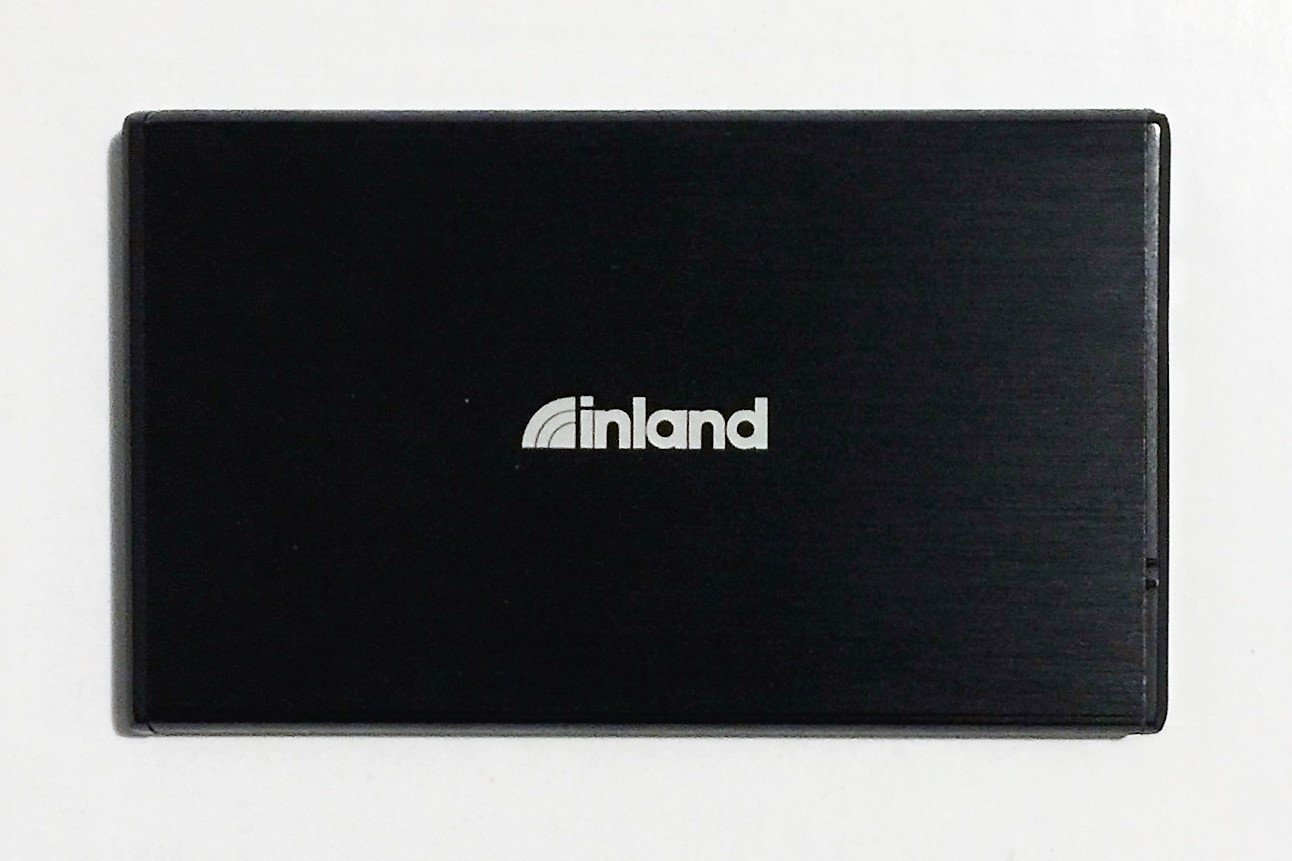
Figur 1: Forside view of the INLAND 2.5 SATA to USB 3.0 External Hard Drive Enclosure.
2. Pakkens indhold
Bekræft at alle varer er til stede i pakken:
- INLAND 2.5 SATA to USB 3.0 External Hard Drive Enclosure
- USB 3.0 Type-A to Micro-B Cable
- Brugervejledning (dette dokument)
3. Opsætning og installation
Follow these steps to install a 2.5-inch SATA hard drive or SSD into the enclosure:
- Åbn kabinettet: Gently slide open the enclosure cover. Some models may require pressing a release button or sliding a latch.
- Tilslut drevet: Align your 2.5-inch SATA hard drive or SSD with the SATA connector inside the enclosure. Gently push the drive firmly into the connector until it is securely seated. Ensure the drive is oriented correctly.
- Luk kabinettet: Slide the enclosure cover back into place until it clicks or is securely closed.
4. Betjeningsvejledning
After installing your drive, connect the enclosure to your computer:
- Tilslut USB-kabel: Connect the small end of the included USB 3.0 cable to the Micro-B port on the enclosure.
- Tilslut til computer: Connect the standard USB Type-A end of the cable to an available USB 3.0 port on your computer. For optimal performance, use a USB 3.0 port (typically blue). The enclosure is also backward compatible with USB 2.0 ports, but at reduced speeds.
- Drevgenkendelse: Your operating system (Windows, macOS, Linux) should automatically detect and install the necessary drivers. The drive will appear as an external storage device.
- Formatting (New Drives): If you are using a brand new hard drive or SSD, it may need to be initialized and formatted before use. Refer to your operating system's disk management tools for instructions.
- Sikker fjernelse: Tag altid drevet sikkert ud af dit operativsystem, før du frakobler USB-kablet, for at forhindre databeskadigelse.
5. Vedligeholdelse
- Hold kabinettet rent og fri for støv. Brug en blød, tør klud til rengøring.
- Undgå at udsætte kabinettet for ekstreme temperaturer, fugtighed eller direkte sollys.
- Do not drop or subject the enclosure to strong impacts, as this can damage the internal drive.
- Ensure proper ventilation when in use to prevent overheating, especially during prolonged data transfers.
6. Fejlfinding
- Problem: The enclosure is not detected by the computer.
- Ensure the USB cable is securely connected to both the enclosure and the computer.
- Prøv en anden USB-port på din computer.
- Test med et andet USB-kabel, hvis det er muligt.
- Verify that the hard drive or SSD is properly seated inside the enclosure.
- If it's a new drive, check Disk Management (Windows) or Disk Utility (macOS) to see if it needs initialization and formatting.
- Problem: Data transfer speeds are slow.
- Sørg for, at du er tilsluttet en USB 3.0-port på din computer. USB 2.0-porte vil køre med lavere hastigheder.
- Check the health of your internal hard drive/SSD.
- Problem: Enclosure feels warm during operation.
- It is normal for the enclosure to generate some heat during operation, especially during heavy data transfers. Ensure adequate airflow around the device.
- If it becomes excessively hot, disconnect it and allow it to cool.
7. Specifikationer
| Modelnummer | NCOREJNJIJKKM316 |
| Kompatibel drevtype | 2.5-tommer SATA HDD/SSD |
| Hardware-interface | USB 3.0 (bagudkompatibel med USB 2.0) |
| Dataoverførselshastighed | Op til 5 gigabit pr. sekund (USB 3.0) |
| Materiale | Plast |
| Farve | Sort |
| Kompatible enheder | Laptop, Desktop Computers |
| Varens vægt | 0.65 pund |
| Fabrikant | IPSG Products |
| UPC | 618996983209 |
8. Garanti og support
INLAND products are designed for reliability and performance. For specific warranty information, please refer to the warranty card included with your product or visit the official INLAND website. For technical support or customer service, please contact your retailer or the INLAND support team.
Kontaktoplysninger:
- Webwebsted: www.inlandus.com
- E-mail: support@inlandus.com