
Indledning
The Axis M3037-PVE is a compact network surveillance camera designed for versatile monitoring. It delivers high-quality images in various lighting conditions, including daylight and low-light environments. This camera supports multiple viewing modes such as 360° overview, panorama, double panorama, 270° corner, and quad views. It features full-duplex audio with echo cancellation and noise reduction, and integrates with IP phone systems via Session Initiation Protocol (SIP). The M3037-PVE also supports the AXIS Camera Application Platform, enabling advanced video analytics like people counting and cross-line detection to enhance situational awareness.
Pakkens indhold
Bekræft at alle komponenter er til stede i pakken:
- Axis M3037-PVE Network Surveillance Camera (fixed dome, outdoor, vandal/weatherproof)
- Monteringssæt
Opsætning
1. Fysisk installation
The Axis M3037-PVE camera is designed for wall mounting. Use the provided mounting kit to securely attach the camera to the desired location. Ensure the mounting surface is stable and can support the camera's weight.
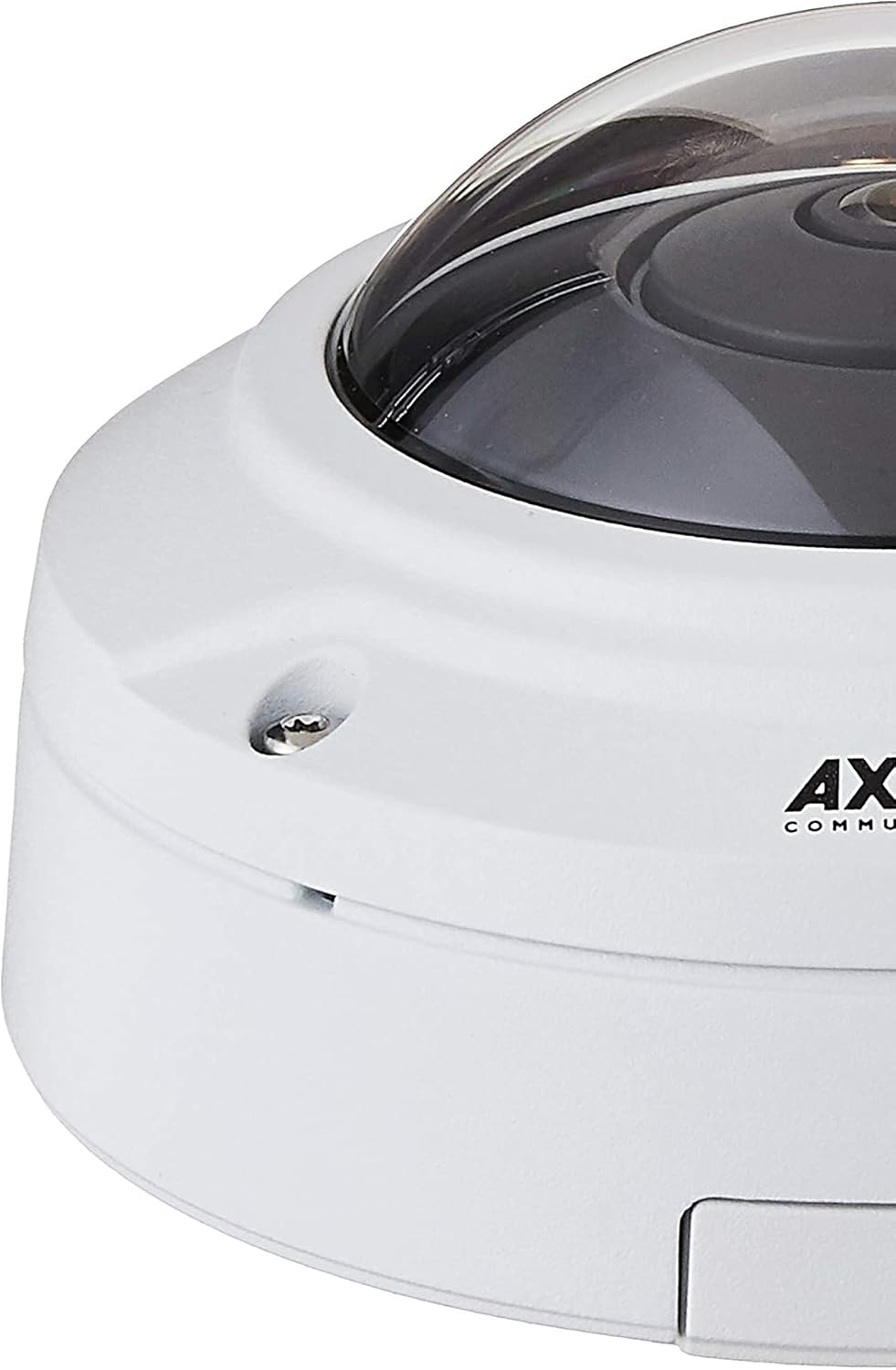
Figur 1: Close-up of the camera's base, illustrating mounting points.
2. Strøm- og netværksforbindelse
The camera is powered via Power over Ethernet (PoE). Connect an Ethernet cable from a PoE-enabled switch or injector to the camera's network port. This single connection provides both power and network connectivity. The camera supports Wi-Fi for wireless communication, but a wired Ethernet connection is recommended for initial setup and stable operation.
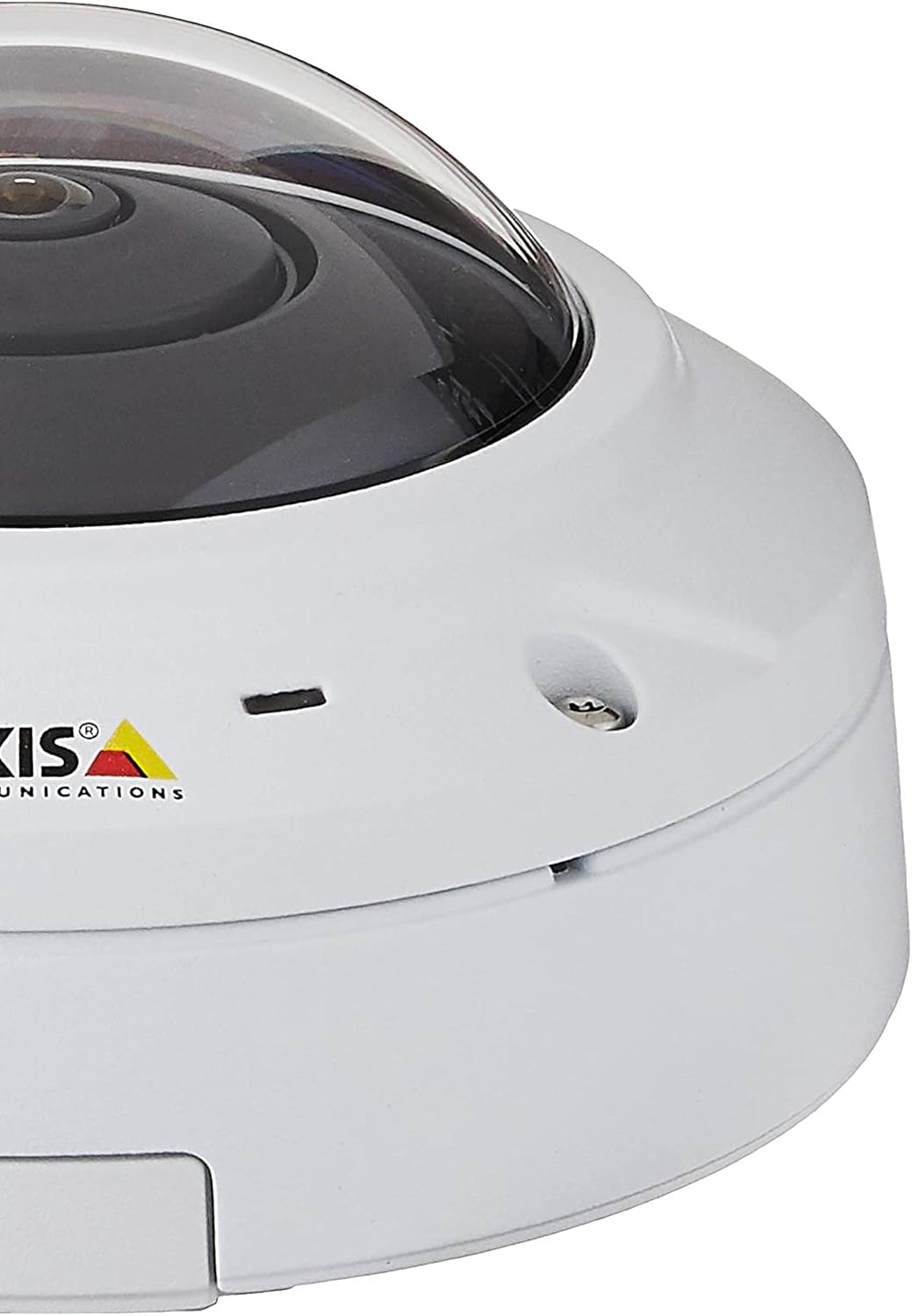
Figur 2: Side view of the camera, highlighting connectivity options.
3. Indledende konfiguration
Once powered, the camera will acquire an IP address. Use the Axis IP Utility or a network scanner to locate the camera on your network. Access the camera's web grænseflade via en web browser using its IP address. Follow the on-screen prompts to set up administrator credentials and basic network settings.
Betjeningsvejledning
Viewi tilstande
The M3037-PVE offers flexible viewvalgmuligheder:
- 360° Overview: Provides a complete panoramic view af det overvågede område.
- Dewarped Views: The camera's fisheye lens captures a wide field of view, which can be digitally dewarped into various formats:
- Panorama: A wide, stretched view suitable for long corridors.
- Double Panorama: Two panoramic views side om side.
- 270° Corner: Optimized for corner installations.
- Quad Views: Divides the 360° view into four distinct sections.
- Digital PTZ: Pan, Tilt, and Zoom digitally within any dewarped view to focus on specific areas of interest without mechanical movement.
- multi-view Streaming: Stream multiple dewarped views samtidigt.
Lydfunktioner
The camera includes a built-in weather-proof speaker and microphone, supporting full-duplex audio communication. Echo cancellation and noise reduction features ensure clear audio. Session Initiation Protocol (SIP) support allows for integration with IP phone systems for two-way communication.
Videoanalyse
Leverage the AXIS Camera Application Platform for advanced surveillance capabilities:
- Folk der tæller: Monitor the number of individuals entering or exiting an area.
- Cross-line Detection: Trigger alerts when an object crosses a predefined virtual line.
Kontrolmetoder
The camera can be controlled via its web interface or through compatible surveillance management software and mobile applications.
Opretholdelse
Rengøring af kameraet
Regularly clean the camera's dome and lens to ensure optimal image clarity. Use a soft, damp cloth. Avoid abrasive cleaners or solvents that could damage the lens coating or housing.
Firmware opdateringer
Kontroller Axis Communications regelmæssigt website for firmware updates. Keeping the camera's firmware up-to-date ensures access to the latest features, security patches, and performance improvements. Follow the instructions provided by Axis for firmware update procedures.
Miljøhensyn
While the camera is weatherproof, ensure its mounting location does not expose it to extreme conditions beyond its operating specifications. Regularly inspect the mounting for stability and check cables for wear or damage.
Fejlfinding
No Power/No Image
- Verify the Ethernet cable is securely connected to both the camera and the PoE switch/injector.
- Ensure the PoE switch/injector is powered on and functioning correctly.
- Check if the PoE port on the switch is active and providing power.
Problemer med netværksforbindelse
- Confirm the camera has a valid IP address. Use the Axis IP Utility to discover devices on the network.
- Kontroller netværkskablets integritet.
- Sørg for, at der ikke er nogen IP-adressekonflikter på dit netværk.
- If using Wi-Fi, verify the camera is connected to the correct network and the signal strength is adequate.
Dårlig billedkvalitet
- Clean the camera lens and dome.
- Adjust camera settings (e.g., exposure, white balance, resolution) via the web interface.
- Ensure sufficient lighting in the monitored area, especially for night vision performance.
- Kontrollér for forhindringer i kameraets synsfelt view.
Lydproblemer
- Verify audio settings are enabled in the camera's web interface.
- Check microphone and speaker volume levels.
- Ensure no physical obstructions are blocking the microphone or speaker.
Specifikationer
| Feature | Detalje |
|---|---|
| Modelnavn | 0548-001 (M3037-PVE) |
| Mærke | Axis Communications |
| Formfaktor | Kuppel |
| Indendørs/Udendørs brug | Indendørs, Udendørs |
| Forbindelsesteknologi | Ethernet, Wi-Fi |
| Strømkilde | PoE (Power over Ethernet) |
| Videooptagelsesopløsning | 5 MP |
| Effektiv videoopløsning | 5 MP |
| Felt Af View | 360 grader |
| Low Light teknologi | Dag/nat |
| Lyd | Built-in weather-proof speaker and microphone, full-duplex, echo cancellation, noise reduction, SIP support |
| Kontrolmetode | App, Web Interface |
| International Protection Rating | IP65 (Vandal/Weatherproof) |
| Emnedimensioner (LxBxH) | 5.2 x 5.2 x 2.9 tommer |
| Varens vægt | 1.63 pund |
| Voltage | 48 volt |
| Wattage | 3.4 watt |
| Flash-hukommelse installeret størrelse | 128 MB |
| Inkluderede komponenter | Mounting kit, Network surveillance camera |
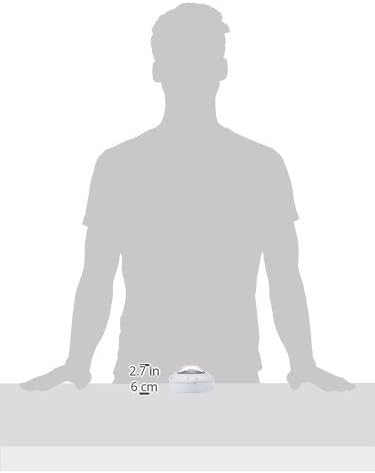
Figur 3: Camera dimensions for installation planning.
Garantioplysninger
The Axis M3037-PVE Network Surveillance Camera comes with a full manufacturer's warranty. For specific terms, conditions, and duration of the warranty, please refer to the official Axis Communications webwebstedet eller den dokumentation, der fulgte med dit køb. Gem dit købsbevis i tilfælde af garantikrav.
Note: Any returns or warranty claims may require troubleshooting and a case number from Axis Communications support.
Støtte
For technical assistance, product documentation, firmware downloads, or further inquiries, please visit the official Axis Communications support website. You can typically find detailed FAQs, troubleshooting guides, and contact information for customer support there.
Fabrikant: Axis Communications
Webwebsted: www.axis.com