
Indledning
The Rocketek FBA_RT-CR7 is a versatile USB 3.0 7-in-1 multi-memory card reader designed for efficient data transfer from various memory card types to your computer. It supports simultaneous reading and writing of up to 5 cards, offering high-speed performance and broad compatibility across multiple operating systems.
Produktegenskaber
- 7-i-1 kortlæser: Supports CF, XD, MS, SD, and Micro SD card types.
- Samtidig læsning/skrivning: Capable of reading and writing to 5 different memory cards concurrently.
- USB 3.0 SuperSpeed: Achieves data transfer speeds up to 5Gbps, significantly faster than USB 2.0.
- Bred kompatibilitet: Works with Mac OS, Linux, Chrome OS, and Windows XP/Vista/7/8/8.1/10.
- Plug & Play: Ingen drivere kræves til installation.
- Kompakt design: Bærbar og nem at bære, ideel til rejser.
- Indbygget beskyttelse: Features over-current, over-voltage, og kortslutningsbeskyttelse.
- LED-indikator: A blue LED light indicates connection and data activity.
Pakkens indhold
- 1 x Rocketek FBA_RT-CR7 USB 3.0 7-in-1 Multi Memory Card Reader
- 1 x USB 3.0 Cable (with USB-C to USB-A adapter)
Opsætningsinstruktioner
- Tilslut kortlæseren: Plug the USB 3.0 cable from the card reader into an available USB port on your computer. If your computer has a USB-C port, use the provided USB-C to USB-A adapter.
- Strømindikator: The blue LED indicator on the card reader will light up when successfully connected to your computer.
- Indsæt hukommelseskort: Carefully insert your memory card into the corresponding slot on the card reader. Ensure the card is inserted correctly according to its orientation. The LED indicator will flicker during data transfer.
- Adgangsdata: Your computer will automatically detect the card reader and the inserted memory card. You can then access the card's contents through your file explorer (Windows) or Finder (Mac OS).

Figur 1: Overview of card reader slots and supported card types.
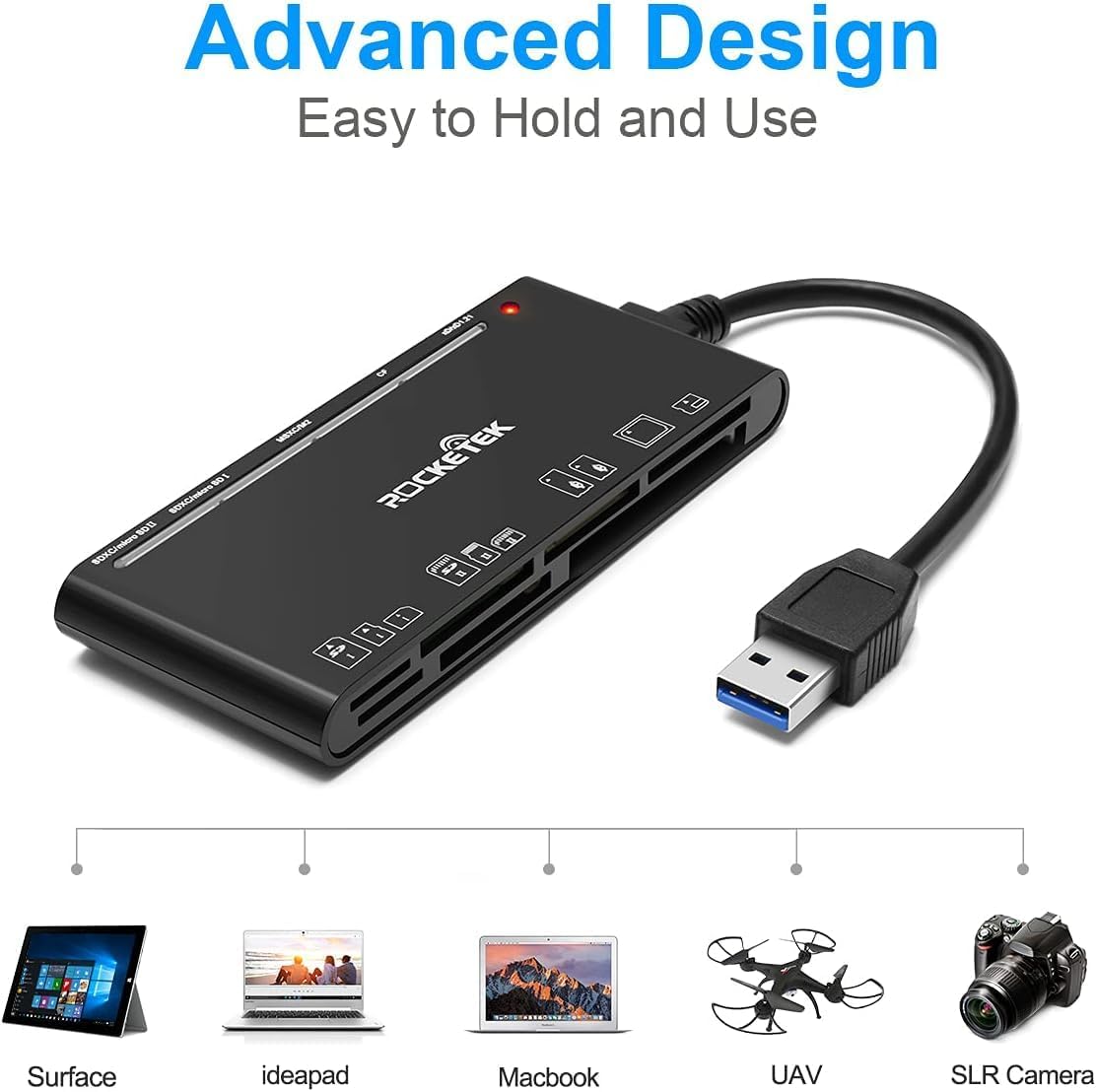
Figure 2: Card reader connected to a laptop, showing operating system compatibility.
Video 1: Demonstration of the Rocketek 7-in-1 Multi Memory Card Reader, showcasing its various card slots, USB 3.0 connectivity, and LED indicator light during operation.
Betjeningsvejledning
- Indsættelse af kort: Gently push the memory card into the appropriate slot until it clicks into place. Do not force the card.
- Læse/skrive data: Once the card is inserted and detected, you can drag and drop files to and from the card. The blue LED indicator will blink during active data transfer.
- Samtidig brug: The card reader supports reading and writing to multiple cards simultaneously. Ensure proper file management to avoid data conflicts.
- Ejecting Cards: Before removing a memory card, always safely eject it from your computer's operating system to prevent data corruption.

Figure 3: Multiple memory cards inserted into the reader, demonstrating simultaneous access.
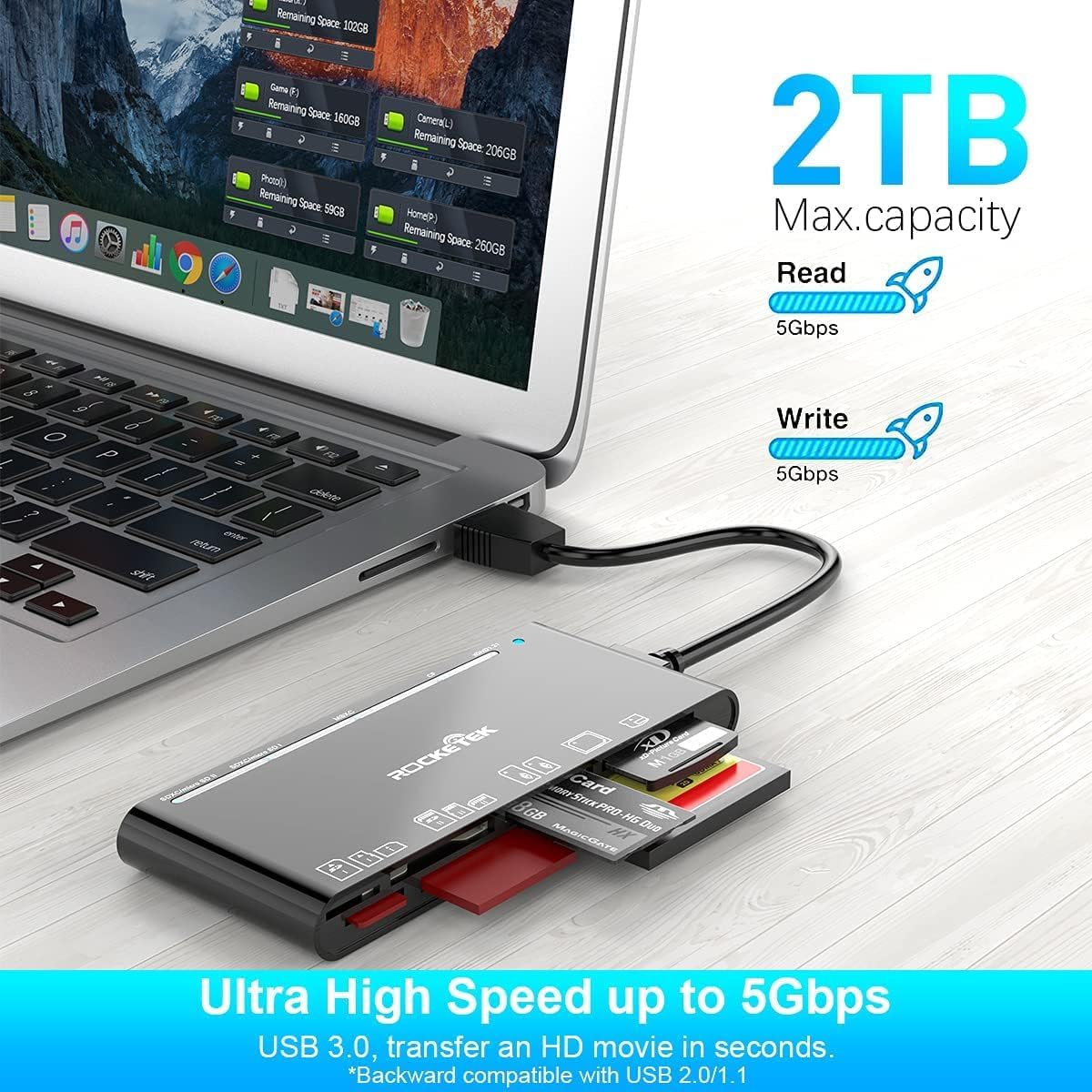
Figure 4: Highlighting the 5Gbps data transfer speed and 2TB maximum capacity.
Kompatibilitet
Understøttede operativsystemer:
- Windows XP / Vista / 7 / 8 / 8.1 / 10
- Mac OS (including MacBook Pro/Air)
- Linux
- Chrome OS
Understøttede medietyper:
- CompactFlash (CF card, high-speed CF UDMA)
- SD Card (SD, SDXC up to 2TB, SDHC, RS-MMC, miniSD)
- Micro SD (Micro SD, Micro SDXC, Micro SDHC)
- Memory Stick (MS, M2, MSXC, Memory Stick PRO Duo, Memory Stick Pro)
- xD Picture Card
Specifikationer
| Mærke | Rocketek |
| Modelnavn | FBA_RT-CR7 |
| Forbindelsesteknologi | USB Type A |
| Hardware-interface | USB 3.0 |
| Dataoverførselshastighed | 5 Gbps |
| Slot Count | 7 (supporting 5 simultaneous reads/writes) |
| Farve | Sort |
| Varedimensioner (L x B x H) | 6.1 cm x 2.9 cm x 0.4 cm |
| Varens vægt | 9.07 g |
Vedligeholdelse og pleje
- Rensning: Brug en blød, tør klud til at rengøre kortlæserens yderside. Undgå at bruge flydende rengøringsmidler eller opløsningsmidler.
- Opbevaring: Opbevar kortlæseren et køligt, tørt sted væk fra direkte sollys og ekstreme temperaturer.
- Håndtering: Avoid dropping the device or subjecting it to strong impacts. Do not bend or twist the cable excessively.
- Portbeskyttelse: Hold kortpladserne fri for støv og snavs.
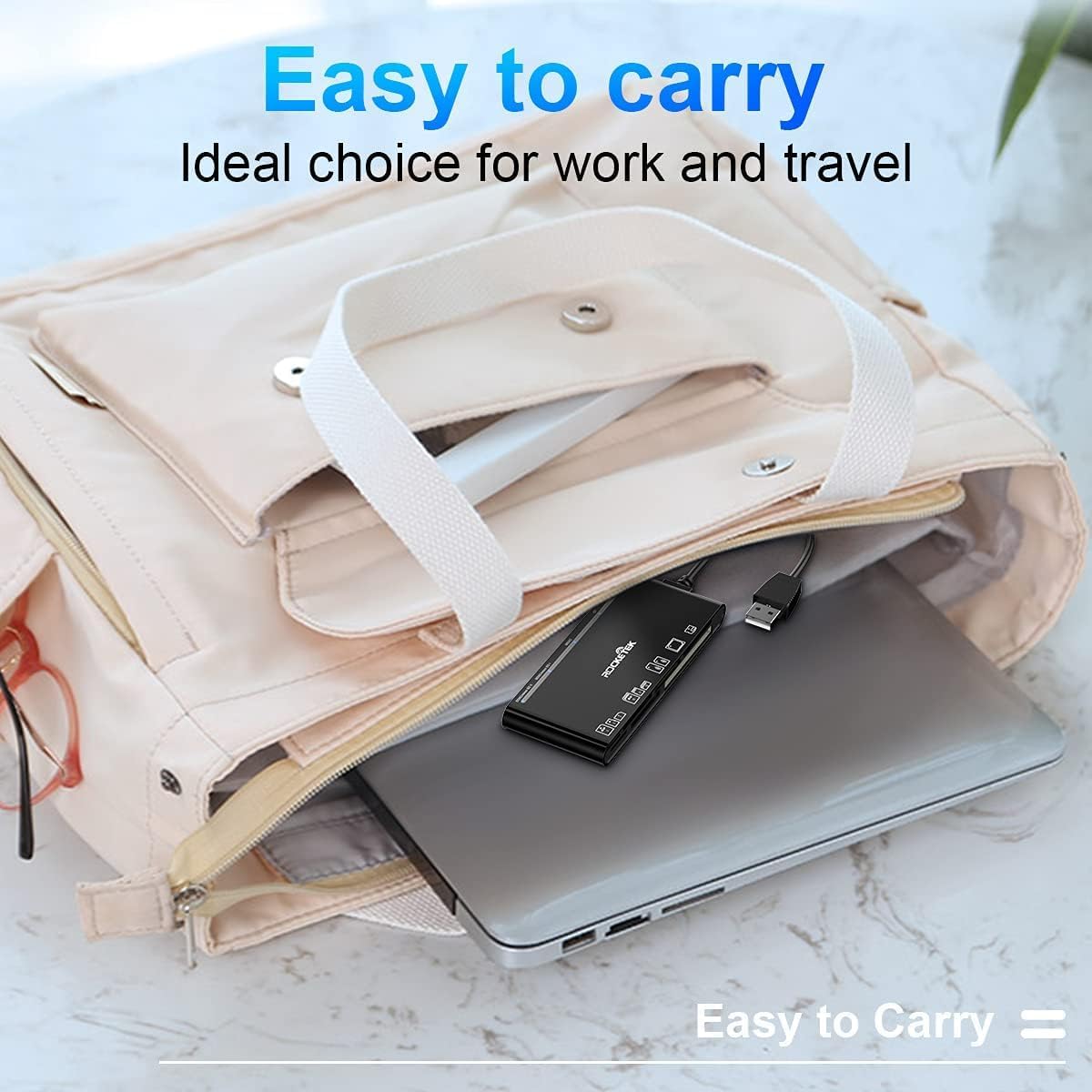
Figure 5: The card reader's compact size, suitable for portability.
Fejlfinding
- Enhed ikke fundet:
- Sørg for, at USB-kablet er korrekt tilsluttet til både kortlæseren og din computer.
- Prøv at tilslutte til en anden USB-port på din computer.
- Genstart din computer.
- Memory Card Not Recognized:
- Verify that the memory card is fully inserted into the correct slot.
- Kontroller, om hukommelseskortet er beskadiget eller ødelagt. Prøv det i en anden enhed, hvis det er muligt.
- Ensure your operating system supports the file hukommelseskortets system.
- Langsom dataoverførsel:
- Ensure the card reader is connected to a USB 3.0 port on your computer for optimal speed.
- Verify that your memory card itself supports high-speed data transfer.
- Undgå at køre flere krævende applikationer under store file overførsler.
- LED-indikator lyser ikke:
- Confirm the card reader is properly connected to a powered USB port.
- Hvis du bruger en USB-hub, skal du sørge for, at den er strømforsynet.
Garanti og support
The Rocketek FBA_RT-CR7 USB 3.0 7-in-1 Multi Memory Card Reader comes with a 2-års garanti from the date of purchase. This warranty covers manufacturing defects and ensures the product performs as described under normal use.
For technical support, warranty claims, or any inquiries regarding your product, please contact Rocketek customer service through the retailer's platform or visit the official Rocketek webwebsted for kontaktoplysninger.