
Indledning
This manual provides instructions for the Datalogic Barcodescanner Touch TD1100 90 Light, model TD1120-BK-90K1. It covers essential information for setting up, operating, maintaining, and troubleshooting your device to ensure optimal performance. Please read this manual thoroughly before using the scanner.
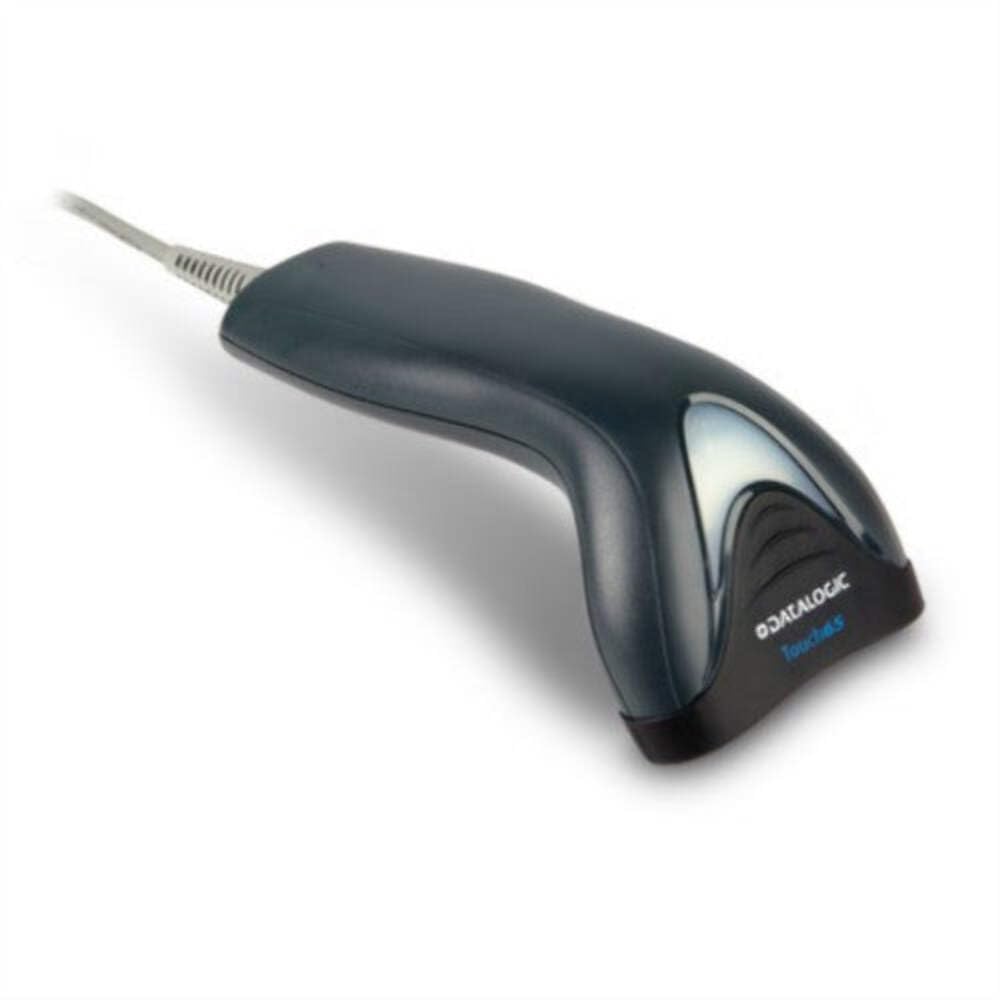
Image: The Datalogic Touch TD1100 90 Light barcode scanner, showing its ergonomic design and integrated cable.
Opsætning
1. Udpakning
Fjern forsigtigt alle komponenter fra emballagen. Kontroller, at alle dele er til stede:
- Datalogic Touch TD1100 90 Light Barcode Scanner
- USB-kabel (integreret)
- Hurtigstartguide (hvis inkluderet)
2. Tilslutning af scanneren
The TD1120-BK-90K1 model connects via a USB interface. Follow these steps:
- Find en ledig USB-port på din computer (stationær eller bærbar).
- Insert the USB connector of the scanner's cable firmly into the USB port.
- The operating system should automatically detect the new hardware and install the necessary drivers. This process may take a few moments.
- Once drivers are installed, the scanner will typically emit a short beep or an indicator light will illuminate, signifying it is ready for use.
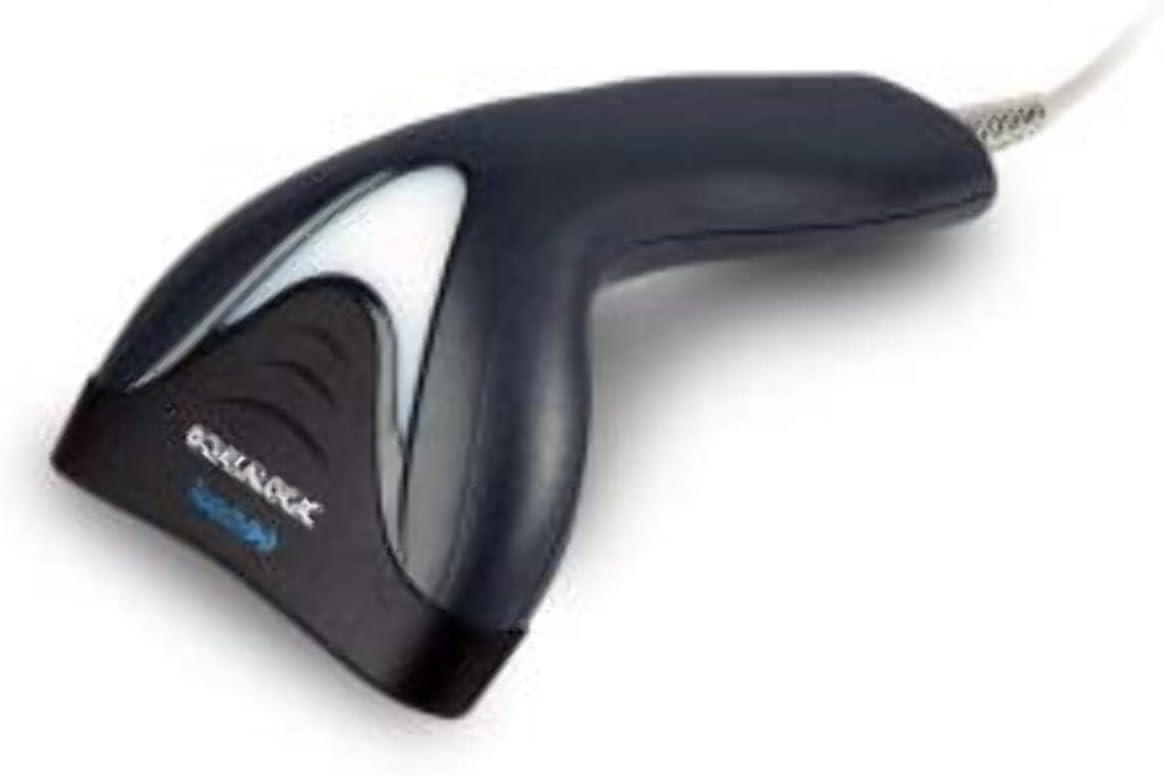
Billede: Side view of the Datalogic Touch TD1100 90 Light barcode scanner, highlighting the integrated cable for connection.
Betjeningsvejledning
1. Grundlæggende scanningsprocedure
Sådan scanner du en stregkode:
- Ensure the scanner is connected and powered on.
- Open an application on your computer where you want the scanned data to appear (e.g., a text editor, spreadsheet, or POS software).
- Hold scanneren med scanningsvinduet vendt mod stregkoden.
- Press and hold the trigger button. A red aiming line or light will project from the scanning window.
- Position the aiming line across the entire barcode.
- Once the barcode is successfully read, the scanner will emit a beep and/or the indicator light will flash green. The data will then appear in your active application.
- Slip udløserknappen.
2. Scanning Techniques
- Optimal afstand: Hold the scanner at an appropriate distance from the barcode, typically between 2-10 cm (1-4 inches), depending on the barcode size and density.
- Vinkel: Scan barcodes at a slight angle to avoid direct reflection, which can interfere with reading.
- Damaged Barcodes: For poorly printed or damaged barcodes, try scanning from different angles or distances.
Opretholdelse
1. Rengøring af scanneren
Regelmæssig rengøring hjælper med at opretholde optimal scanningsydelse.
- Scanningsvindue: Brug en blød, fnugfri klud dampened with a mild, non-abrasive cleaner (e.g., isopropyl alcohol or glass cleaner) to gently wipe the scanning window. Avoid harsh chemicals or abrasive materials.
- Ydre: Tør det ydre afasing med en blød, damp cloth. Do not allow liquids to enter the scanner.
- Sørg for, at scanneren er frakoblet strømkilden, inden den rengøres.
2. Opbevaring
When not in use, store the scanner in a clean, dry environment, away from direct sunlight, extreme temperatures, and corrosive materials.
Fejlfinding
If you encounter issues with your Datalogic TD1100 scanner, refer to the following common problems and solutions:
| Problem | Mulig årsag | Løsning |
|---|---|---|
| Scanneren tænder ikke eller reagerer ikke. | Loose cable connection, faulty USB port, power issue. |
|
| Scanneren læser ikke stregkoder. | Incorrect scanning technique, damaged barcode, dirty scanning window, incompatible barcode type, application not ready. |
|
| Scannede data vises forkert. | Keyboard wedge settings, incorrect language settings. |
|
Specifikationer
Key technical specifications for the Datalogic Touch TD1100 90 Light (TD1120-BK-90K1):
- Modelnummer: TD1120-BK-90K1
- Mærke: Datalogik
- Scan rate: 90 billeder i sekundet (fps)
- Forbindelse teknologi: Bluetooth
- Kompatible enheder: Stationær, bærbar
- Strømkilde: Batteridrevet
- Varens vægt: 153 gram
- Virkelig vinkel på View: 3.5 grader
- Fabrikant: Datalogik
Note: Some specifications like "Battery Powered" and "Bluetooth" might be generic for the TD1100 series. The TD1120-BK-90K1 is primarily a wired USB scanner.
Garanti og support
Garantioplysninger
Datalogic products are covered by a standard manufacturer's warranty. For specific warranty terms and conditions, please refer to the warranty card included with your product or visit the official Datalogic webwebsted. Gem din købsbevis til garantikrav.
Teknisk support
For technical assistance, troubleshooting beyond this manual, or to inquire about repairs, please contact Datalogic customer support. You can typically find contact information on the Datalogic webwebstedet eller i den dokumentation, der fulgte med din scanner.
- Datalogic Official Webwebsted: www.datalogic.com
- Supportressourcer: Check the support section of the webwebsted med ofte stillede spørgsmål, drivere og yderligere dokumentation.