
BenQ XL2730Z
BenQ XL2730Z 27-inch LED-Lit Monitor User Manual
Model: XL2730Z
Indledning
This manual provides detailed instructions for the setup, operation, maintenance, and troubleshooting of your BenQ XL2730Z 27-inch LED-Lit Monitor. Please read this manual thoroughly before using the monitor to ensure proper functionality and to maximize your viewoplevelse.
The BenQ XL2730Z is designed for high-performance use, featuring a QHD resolution, 144Hz refresh rate, and 1ms GTG response time, along with VESA Standard Adaptive-Sync technology for smooth visuals.
Vigtige sikkerhedsoplysninger
- Placer altid skærmen på en stabil, plan overflade.
- Bloker ikke ventilationsåbninger.
- Use only the power adapter and cables provided by BenQ.
- Hold skærmen væk fra vand og overdreven fugt.
- Avoid exposing the monitor to direct sunlight or high temperatures.
- Disconnect the power cable before cleaning or if the monitor will not be used for an extended period.
Hvad er der i æsken
Kontroller, at alle varer er til stede i emballagen:
- BenQ XL2730Z LED-backlit LCD monitor - 27"
- Monitorstativ (base og hals)
- DVI-kabel
- SuperSpeed USB-kabel
- DisplayPort kabel
- Strømkabel
- S Switch remote control
- Brugervejledning (dette dokument)

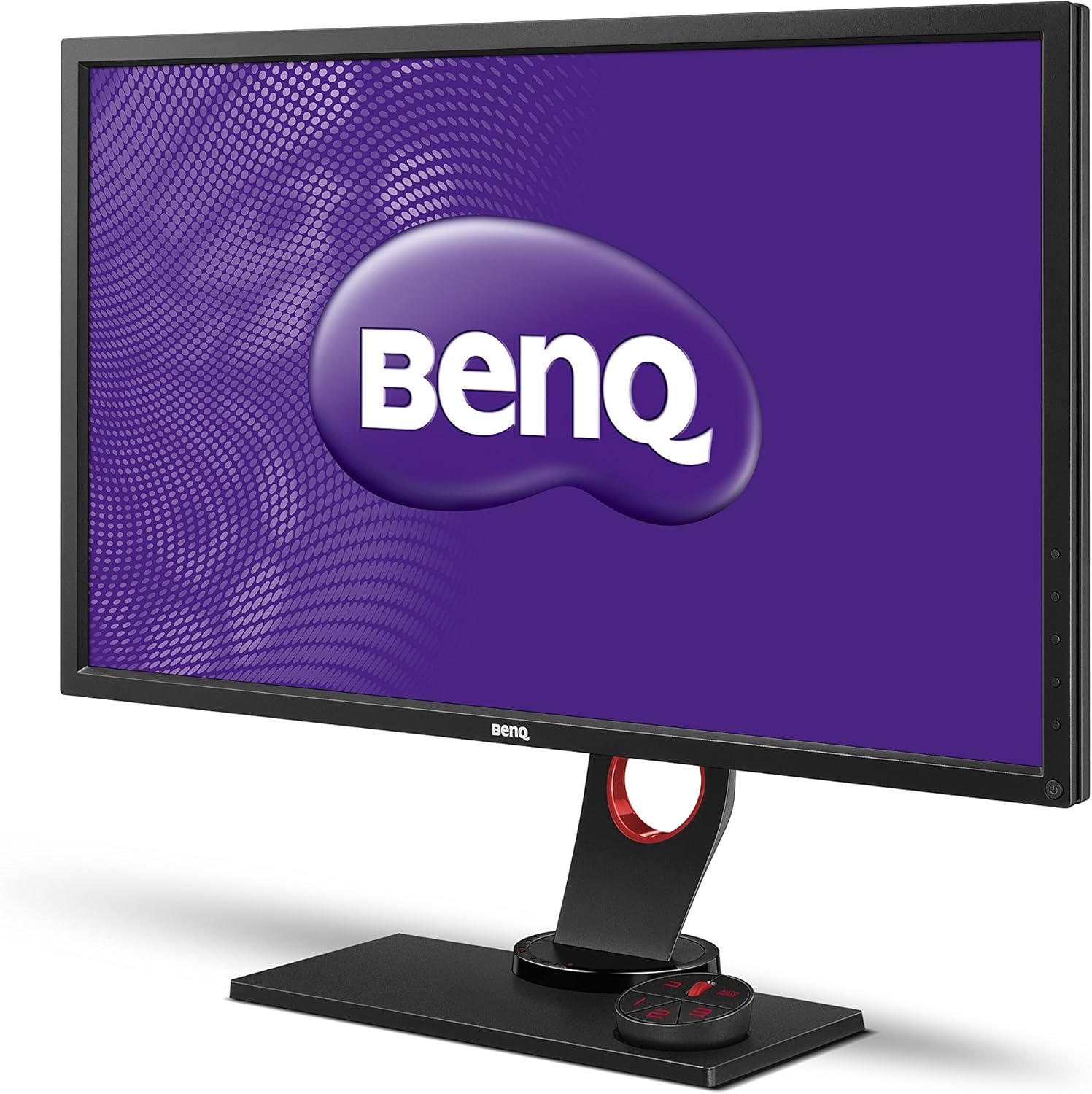
Billede: Forside view of the BenQ XL2730Z monitor, showcasing its design and the BenQ logo on the screen.
Opsætningsinstruktioner
1. Samling af skærmstativet
- Tag forsigtigt skærmens og stativets komponenter ud af emballagen.
- Fastgør stativets hals til skærmpanelet. Sørg for, at den klikker sikkert på plads.
- Fastgør stativets base til stativets hals. Spænd skruen i bunden af basen for at fastgøre den.
Billede: Vinklet view of the BenQ XL2730Z monitor, showing the assembled stand and the S Switch Arc controller.
2. Tilslutning af skærmen
Tilslut de nødvendige kabler til de tilsvarende porte på skærmen og din computer.
- Strømkabel: Connect one end of the power cable to the monitor's power input and the other end to a power outlet.
- Video kabel:
- For optimal performance, use the provided DisplayPort cable to connect to your computer's DisplayPort output.
- Alternatively, use an HDMI or DVI cable. The monitor has 2 HDMI ports.
- USB-kabel: Connect the SuperSpeed USB cable from your computer to the monitor's upstream USB port to enable the monitor's USB hub functionality (4 USB ports available, 2 of which are USB 2.0).
- S Switch Arc: Connect the S Switch Arc remote control to its dedicated port on the monitor base for easy access to settings.
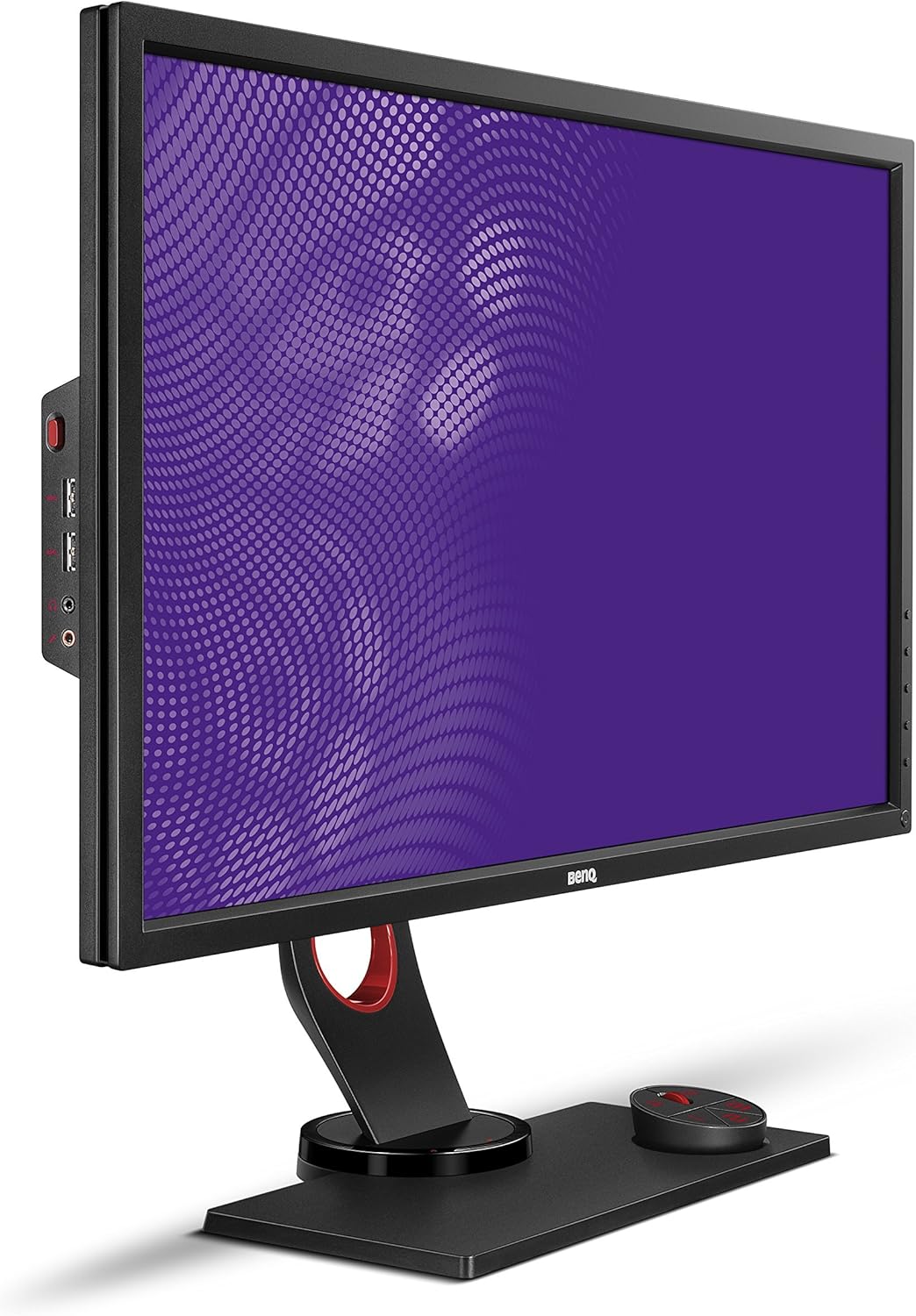
Billede: Side view of the BenQ XL2730Z monitor, highlighting the input ports for power, video, and USB connections.
3. Første opstart
Press the power button on the monitor. The power indicator will light up, and the BenQ logo will appear on the screen. If no image appears, ensure all cables are securely connected and your computer is powered on.
Betjeningsvejledning
1. Justering af skærmindstillinger
The BenQ XL2730Z offers various settings to optimize your viewing experience. Access the On-Screen Display (OSD) menu using the buttons on the monitor or the S Switch Arc.
- Opløsning og opdateringshastighed: The monitor supports QHD (2560x1440) resolution and a 144Hz refresh rate. Ensure your graphics card settings are configured to utilize these capabilities for the smoothest performance.
- Farvelivlighed: Adjust the 20-level Color Vibrancy setting to fine-tune color saturation and hue to your preference.
- Sort equalizer: This feature enhances visibility in dark scenes by automatically adjusting brightness without overexposing bright areas.
- Reduktion af bevægelsessløring: Activate this setting to reduce motion blur, especially beneficial in fast-paced gaming scenarios.
- Adaptive-Sync (FreeSync): When connected via DisplayPort to a compatible graphics card, Adaptive-Sync technology synchronizes the monitor's refresh rate with the GPU's frame rate to eliminate screen tearing and stuttering.
- Low Blue Light & Zero Flicker: These technologies are integrated to reduce eye strain during extended use.
2. Using the S Switch Arc
The S Switch Arc is an external controller designed for quick access and customization of display settings. It features preset buttons that can be configured for different usage scenarios (e.g., gaming, work, entertainment).
- Tilpasning: Assign your preferred display settings to the preset buttons for instant recall.
- Navigation: Use the dial and buttons to navigate the OSD menu efficiently.
3. Auto Game Mode
The Auto Game Mode feature allows the XL2730Z to detect the genre of the game being played and automatically switch to the corresponding game mode, optimizing display settings for that specific game type.
Opretholdelse
Rengøring af skærmen
- Sluk altid skærmen og tag netledningen ud, inden rengøring.
- Brug en blød, fnugfri klud lidt damprengøres med vand eller et mildt, ikke-slibende skærmrensemiddel.
- Sprøjt ikke rengøringsmiddel direkte på skærmen. Påfør det først på kluden.
- Undgå at bruge skrappe kemikalier, opløsningsmidler eller slibende materialer, da disse kan beskadige skærmen ellerasing.
- Tør forsigtigt skærmen af for at fjerne støv og snavs.
Fejlfinding
If you encounter issues with your BenQ XL2730Z monitor, refer to the following common problems and solutions:
| Problem | Mulig årsag/løsning |
|---|---|
| Intet billede på skærmen |
|
| Billedet er sløret eller forvrænget |
|
| Skærmen flimrer |
|
| Farverne ser forkerte ud |
|
If the problem persists after trying these solutions, please contact BenQ customer support for further assistance.
Tekniske specifikationer
| Feature | Specifikation |
|---|---|
| Mærke | BenQ |
| Modelnummer | XL2730Z |
| Skærmstørrelse | 27 tommer |
| Opløsning | QHD Wide 1440p (2560x1440) |
| Opdateringshastighed | 144 Hz |
| Svartid | 1 millisekund (GTG) |
| Display Type | LED-baggrundsbelyst LCD |
| Aspektforhold | 1.78:1 |
| Viewi vinkel | 178 grader |
| Forbindelsesteknologi | DVI, HDMI (x2), DisplayPort, VGA |
| USB-porte | 4 (including 2 USB 2.0 ports) |
| Adaptiv synkronisering | FreeSync |
| Yderligere funktioner | Black Equalizer, Motion Blur Reduction, 20-Level Color Vibrancy, Zero Flicker, Low Blue Light |
| Monteringstype | VESA-kompatibel |
| Varens vægt | 16.5 pund |
Garanti og support
Your BenQ XL2730Z monitor is covered by a limited warranty. For detailed warranty terms and conditions, please refer to the warranty card included with your product or visit the official BenQ webwebsted.
For technical support, service, or inquiries regarding your product, please contact BenQ customer support. Contact information can typically be found on the BenQ webwebstedet eller i din produktdokumentation.
BenQ Officiel Webwebsted: www.benq.com
Ask a question about this manual
Ask about setup, troubleshooting, compatibility, parts, safety, or missing instructions. Manuals+ will review the question and use this page’s manual context to help answer it.