
Jabra 4999-823-109
Jabra Evolve 20 Stereo Headset User Manual
Model: 4999-823-109
Indledning
This manual provides instructions for the Jabra Evolve 20 Stereo Headset. It covers setup, operation, maintenance, and troubleshooting to ensure optimal performance and longevity of your device. The Jabra Evolve 20 is designed for professional use, offering clear audio for calls and multimedia, passive noise cancellation, and easy call management.
Pakkens indhold
Bekræft at alle varer er til stede i din pakke:
- Jabra Evolve 20 Stereo On-Ear Headset
- USB Cable with Controller
- Brugervejledning (dette dokument)
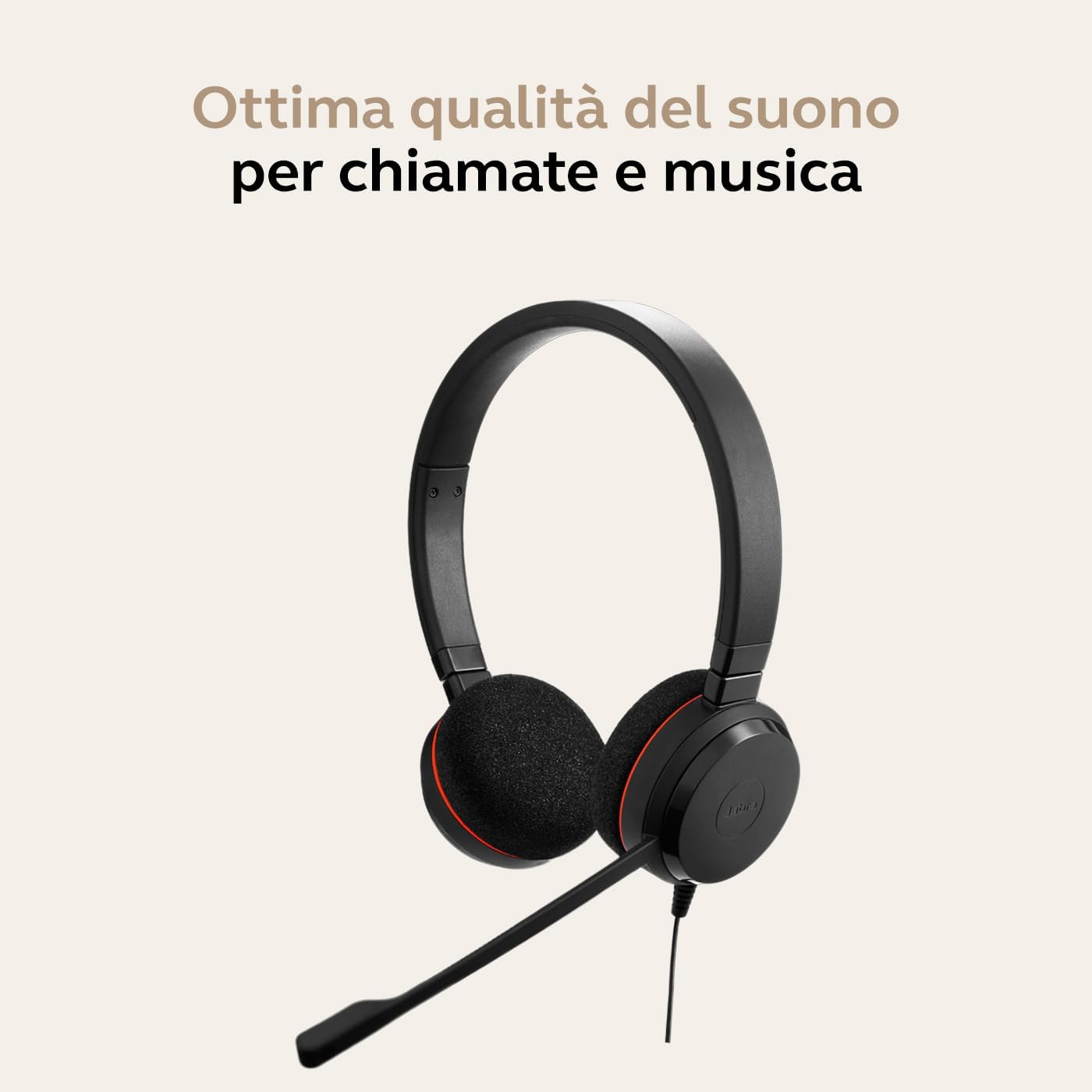
Image: Jabra Evolve 20 Stereo Headset with its USB controller and cable.
Opsætning
Tilslutning af headsettet
- Tilslut USB-kablet: Connect the USB-A connector of the headset cable into an available USB port on your computer (laptop or desktop).
- Automatisk genkendelse: Your computer should automatically detect and install the necessary drivers for the Jabra Evolve 20 headset. This is a plug-and-play device.
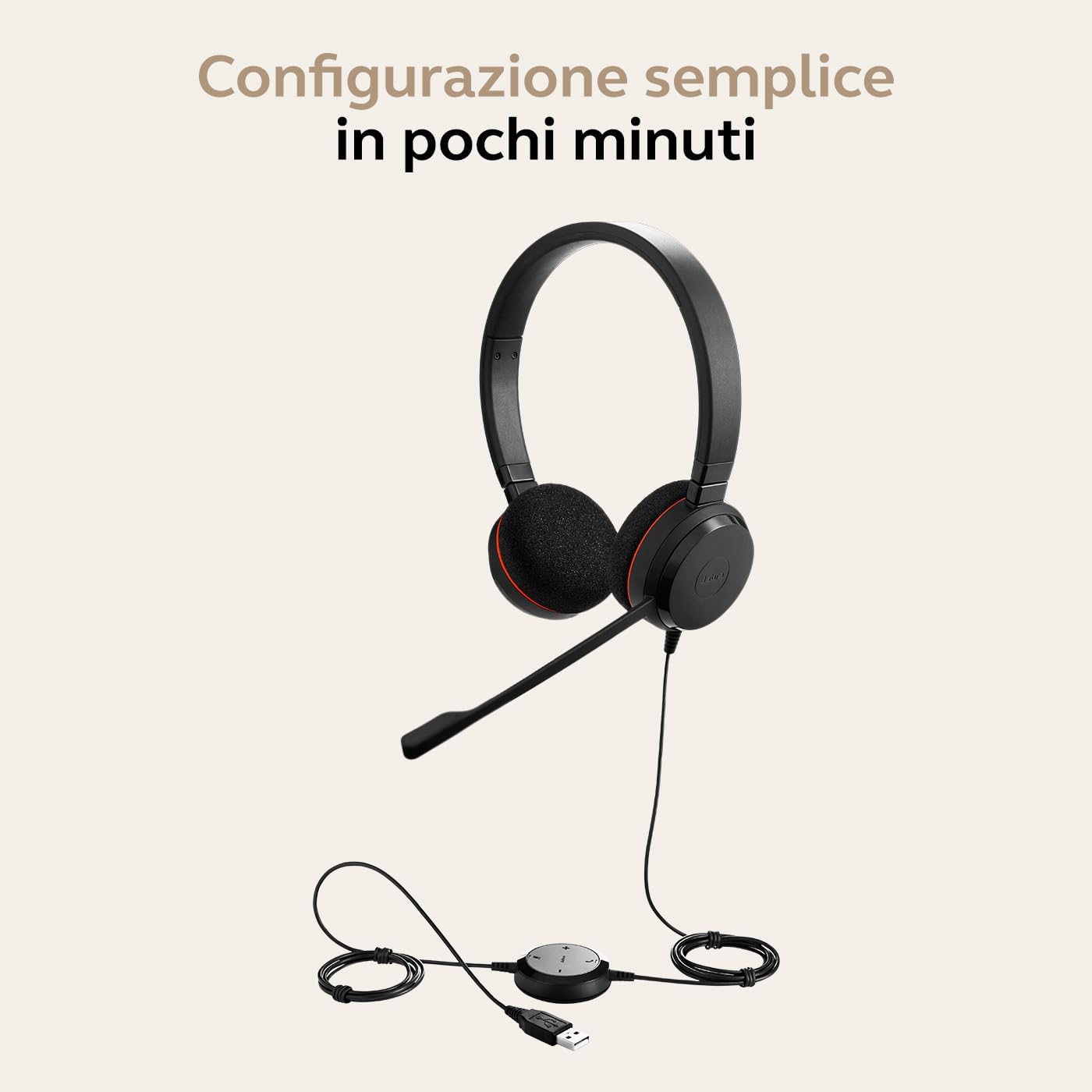
Image: Jabra Evolve 20 headset with its USB cable and controller, ready for connection to a laptop.
Justering af headsettet
- Justering af pandebånd: Adjust the headband to ensure a comfortable and secure fit on your head. The ear cushions should rest gently over your ears.
- Mikrofonpositionering: Position the microphone boom approximately 2-3 cm (1 inch) from your mouth. The microphone is flexible and can be adjusted for optimal voice pickup.

Image: A person wearing the Jabra Evolve 20 headset, demonstrating proper microphone positioning.
Video Guide: Using Jabra Evolve 20
Video: A short guide demonstrating how to set up and use the Jabra Evolve 20 headset, including connecting to a laptop, adjusting the headband, and positioning the microphone.
Betjening af headsettet
The Jabra Evolve 20 features an in-line control unit for easy management of calls and audio.
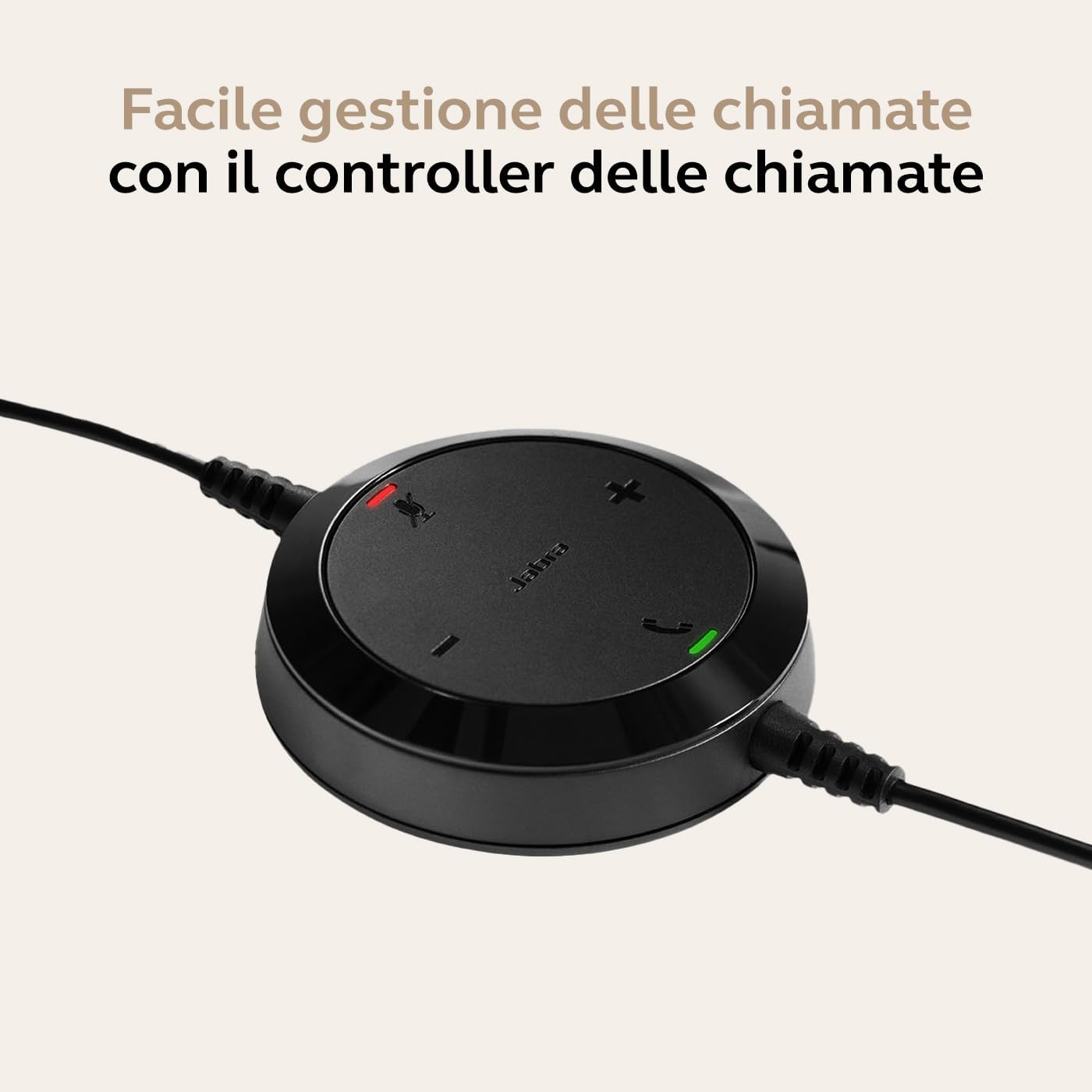
Image: Close-up of the Jabra Evolve 20 in-line controller with buttons for volume, mute, and call control.
Opkaldsstyring
- Besvar/afslut opkald: Tryk på Ring button (phone icon) on the control unit to answer or end a call.
- Slå mikrofon til/fra: Tryk på Stum button (microphone icon) to mute or unmute your microphone during a call. An indicator light on the controller will show the mute status.
Lydstyrkekontrol
- Forøg lydstyrke: Tryk på Lydstyrke op button (+) to increase the listening volume.
- Skru ned for lydstyrken: Tryk på Lydstyrke ned button (-) to decrease the listening volume.
Passiv støjreduktion
The headset's design and ear cushions provide passive noise cancellation, reducing ambient noise for improved focus during calls and tasks.
Opretholdelse
Rensning
- Ørepuder: Gently wipe the ear cushions with a soft, dry cloth. For deeper cleaning, use a slightly damp klud med mild sæbe og vand, og tør derefter grundigt.
- Headband and Microphone: Wipe the headband and microphone boom with a soft, dry cloth. Avoid using harsh chemicals or abrasive materials.
Opbevaring
When not in use, store the headset in a clean, dry place away from extreme temperatures and direct sunlight. Avoid tangling the cable to prevent damage.
Fejlfinding
| Problem | Løsning |
|---|---|
| Ingen lyd fra headset |
|
| Mikrofon virker ikke |
|
| Knapperne til opkaldsstyring reagerer ikke |
|
Specifikationer
| Feature | Detalje |
|---|---|
| Mærke | Jabra |
| Modelnavn | Evolve 20 MS Stereo |
| Modelnummer | 4999-823-109 |
| Forbindelsesteknologi | Kablet (USB-A) |
| Trådløs kommunikationsteknologi | Bluetooth (Note: This specific model is wired USB-A. Bluetooth may refer to other variants or general Jabra technology.) |
| Øreplacering | On-Ear (Supra-aural) |
| Støjkontrol | Passiv støjreduktion |
| Mikrofon formfaktor | Bom |
| Impedans | 32 Ohm |
| Frekvensrespons | 20 kHz (maks.) |
| Vægt | 119 gram |
| Dimensioner | 22.4 x 16.1 x 4.5 cm |
| Kompatible enheder | Bærbare computere, stationære computere |
| Operativsystem | Optimeret til Microsoft Teams |
| Yderligere funktioner | Volume Control, Call Control |
| Materiale | Soft headband and comfortable on-the-ear foam ear pads. Evolve 20SE variant comes with leatherette ear cushions. |
Garanti og support
The Jabra Evolve 20 Stereo Headset comes with a standard manufacturer's warranty. For detailed warranty information, technical support, or service inquiries, please visit the official Jabra support webwebsted eller kontakt deres kundeservice.
Online support: For the latest support information, FAQs, and software updates, please visit www.jabra.com/support.