
PlayStation PlayStation 3 160GB System
PlayStation 3 160GB System Brugermanual
Model: 160GB System
Mærke: PlayStation
1. Introduktion og overview
The PlayStation 3 160GB system offers a comprehensive entertainment experience, featuring free PlayStation Network membership, built-in Wi-Fi, and 160GB of hard disk drive storage for games, music, videos, and photos. It includes a built-in Blu-ray player for high-definition viewing and supports stereoscopic 3D games. This system is designed to provide a robust gaming and multimedia platform.
Equipped with an IBM "Cell" processor and a co-developed NVIDIA graphics processor, the 160GB system delivers powerful performance while being more energy-efficient than previous models. It supports HDMI for uncompressed digital picture and sound, and offers an extreme sound experience with Dolby Digital 5.1, DTS 5.1, and Linear PCM 7.1. Cross-connectivity with PC networks and PlayStation Portable (PSP) is also supported.
2. What's in the Box & Setup
Upon unboxing your PlayStation 3 160GB system, verify that all components are present and in good condition. The standard package includes the console, a wireless controller, and necessary cables for power and connectivity.
2.1. Pakkens indhold
- New slimmer and lighter PS3 system with a 160 GB HDD, Internet-ready built-in Wi-Fi, 2 USB ports and HDMI + Bravia Synch output for 1080p resolution and connectivity between other Sony HDMI products.
- Dualshock 3 wireless controller (one controller).
- AC power cord, AV cable and USB cable.
- Free PlayStation Network membership.
2.2. Unboxing the System
Carefully remove the console and accessories from the packaging. It is recommended to retain the original packaging for future storage or transport.
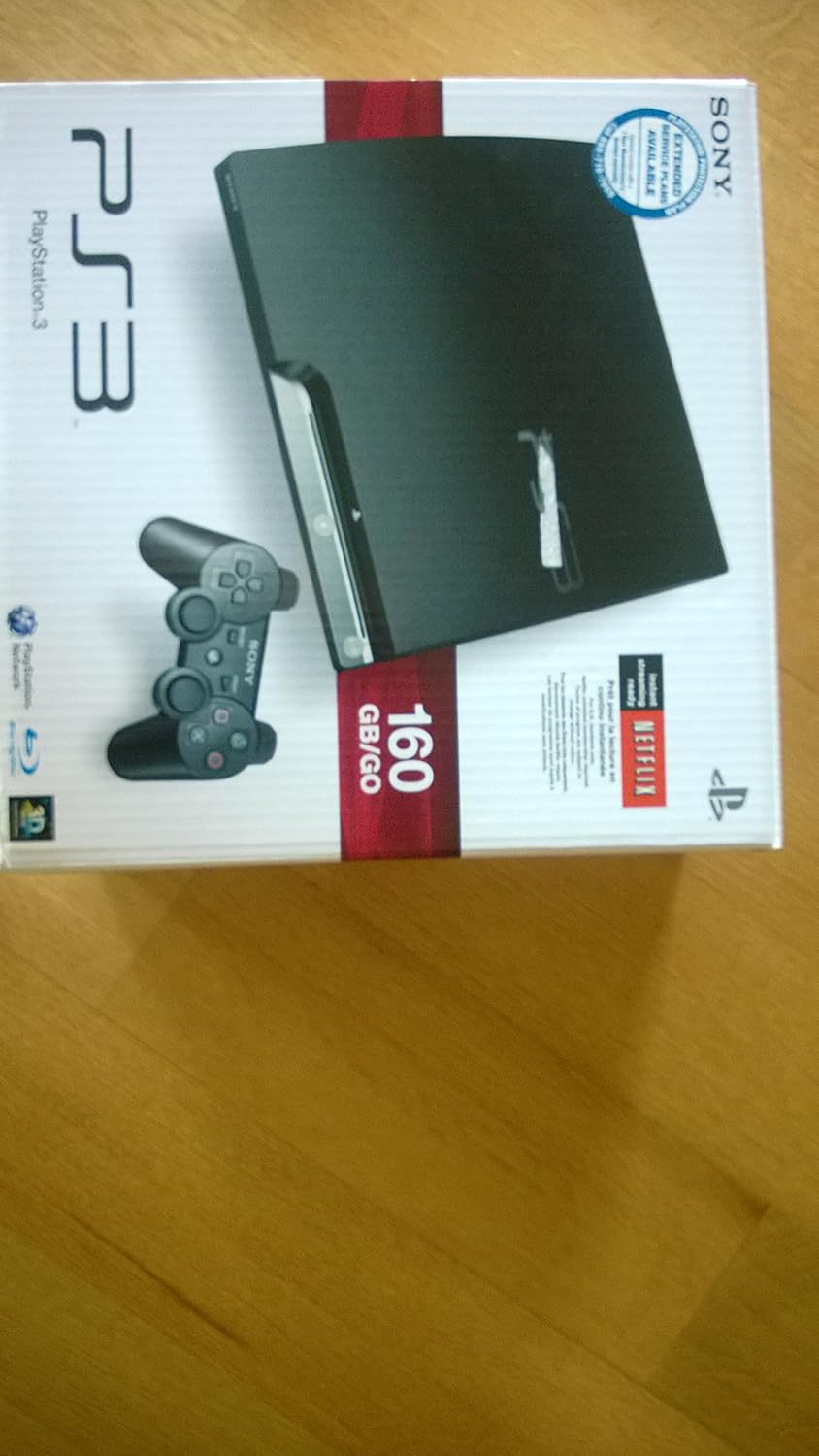
Figure 1: The PlayStation 3 160GB System in its retail packaging, showcasing the console and a Dualshock 3 controller.

Figure 2: The PlayStation 3 console securely nestled within its cardboard packaging, protected by molded inserts.

Figure 3: Two black Dualshock 3 wireless controllers, essential for gameplay on the PlayStation 3 system.

Figure 4: A collection of cables including a USB cable and an AV cable, used for connecting the PlayStation 3 and its accessories.

Figure 5: Two HDMI cables, providing high-definition audio and video connectivity for the PlayStation 3.

Figure 6: A USB charging cable, used to charge the Dualshock 3 wireless controller by connecting it to the PlayStation 3 console.
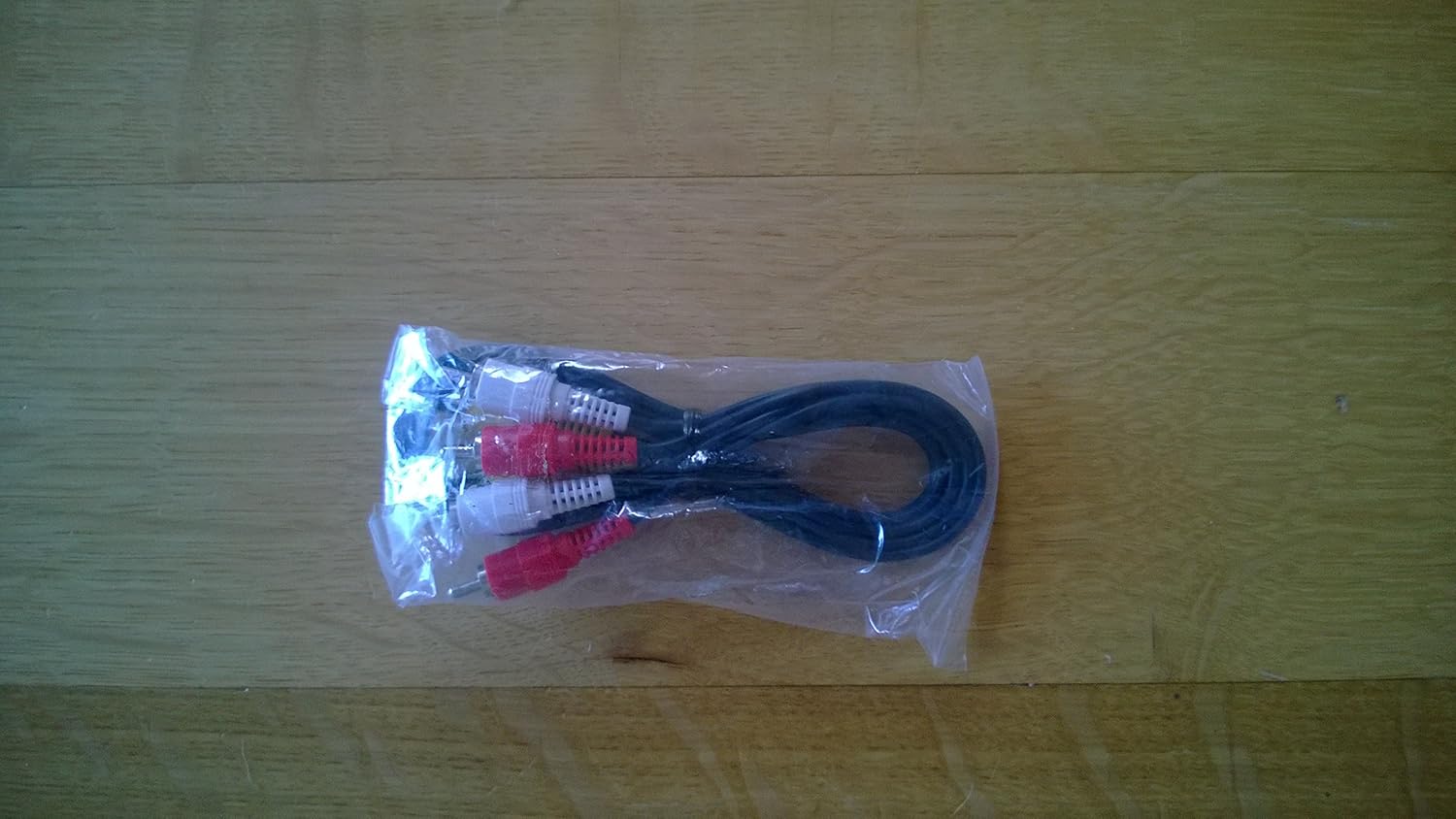
Figure 7: An RCA AV cable, offering standard definition audio and video output for the PlayStation 3, typically used with older televisions.
2.3. Tilslutning af systemet
Connect the PS3 system to your television using either an HDMI cable (recommended for HD TVs) or the supplied AV cable. Plug the AC power cord into the system and a wall outlet. Connect the Dualshock 3 wireless controller using the USB cable to charge it and pair it with the console.
For internet connectivity, you can use the built-in Wi-Fi or connect an Ethernet cable to the console's Ethernet port.
3. Betjening af systemet
3.1. Tænd/sluk
To power on the PlayStation 3, press the power button on the front of the console or the PlayStation button on the connected Dualshock 3 controller. The power indicator light will turn green. To power off, hold the power button on the console or the PlayStation button on the controller until the system shuts down.
Video 1: An official PlayStation video demonstrating the general features and capabilities of the PS3 system, including power on/off and basic operation.
3.2. Using the Dualshock 3 Wireless Controller
The Dualshock 3 wireless controller provides intuitive gameplay with pressure sensors in each action button and highly sensitive Sixaxis motion-sensing technology. It connects via Bluetooth for wireless play and can be charged using the USB cable connected to the PS3 system.
Video 2: An official PlayStation video highlighting various PS3 accessories, including the Dualshock 3 controller and its features.
3.3. Playing Games and Multimedia
The PlayStation 3 supports Blu-ray discs for games and movies, offering superior high-definition quality. It is also compatible with CD-ROM, CD-RW, DVD, DVD-ROM, DVD-R, and DVD+R formats. Insert the disc into the slot on the front of the console. Select the game or media from the XrossMediaBar (XMB) menu.
Access the PlayStation Network (PSN) for free to download games, demos, movies, and other content from the PlayStation Store. You can also chat with friends and participate in online activities through PlayStation Home.
Video 3: An official PlayStation sizzle reel from E3 2011, showcasing various games and features available on the PS3 system.
4. Vedligeholdelse
Regular maintenance helps ensure the longevity and optimal performance of your PlayStation 3 system.
4.1. Rensning
Keep the console clean by regularly wiping its exterior with a soft, dry cloth. Ensure ventilation ports are free from dust and obstructions to prevent overheating. Do not use liquid cleaners or abrasive materials.
4.2. Softwareopdateringer
It is recommended to keep your system software updated to the latest version. Connect your PS3 to the internet and navigate to the System Update option in the XMB menu to check for and install updates. Updates often include performance improvements, new features, and security enhancements.
5. Fejlfinding
This section provides solutions to common issues you might encounter with your PlayStation 3 system.
5.1. System Shuts Off Unexpectedly / Red Light Indicator
If the system unexpectedly shuts off and displays a red light, it may indicate an overheating issue or a hardware malfunction. Ensure the console has adequate ventilation and is not placed in an enclosed space. Power cycle the system by unplugging it for a few minutes, then plugging it back in. If the issue persists, contact PlayStation Support.
5.2. Disc Read Errors
If the system has difficulty reading discs, ensure the disc is clean and free of scratches. Try a different disc to determine if the issue is with the disc or the console's Blu-ray drive. If multiple discs fail to read, the drive may require servicing.
5.3. Controller Connectivity Issues
If your wireless controller is not connecting, ensure it is charged. Connect it to the PS3 system with a USB cable and press the PlayStation button to re-pair it. If the issue persists, try resetting the controller by pressing the small button on the back with a thin object (like a paperclip).
6. Specifikationer
| Feature | Detalje |
|---|---|
| CPU | Cell Broadband Engine (Cell/B.E.) |
| GPU | RSX |
| Sund | LPCM 7.1ch, Dolby Digital, Dolby Digital Plus, Dolby TrueHD, DTS, DTS-HD, AAC |
| Hukommelse | 256MB XDR Main RAM, 256MB GDDR3 VRAM |
| HDD | 2.5" Serial ATA 160GB |
| Netværk | Ethernet X1 (10BASE-T, 100BASE-TX, 1000BASE-T), IEEE 802.11 b/g Included, Bluetooth 2.0 (EDR) Included |
| Controller | Dualshock 3 wireless controller included (one controller) |
| AV Output Resolution | 1080p, 1080i, 720p, 480p, 480i (for PAL 576p, 576i) |
| HDMI OUT | 1 (with Bravia Synch) |
| AV MULTI OUT | 1 |
| DIGITAL UDGANG (OPTISK) | 1 |
| BD/DVD/CD Drive (Read Only) | Maximum Read Speed: BD 2x (BD-ROM), DVD 8x (DVD-ROM), CD 24x (CD-ROM) |
| USB-porte | 2 |
| Bagudkompatibilitet | Ingen |
| Dimensioner | 13.385"(w) x 13.385"(h) x 6.299"(d) |
| Vægt | Ca. 7.05 lb. |
7. Garanti og support
For detailed warranty information, please refer to the warranty card included with your product or visit the official PlayStation support webwebsted. Gem din købsbevis til garantikrav.
For further assistance, technical support, or service inquiries, please visit the official PlayStation support website or contact their customer service line. Online resources often include FAQs, troubleshooting guides, and community forums.
Official PlayStation Store: Visit the PlayStation Store
Ask a question about this manual
Ask about setup, troubleshooting, compatibility, parts, safety, or missing instructions. Manuals+ will review the question and use this page’s manual context to help answer it.