
1. Introduktion
The Aiphone GF-2B is a two-module backbox designed to provide a secure and stable mounting base for modular entrance panel systems. It is an essential component for integrating with the Aiphone GF, GH, and GT Series modular multi-tenant entry security systems.
This manual provides detailed instructions for the proper installation, maintenance, and understanding of the GF-2B backbox to ensure optimal performance and longevity.
2. Produktet er slutview
The GF-2B backbox serves as the foundational housing for two modular components of Aiphone's entry security systems. Its robust construction ensures durability and protection for the installed modules.
Nøglefunktioner:
- Designed for wall mounting, creating a stable base for modular entrance panels.
- Accommodates two modular pieces vertically.
- Compatible with Aiphone GF, GH, and GT Series multi-tenant entry security systems.
Dimensioner:
The backbox measures 7-7/8 inches (H) x 4-5/16 inches (W) x 1-3/4 inches (D) (approximately 200 mm x 110 mm x 44 mm).
Hvad er der i æsken:
- Aiphone GF-2B bagboks
- (2) Samlerør
- Monteringsmåler
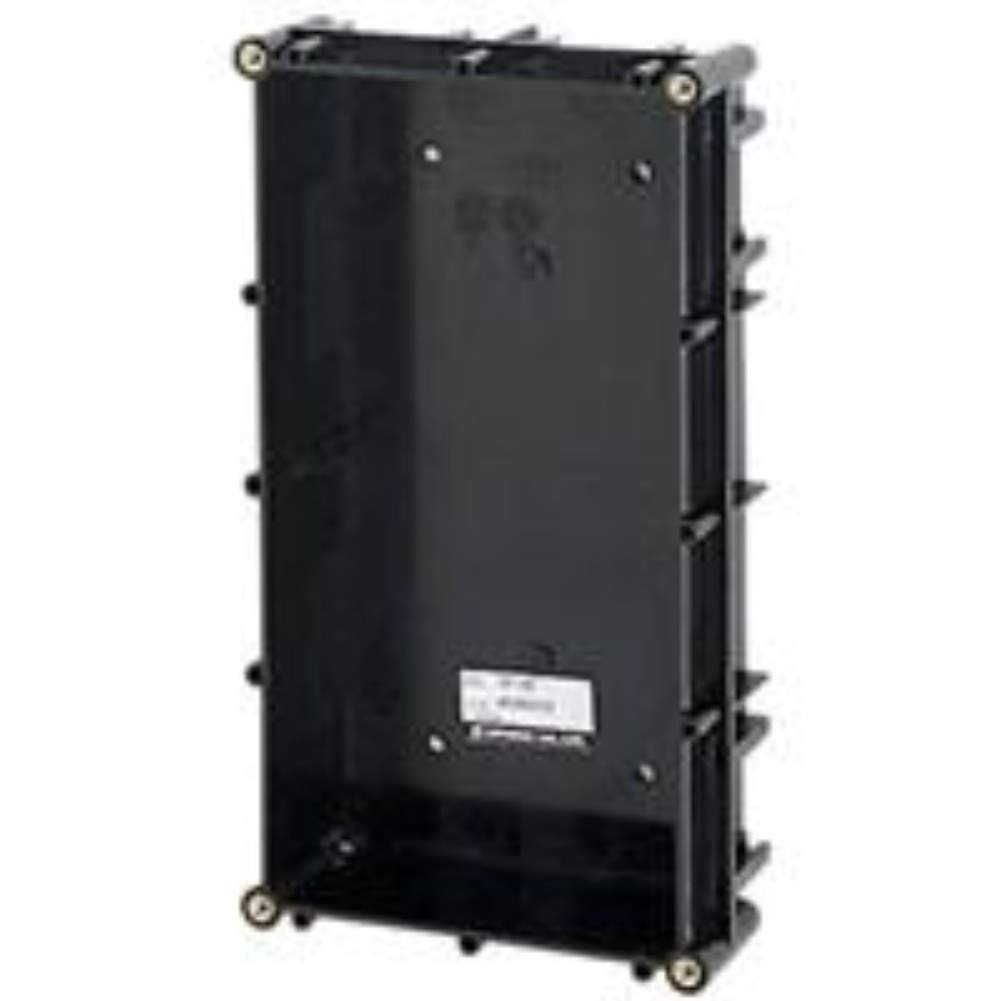
Figur 1: The Aiphone GF-2B Two-Module Backbox, designed to house two modular components for entry security systems.
3. Opsætning og installation
Proper installation of the GF-2B backbox is crucial for the stability and functionality of your Aiphone entry security system.
Installationstrin:
- Vælg monteringssted: Choose a suitable wall location that is structurally sound and provides adequate space for the backbox and connected modules. Ensure it is protected from direct weather exposure if installed outdoors, or use an appropriate weather-resistant enclosure (sold separately).
- Markér borepunkter: Use the provided mounting gauge to accurately mark the drilling points on the wall. Ensure the marks are level and correctly spaced.
- Bore huller: Drill pilot holes at the marked locations. The size of the drill bit should be appropriate for the fasteners you intend to use.
- Secure Backbox: Position the GF-2B backbox over the drilled holes and secure it to the wall using appropriate screws or anchors (fasteners typically not included). Ensure the backbox is firmly attached and level.
- Install Joint Pipes: If necessary for cable routing or system expansion, attach the provided joint pipes to the designated openings on the backbox.
- Integrate Modules: Once the backbox is securely mounted, proceed with installing the Aiphone GF, GH, or GT Series modular components into the backbox according to their specific instruction manuals.
Vigtig: Always ensure power is disconnected from the system before performing any installation or wiring procedures.
4. Betjening
The Aiphone GF-2B backbox is a passive component designed to house and protect active modules. It does not have operational functions of its own.
Once the compatible Aiphone GF, GH, or GT Series modular components are installed within the backbox, their operation will be governed by their respective instruction manuals. The backbox provides the physical structure and support for these modules.
5. Vedligeholdelse
Regular maintenance helps ensure the longevity and aesthetic appeal of your GF-2B backbox.
Retningslinjer for vedligeholdelse:
- Rensning: Periodically clean the exterior surfaces of the backbox with a soft, dry, or slightly damp klud. Undgå at bruge slibende rengøringsmidler, opløsningsmidler eller barske kemikalier, da disse kan beskadige finishen.
- Inspektion: Regularly inspect the backbox for any signs of physical damage, such as cracks, dents, or loose mounting. Ensure all screws remain tight.
- Miljøtjek: Verify that no moisture, dust, or debris has accumulated inside the backbox, which could potentially affect the performance or lifespan of the installed electronic modules.
6. Fejlfinding
The GF-2B backbox is a simple, passive component. Most issues will relate to installation or compatibility.
Almindelige problemer og løsninger:
- Backbox is not securely mounted: Re-check the mounting points and ensure appropriate fasteners are used and tightened correctly. The wall structure must be capable of supporting the unit.
- Modular components do not fit: Verify that the modular components are compatible with the Aiphone GF, GH, or GT Series and are designed to fit into a two-module backbox. Ensure they are being inserted in the correct orientation.
- System not functioning after installation: If the entire entry security system is not functioning, consult the instruction manuals for the specific Aiphone GF, GH, or GT Series modules for troubleshooting steps related to their electronic operation and wiring. The backbox itself does not contain electronic components that would cause system failure.
7. Specifikationer
| Modelnummer | GF-2B |
| Produktmål (H x B x D) | 7-7/8 x 4-5/16 x 1-3/4 tommer (200 x 110 x 44 mm) |
| Varens vægt | 6.4 ounce |
| Kompatibilitet | Aiphone GF-, GH- og GT-seriens modulære sikkerhedssystemer til flere beboere |
| Fabrikant | AIPHONE KOMMUNIKATION |
| ASIN | B002PJ1P3K |
8. Garanti og support
For detailed warranty information, technical support, and service inquiries regarding your Aiphone GF-2B backbox or the integrated GF, GH, or GT Series modular multi-tenant entry security system, please refer to the documentation provided with your complete system.
You may also visit the official Aiphone website or contact Aiphone customer service directly for assistance.


