
1. Introduktion og overview
This manual provides comprehensive instructions for the installation, operation, and maintenance of the Matrox Millennium G200 Graphics Adapter, model G2+/DUALP-PL. This PCI-based graphics card is designed to provide multi-monitor dual analog output, making it suitable for professional workstations and systems requiring reliable display capabilities. The Matrox G200 series is known for its robust performance and stability in various computing environments.
2. Hvad er der i æsken
Pak forsigtigt alle komponenter ud, og bekræft, at du har modtaget følgende:
- Matrox Millennium G200 Graphics Adapter (G2+/DUALP-PL)
- DMS-59 to Dual VGA Y-cable
- DMS-59 to DVI and S-Video/Composite Y-cable (may vary by package)
- Driver CD (if included, otherwise drivers can be downloaded from the Matrox webwebsted)
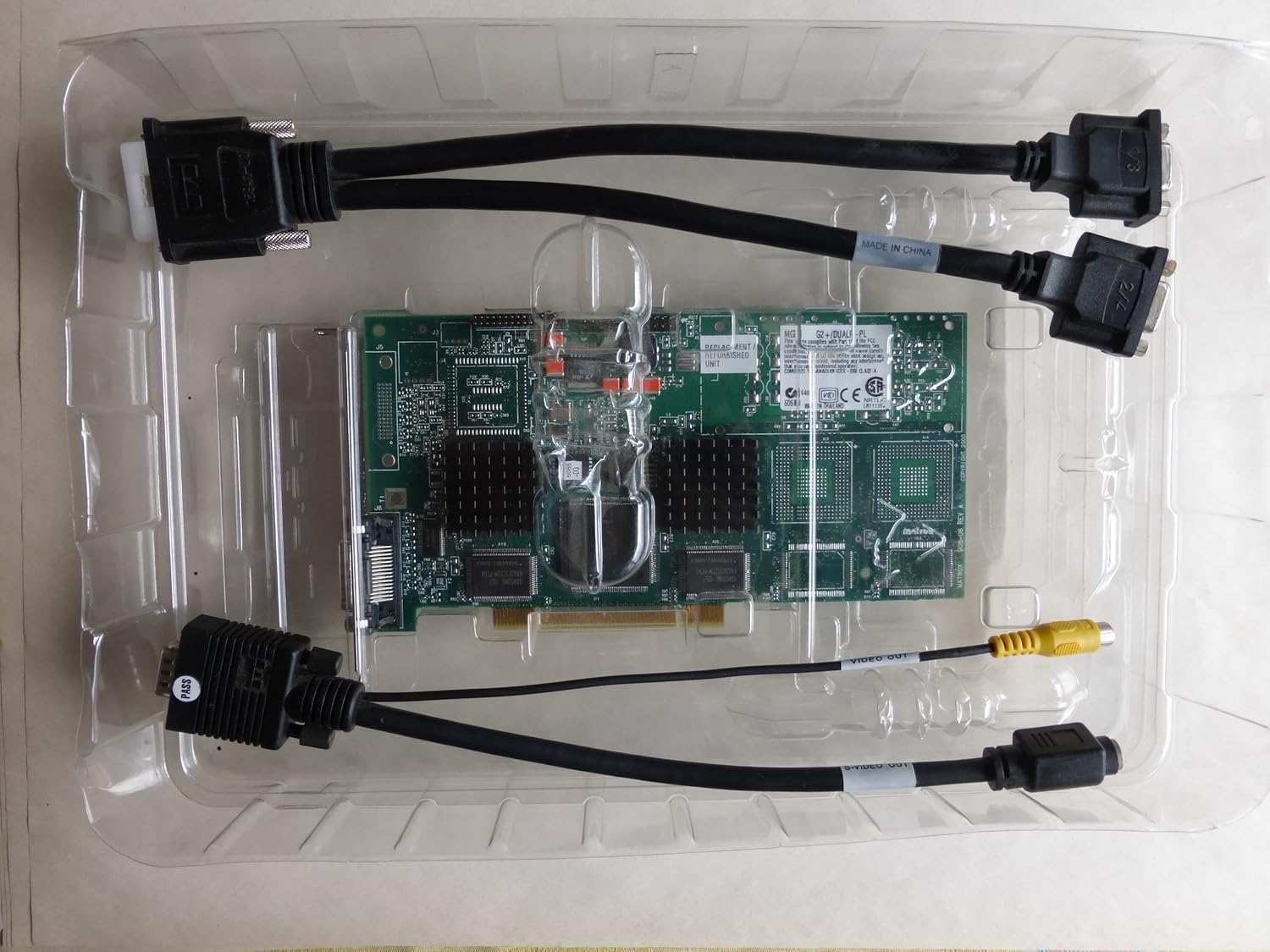
Image: The Matrox Millennium G200 graphics adapter shown within its clear plastic packaging, accompanied by its connecting cables.
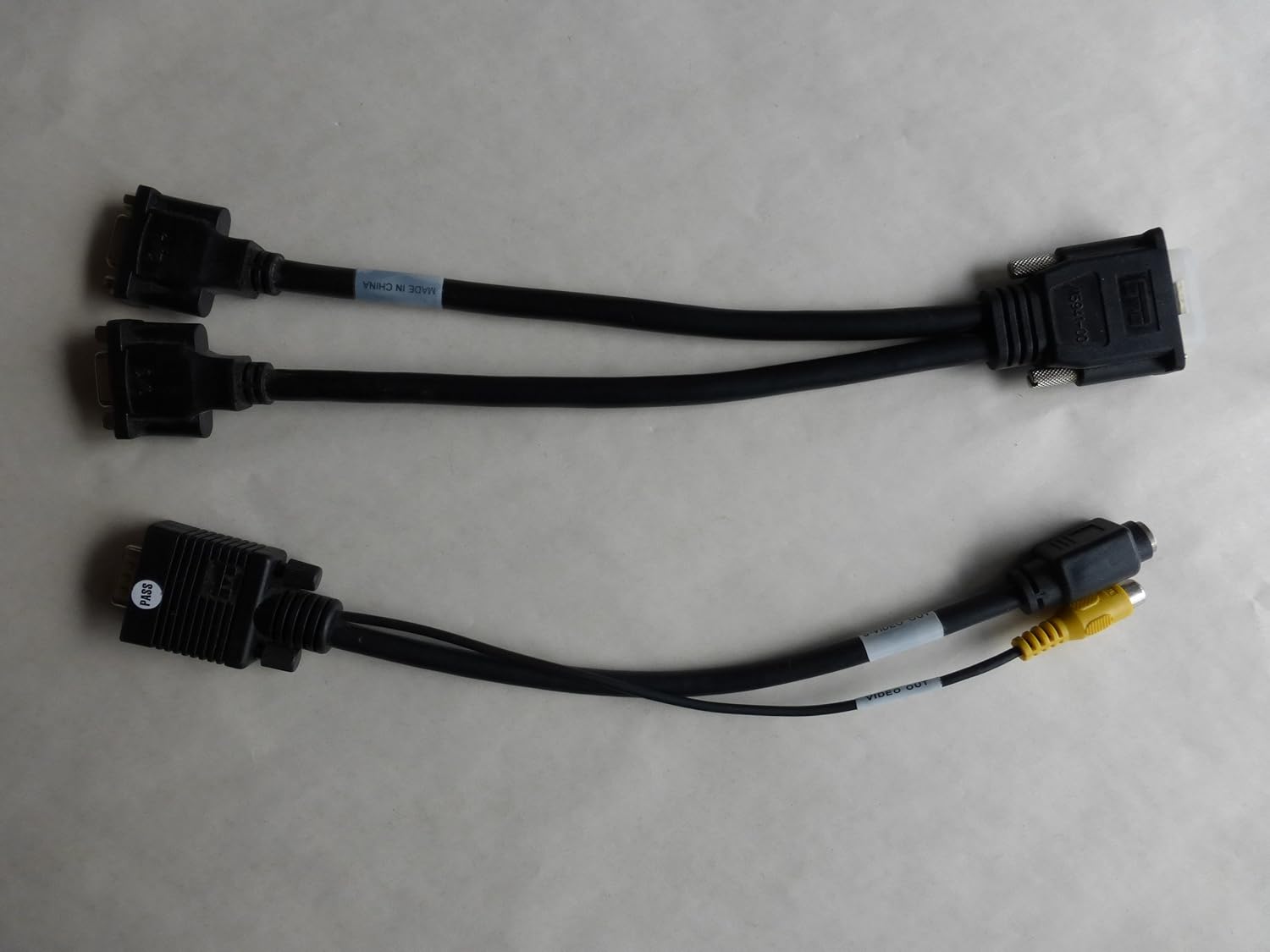
Image: Two types of Y-cables: one for dual VGA output and another for DVI and S-Video/Composite output, used with the graphics adapter.
3. Opsætning og installation
3.1 Sikkerhedsforanstaltninger
- Sluk altid computeren og tag stikket ud af stikkontakten, før du åbner kabinettet.
- Discharge any static electricity by touching a grounded metal object (e.g., the computer chassis) before handling internal components.
- Avoid touching the gold connector pins on the graphics card.
3.2 Hardwareinstallation
- Åbn computerkabinettet: Fjern sidepanelet på computerens kabinet for at få adgang til bundkortet.
- Locate an Available PCI Slot: Identify an empty PCI expansion slot on your motherboard. The Matrox Millennium G200 is a PCI card.
- Fjern dækslet til slotet: Fjern forsigtigt metaldækslet til det valgte PCI-stik fra bagsiden af computerkabinettet.
- Indsæt grafikkortet: Align the graphics card with the PCI slot and press down firmly and evenly until the card is fully seated. Ensure the metal bracket on the card aligns with the opening in the case.
- Sikre kortet: Use a screw or the case's retention mechanism to secure the graphics card's bracket to the computer case.
- Luk computerkabinettet: Udskift sidepanelet på dit computerkabinet.
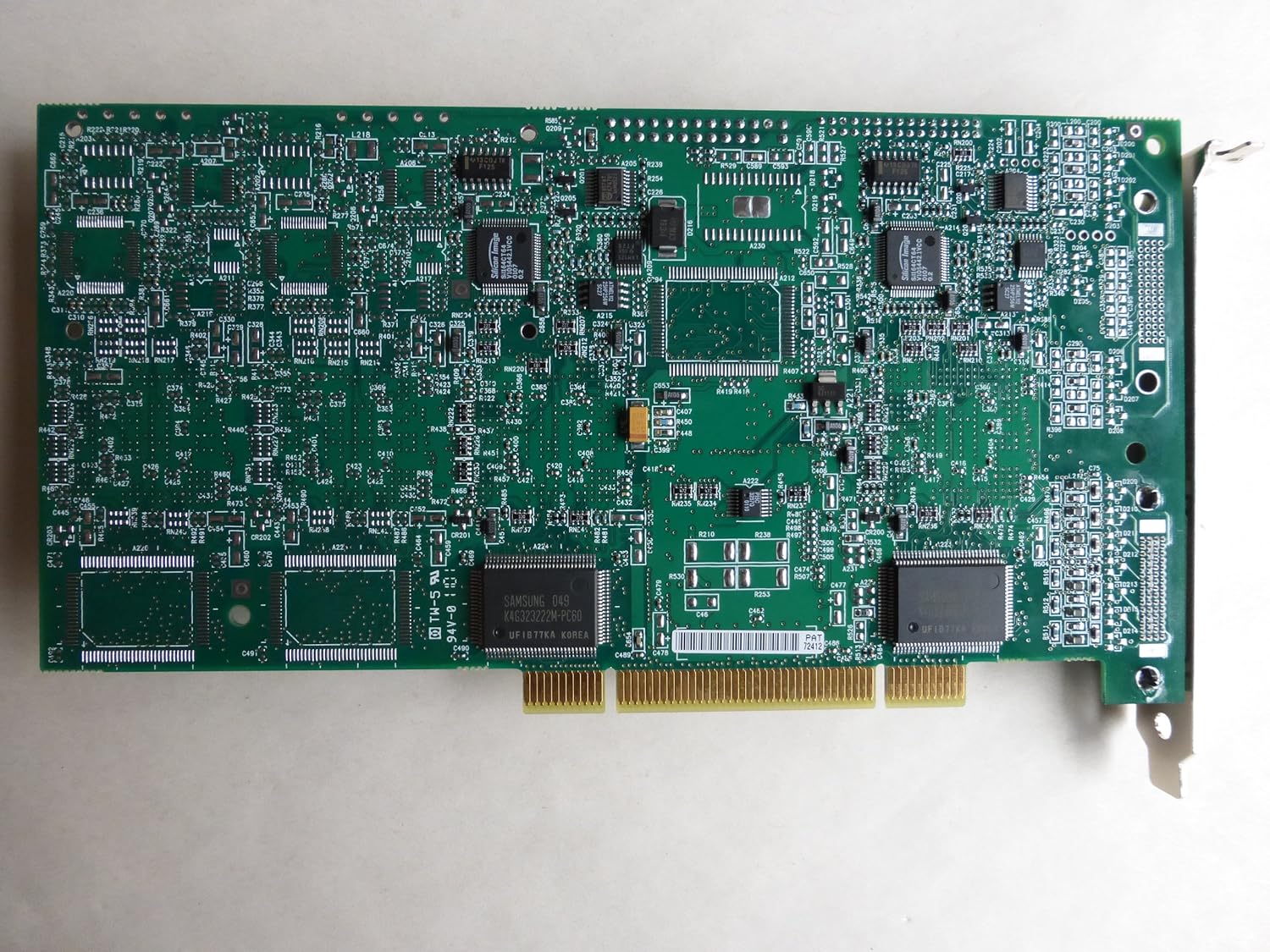
Billede: En top-down view of the Matrox Millennium G200 graphics adapter, showcasing its green circuit board with various chips and components.

Billede: En vinklet view of the Matrox Millennium G200 graphics adapter, highlighting the DMS-59 output port and the passive heatsinks on the main chips.
3.3 Driverinstallation
- Tilslut skærm(e): Connect your monitor(s) to the DMS-59 port on the graphics card using the appropriate Y-cable (DMS-59 to Dual VGA or DMS-59 to DVI/S-Video).
- Tænd computeren: Plug in your computer and power it on. The operating system may detect new hardware and attempt to install generic drivers.
- Install Matrox Drivers:
- If a driver CD was included, insert it into your optical drive and follow the on-screen instructions.
- Alternatively, download the latest drivers for the Matrox Millennium G200 (G2+/DUALP-PL) from the official Matrox website. Run the installer and follow the prompts.
- Genstart computeren: After the driver installation is complete, restart your computer to apply the changes.

Billede: En detaljeret view of the DMS-59 connector along with S-Video and Composite video output jacks on one of the adapter cables.
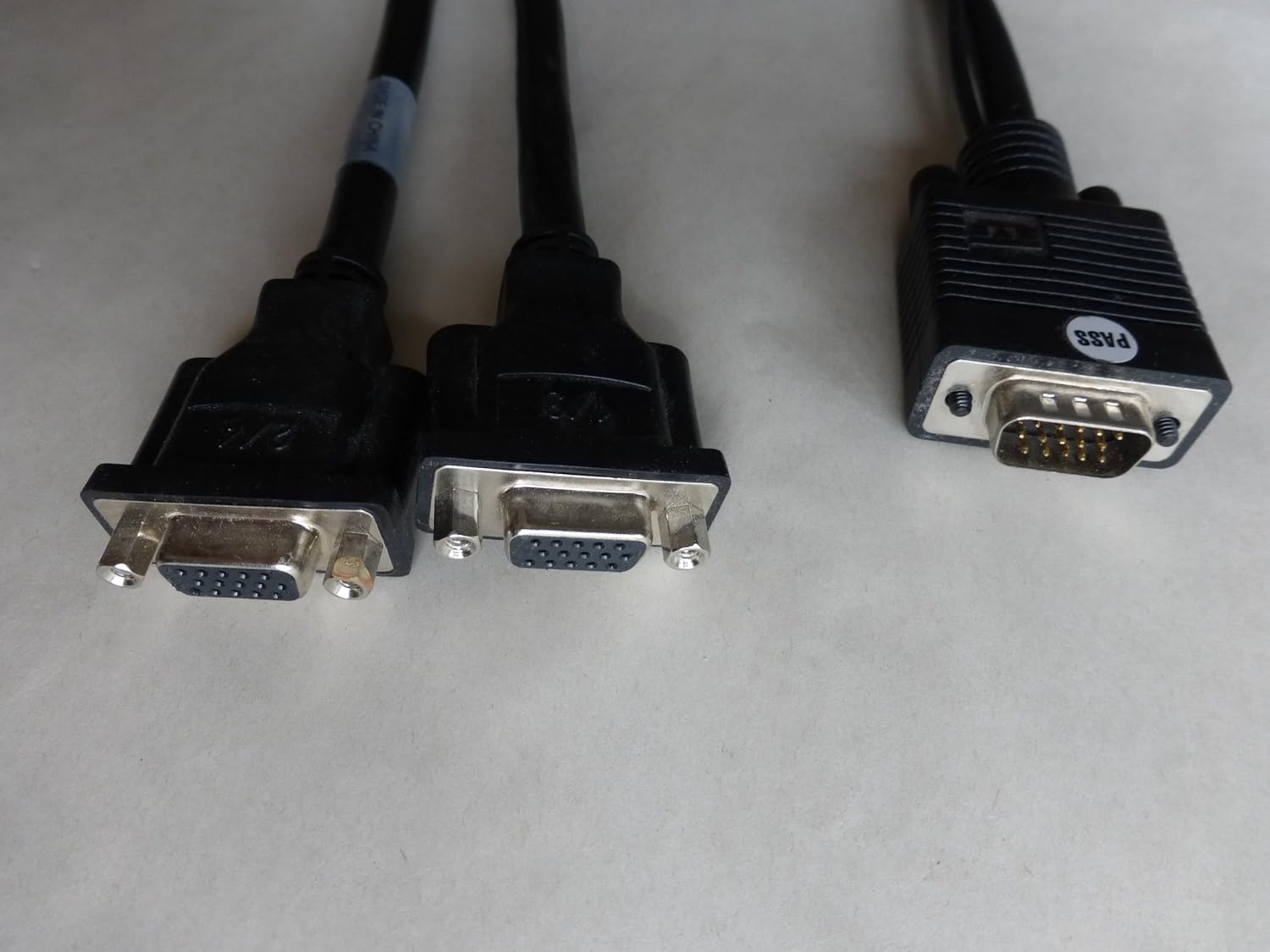
Image: A close-up of the dual VGA connectors and the DMS-59 input connector on the Y-cable, used for connecting two VGA monitors.
4. Betjeningsvejledning
4.1 Connecting Monitors
The Matrox Millennium G200 (G2+/DUALP-PL) uses a DMS-59 connector to support dual analog displays. Use the provided Y-cable to connect your monitors:
- For two VGA monitors, use the DMS-59 to Dual VGA Y-cable.
- For one DVI monitor and one S-Video/Composite display, use the DMS-59 to DVI and S-Video/Composite Y-cable.
4.2 Konfiguration af skærmindstillinger
Once drivers are installed, you can configure your display settings through your operating system's display control panel. Matrox also provides its own display utility for advanced settings.
- Opløsning og opdateringshastighed: Adjust these settings to match your monitor's native resolution and preferred refresh rate for optimal display quality.
- Multi-monitor opsætning:
- Udvidet skrivebord: Extend your desktop across two monitors to increase your workspace.
- Cloned/Mirrored Displays: Duplicate the same image on both monitors.
- Skærmretning: Rotate your display if using a pivot-capable monitor.
5. Vedligeholdelse
Proper maintenance ensures the longevity and optimal performance of your graphics adapter.
- Fjernelse af støv: Periodically open your computer case and gently clean any dust accumulation on the graphics card and its heatsinks using compressed air. Ensure the computer is powered off and unplugged before cleaning.
- Luftstrøm: Ensure your computer case has adequate airflow to prevent overheating, which can affect the performance and lifespan of the graphics card.
- Driver opdateringer: Check the Matrox website periodically for updated drivers. Keeping your drivers current can improve performance, add new features, and resolve compatibility issues.
6. Fejlfinding
If you encounter issues with your Matrox Millennium G200 graphics adapter, refer to the following common troubleshooting steps:
- Ingen visning på skærmen:
- Ensure the monitor is powered on and correctly connected to the graphics card using the appropriate Y-cable.
- Verify the graphics card is fully seated in its PCI slot. Power off the computer, unplug it, open the case, and reseat the card.
- Check if your monitor input is set to the correct source (VGA, DVI).
- Test med en anden skærm eller et andet kabel, hvis det er muligt.
- Incorrect Resolution or Colors:
- Ensure the latest Matrox drivers are installed.
- Adjust display settings in your operating system's control panel to the monitor's native resolution and desired color depth.
- Systemustabilitet eller nedbrud:
- Verify that the graphics card is properly installed and secured.
- Ensure your system's power supply unit (PSU) meets the minimum requirements for all installed components.
- Check for driver conflicts with other hardware. Try reinstalling the Matrox drivers.
- Monitor system temperatures to ensure the card is not overheating.
7. Specifikationer
| Feature | Detalje |
|---|---|
| Modelnummer | G2+/DUALP-PL |
| Mærke | Matrox |
| Grafik coprocessor | MGA G200 |
| Videohukommelse | 16 MB |
| Grafik RAM-type | SRAM |
| Video Output Interface | DMS-59 (supporting DVI, VGA via adapter) |
| Interface Type | PCI |
| Varens vægt | 2 pund (ca.) |
| Dato først tilgængelig | 28. januar 2005 |
8. Garanti og support
For detailed warranty information, technical support, and driver downloads, please refer to the official Matrox webwebsted eller kontakt deres kundeserviceafdeling.
Matrox Official Webwebsted: https://www.matrox.com/graphics/en/support/
When contacting support, please have your product model number (G2+/DUALP-PL) and any relevant system information ready.